
A Computer Works Better When Its Software Is Set Up Around the User
Installing software is only one part of preparing a computer for everyday use. Applications, system preferences, accounts, security settings, startup behavior, file associations, updates, and connected services all need to work together in a way that makes sense for the person or business using the machine.
Good configuration reduces unnecessary friction. Programs open the files they are supposed to, important accounts remain accessible, essential settings are organized correctly, and the computer is prepared for the work it is actually expected to perform.
Configuration Is About How Everything Works Together
A computer may have all the necessary software installed and still feel poorly organized. Problems often appear when individual programs, Windows settings, accounts, permissions, and background services have been configured independently without considering how they interact.
Reviewing those relationships helps create a system that behaves predictably instead of forcing the user to work around conflicting settings or repeated interruptions.
The Right Setup Depends on How the Computer Is Used
Installed Does Not Always Mean Ready to Use
Completing an installation often leaves important decisions unresolved. A program may still need an account, license, storage location, device connection, preferred defaults, synchronization settings, or other options before it fits properly into the computer’s everyday workflow.
| After Installation | Configuration May Still Involve |
|---|---|
| Email application | Adding accounts, synchronization preferences, signatures, and notification behavior |
| Web browser | Profiles, saved data, default-browser settings, extensions, privacy preferences, and synchronization |
| Office software | Account activation, file locations, default formats, templates, and connected cloud storage |
| Printer or scanner software | Device selection, default preferences, scanning destinations, and supporting utilities |
| Cloud storage | Account connection, folder locations, synchronization choices, and local file availability |
| Specialized software | Licensing, required components, working directories, connected devices, and application-specific preferences |
These details can determine whether software simply exists on the computer or is actually prepared for regular use. Configuration brings those remaining pieces into place according to what the application needs and how the computer will be used.
A Good Configuration Should Leave the System Clear, Not Complicated
Adding software and connecting services can quickly create overlapping utilities, duplicate startup items, unnecessary notifications, competing default programs, and settings that no longer have a clear purpose. More software does not automatically produce a better working environment.
A well-configured computer should make the applications and services that matter easy to reach while keeping unnecessary interference to a minimum. That may mean deciding which program handles a particular task, which applications should start automatically, which notifications are useful, and which optional components do not need to remain active.
The result should feel intentional. The computer does not need to be stripped down to the bare minimum, but its software environment should make sense when the user signs in and begins working.
Configuration Can Change as Your Needs Change
A computer that was set up correctly a year ago may no longer match the way it is being used today. New applications are added, accounts change, cloud services replace older methods, printers and other devices are replaced, and work that once happened locally may move between several computers or online services.
Reconfiguring an existing system does not necessarily mean starting over. Often, the better approach is to preserve what is already working while adjusting the parts that no longer fit.
This is especially useful when an all in one computer has accumulated several generations of settings but remains otherwise suitable for continued use. The objective is to adapt the existing environment without unnecessarily disrupting applications, files, accounts, and preferences that still serve a purpose.
Not Every Software Problem Calls for a Fresh Start
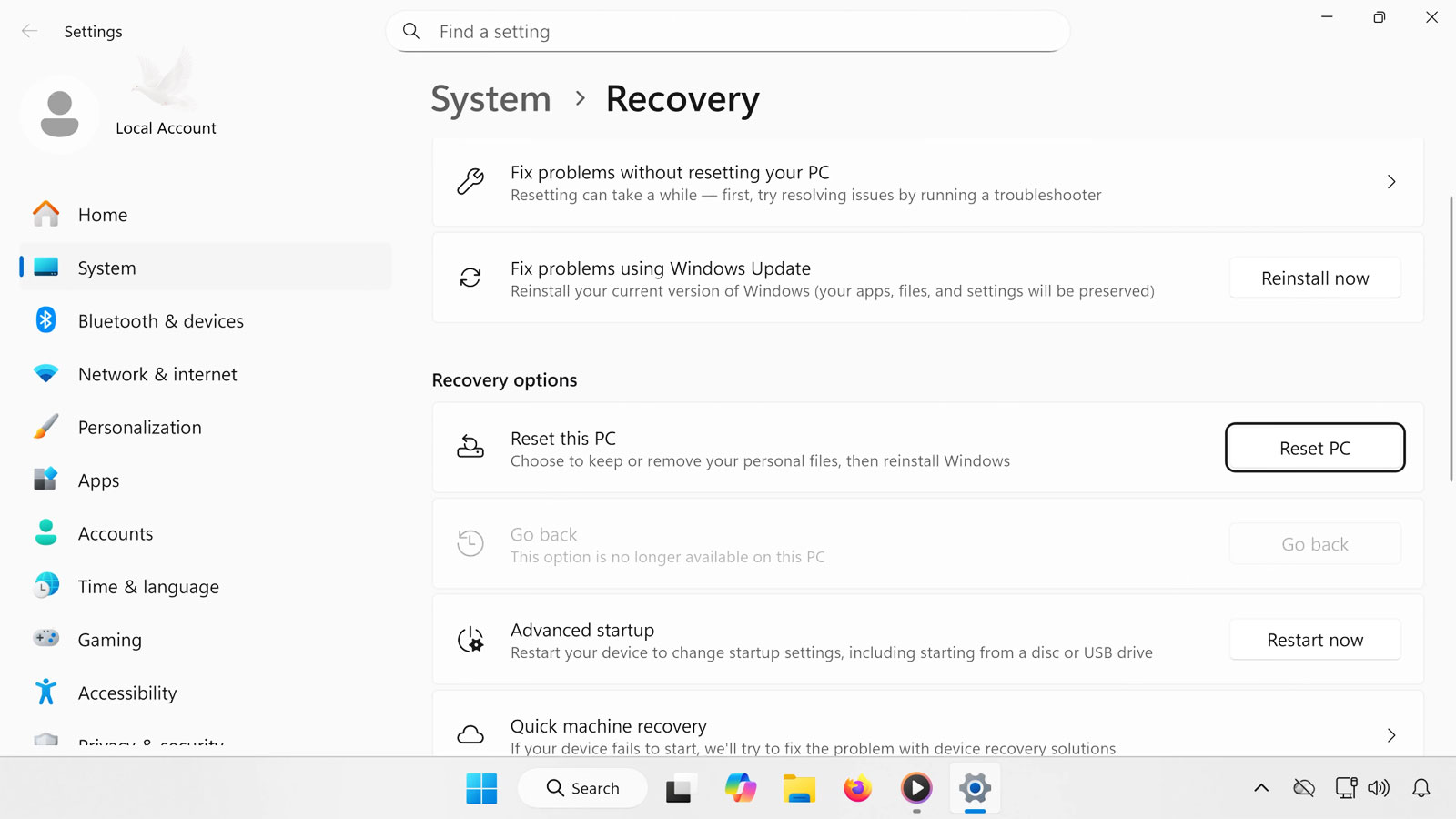
When a software environment becomes disorganized or difficult to use, erasing everything and beginning again can seem like the simplest solution. In many cases, however, the existing installation still contains working applications, useful settings, established accounts, and user preferences worth preserving.
Reviewing the current configuration first can help determine whether targeted changes are enough to put the system back into a practical working state.