
Improving a Desktop Without Replacing the Entire Computer
A well chosen hardware upgrade can extend the usefulness of a desktop by addressing the component that is limiting performance, capacity, or capability.
More Working Memory
Additional RAM can help when the computer regularly handles multiple applications, large files, demanding software, or workloads that exceed the existing memory.
Greater Processing Capability
Some desktops can support a processor upgrade when additional computing performance is needed, provided the motherboard, firmware, cooling, and power requirements are compatible.
Stronger Graphics Performance
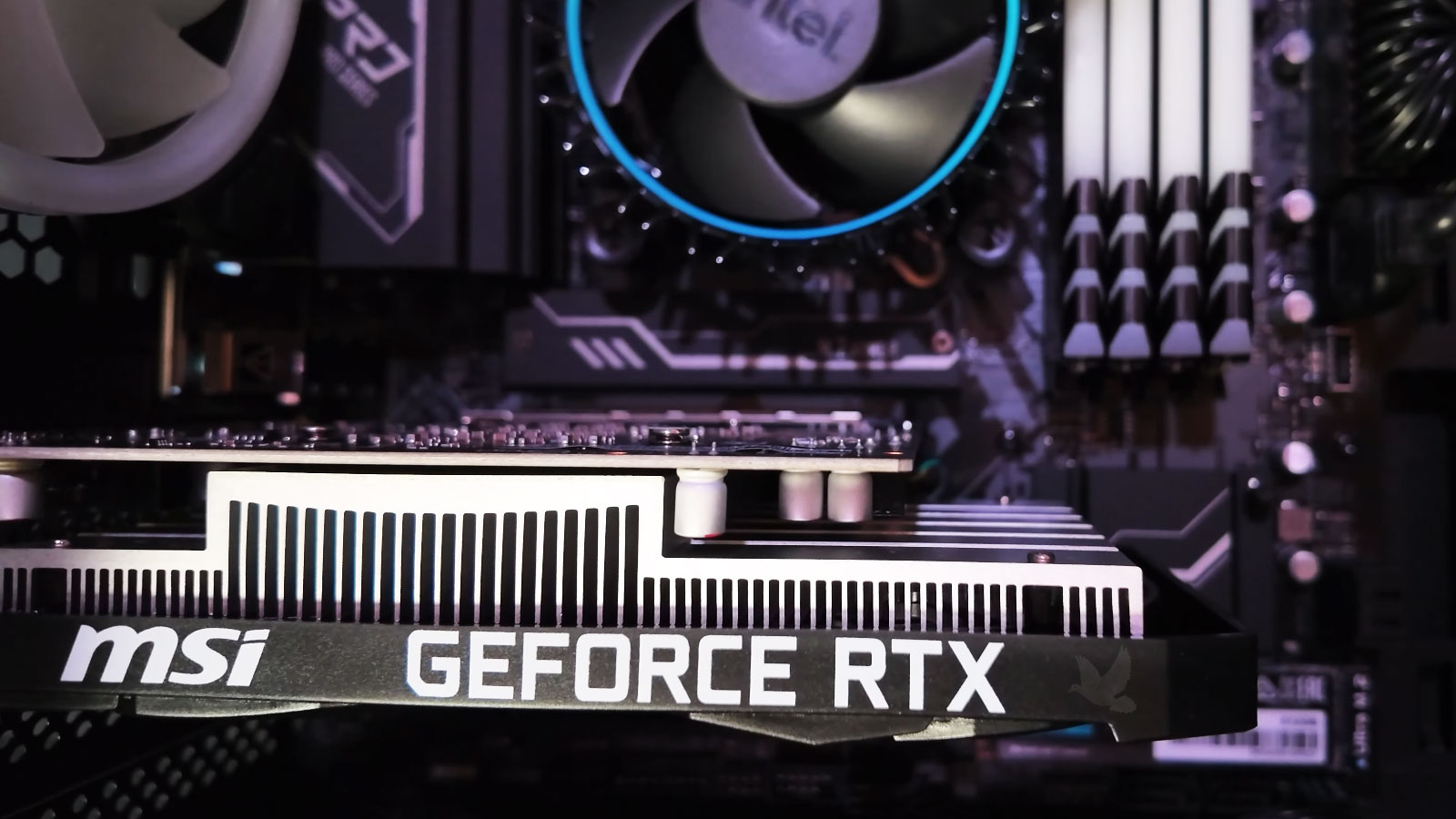
A compatible graphics card can expand what the computer can handle for gaming, creative applications, multiple displays, and other graphics intensive workloads.
Compatibility Comes Before the Upgrade
A faster component does not automatically make it the right component for a particular desktop. Motherboard support, available connections, physical space, power capacity, cooling, firmware, and the existing hardware all influence what can actually be installed and used correctly.
Check the System Before Choosing the Part
Processor socket and chipset support, memory type and capacity limits, graphics card clearance, power supply output, storage connections, and cooling requirements should be confirmed before selecting the upgrade.
Different Upgrades Solve Different Limitations
A useful hardware upgrade should address the part of the computer that is actually restricting performance or capability. Different components affect different types of work, so the improvement expected from each upgrade can vary substantially.
| Upgrade Area | What It Can Improve | What Should Be Checked |
|---|---|---|
| Memory | Multitasking, large applications, browser workloads, creative software, and memory intensive tasks | Supported memory type, available slots, maximum capacity, speed support, and existing modules |
| Processor | Computing performance, demanding applications, rendering, calculations, and processor intensive workloads | Socket, chipset, firmware support, cooling capacity, power requirements, and motherboard limitations |
| Graphics Card | Gaming, graphics applications, multiple displays, video work, and supported accelerated workloads | Physical clearance, power supply capacity, available connectors, motherboard slot, and cooling |
| Storage | Startup speed, application loading, file access, available capacity, and general responsiveness | SATA support, M.2 support, NVMe capability, available connections, physical mounting, and current storage configuration |
| Power Supply | Support for higher demand components and more stable power delivery when existing capacity is insufficient | Wattage, connector availability, physical size, efficiency, component requirements, and system configuration |
What Determines How Far a Desktop Can Be Upgraded
A desktop may have several possible upgrade paths, but the useful options depend on the platform already inside the computer. Looking at the major limitations together helps determine whether one component should be changed or whether several parts would need attention.
Not Every Upgrade Delivers the Same Value
Some hardware changes can produce a very noticeable improvement, while others may offer only a small benefit because another component is still limiting the system.
A useful upgrade decision looks at the computer as a whole rather than judging one part in isolation.
Look for the Real Bottleneck
A Stronger Component Can Create a New Limitation
The Rest of the System Still Matters
Installing more capable hardware can shift the workload onto components that previously were not a concern. A stronger graphics card may increase power and cooling demands, while a processor upgrade may expose limitations in memory, storage, or thermal performance.
The objective is not simply to install the most powerful compatible part. The upgraded components should work together well enough that one improvement does not immediately reveal another avoidable limitation.
Some Upgrades Require Supporting Changes
Power Supply
A graphics card or other higher demand component may require additional wattage or power connections that the existing supply does not provide.
Cooling
More capable hardware can produce additional heat, making airflow, heatsinks, fans, and available cooling capacity part of the upgrade decision.
Physical Clearance
Graphics cards, coolers, power supplies, and other components must physically fit the case without interfering with surrounding hardware.
Connections and Support
Available slots, power connectors, storage interfaces, firmware support, and motherboard capabilities determine whether the new hardware can operate correctly.
When Does Upgrading the Existing Desktop Make Sense?
Hardware upgrades are most worthwhile when the computer still has a solid foundation and specific components are holding it back. The condition, compatibility, and expected use of the entire system should be considered before investing in additional hardware.
The Upgrade Should Make the Computer More Useful
A hardware upgrade should produce a meaningful improvement for the way the desktop is actually used. Choosing compatible components and considering the system as a whole helps avoid unnecessary purchases and creates a better path toward improved performance, capacity, or capability.