
PC Repair Services and Computer Support
When a desktop computer stops working correctly, the symptoms do not always point directly to the component responsible. A system that appears completely dead may have a power or motherboard problem, while a computer that turns on with no display can involve memory, graphics, power delivery, or the motherboard itself. Finding the actual failure is often the difference between a successful repair and replacing expensive parts that were never bad.
We repair desktop PCs with these types of hardware and electronic problems, from manufacturer-built computers and business systems to custom desktops and professional workstations.
Diagnostics can go well beyond identifying a part to replace. When the failure is on the motherboard, power circuitry, a connector, or another repairable electronic component, board-level repair and microsoldering may provide an alternative to replacing the entire assembly.
Not every computer needs the same solution. Some systems need a specific hardware repair, others make more sense to upgrade while they are being serviced, and occasionally replacement is the better decision. The objective is to find the fault, explain the practical options, and get the computer working properly without turning a repairable problem into an unnecessary list of replacement parts.
When a Desktop PC Stops Working Properly
A desktop can show very different symptoms even when the underlying failure is relatively small. Some systems appear completely dead, others power on without displaying anything, and some continue working only to freeze, restart, shut down, or behave unpredictably under load. These symptoms can come from the power supply, motherboard, memory, graphics hardware, storage, cooling, or even more than one problem occurring at the same time.
We diagnose and repair these kinds of PC failures by narrowing the problem down to the hardware or circuit actually responsible. That matters because replacing the first part that appears suspicious can turn a repair into an expensive guessing process.
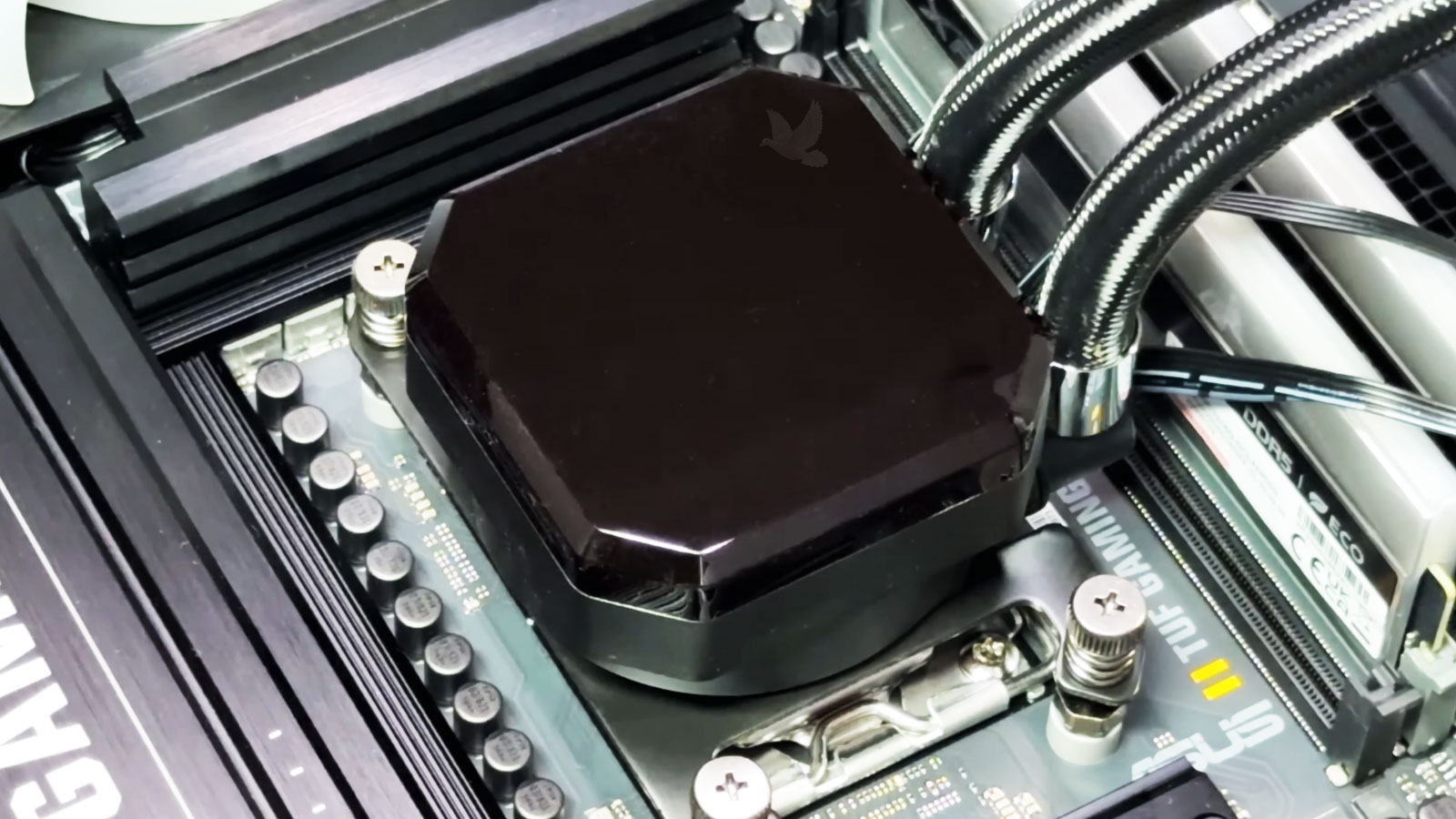
Different Symptoms Can Lead to Different Hardware
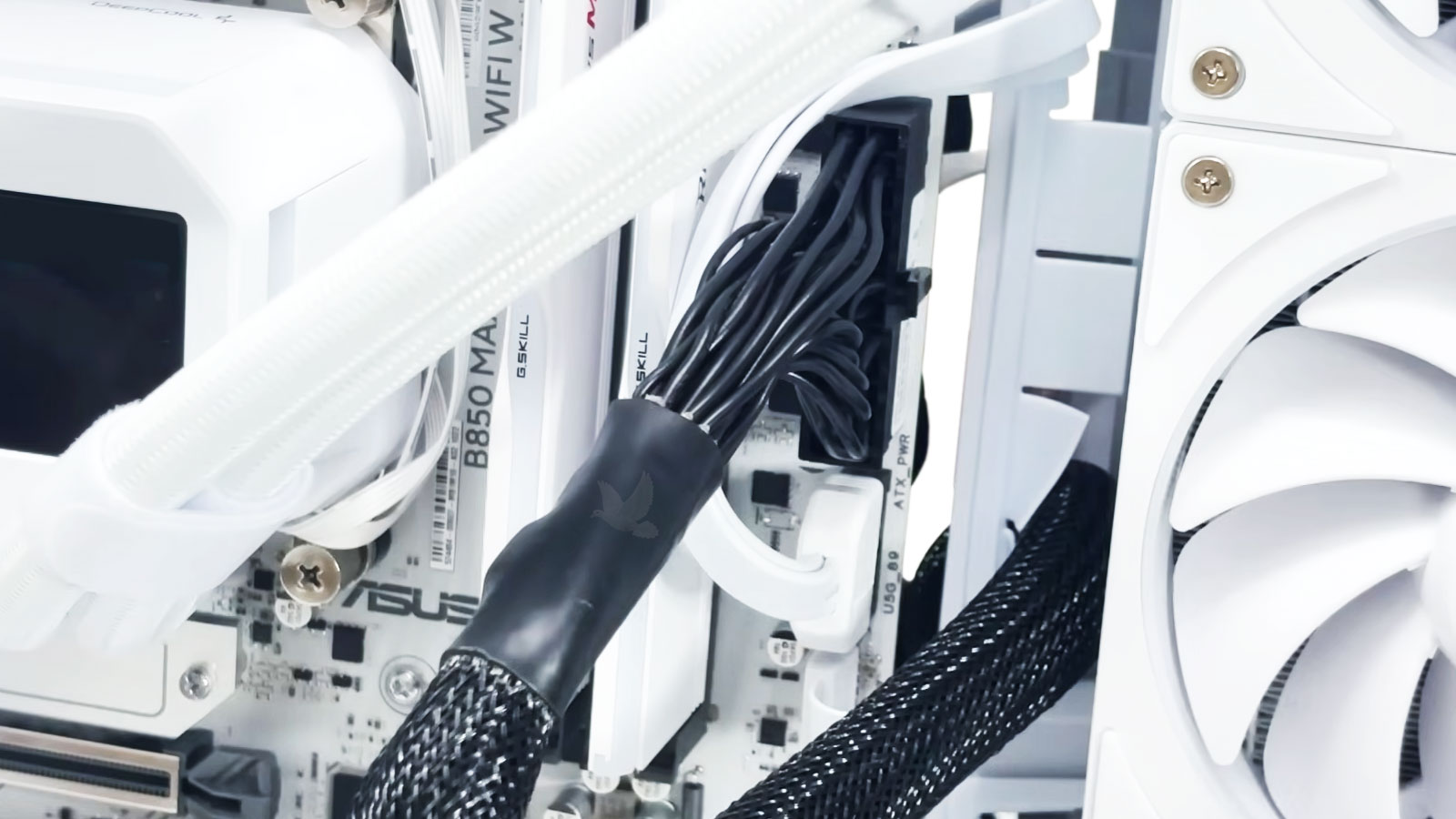
Good PC Repair Starts With the Right Diagnosis
A desktop that will not turn on does not automatically have a bad power supply, just as a computer with no display does not automatically need a graphics card. Different failures can produce nearly identical symptoms, and replacing parts based only on what the computer appears to be doing can quickly become expensive.
That is why diagnosis is an important part of the repair work we perform. Power rails, motherboard behavior, memory, graphics, storage, connections, and other relevant hardware can be tested according to the symptoms instead of assuming that the most obvious component is responsible.
Once the fault has been isolated, the repair can be approached for what it actually is. Sometimes that means replacing a failed component or assembly. In other cases, the problem may be repairable at the board or circuit level.
The point is to make that decision from evidence rather than guesswork.When the Problem Is on the Motherboard
A motherboard failure does not always mean the entire board has to be replaced. Power circuitry, damaged components, connectors, traces, and other electronic faults can sometimes be isolated and repaired directly, depending on the condition of the board and the nature of the failure.
This is where PC repair can move beyond ordinary part replacement. We perform board-level diagnostics and component-level repair when the fault and condition of the motherboard make that approach practical, including microsoldering where necessary. The objective is not to repair a board at any cost, but to determine whether a reliable repair is technically and financially worthwhile.
Before You Start Replacing Parts
A no-power condition, black screen, failed POST, or unstable desktop can make one component look guilty when the actual fault is somewhere else. Before spending money on parts that may not solve the problem, let us diagnose the PC and determine what is actually failing.
Power
A desktop that will not start, shuts off unexpectedly, or behaves intermittently may have a failing power supply, but the problem can also involve motherboard power delivery, connections, or another component placing the system under abnormal electrical load.
Cooling & Stability
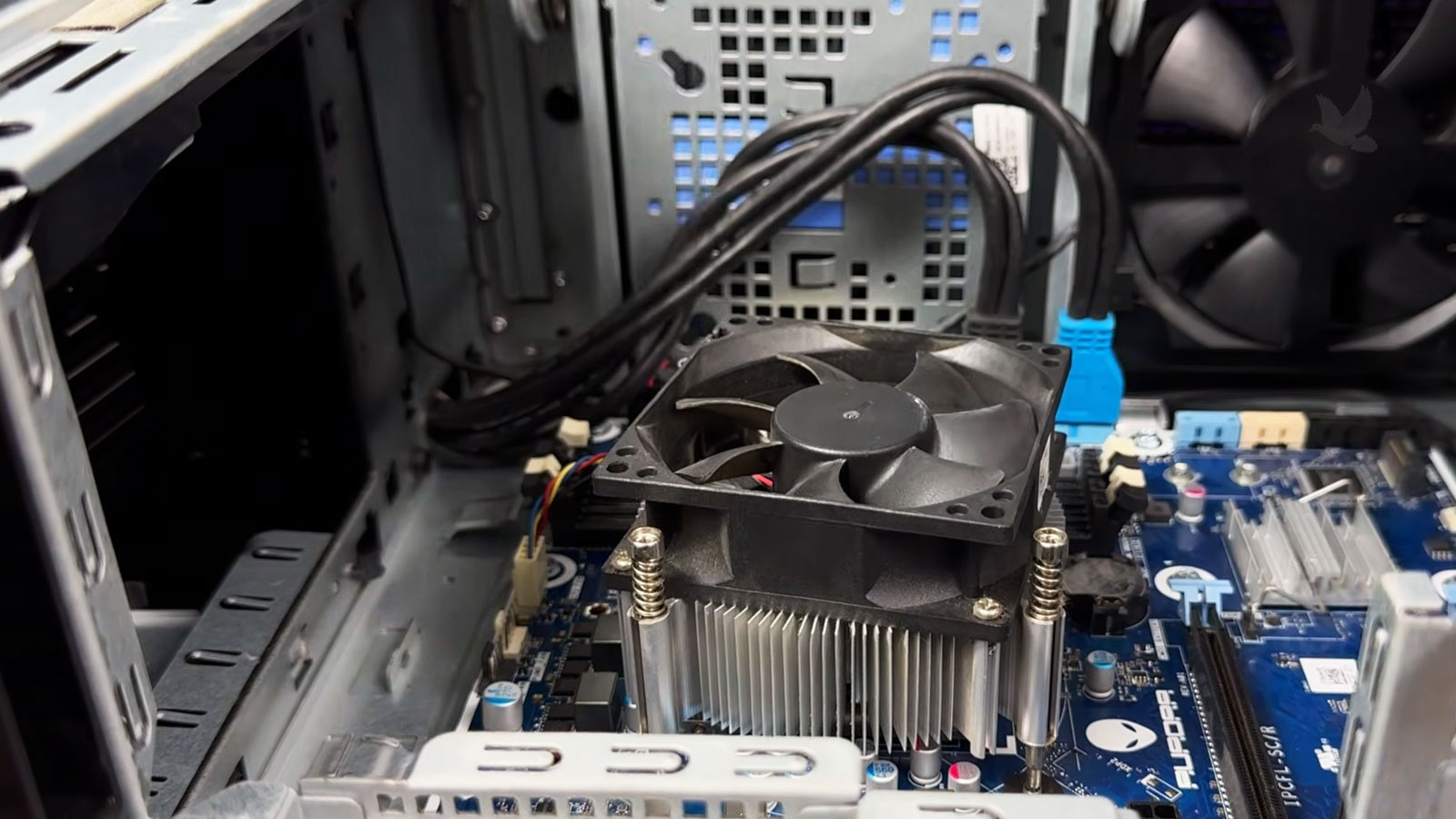
Heat problems do not always result in an immediate shutdown. A desktop may throttle performance, freeze under load, restart unexpectedly, become increasingly unstable, or run its fans at unusually high speeds. Failed fans, restricted airflow, poor thermal contact, pump problems in liquid-cooled systems, and other cooling faults can all affect reliability.
We can test the cooling system together with the hardware it is protecting to determine whether temperature is the cause of the instability or simply another symptom of a different problem.
Connections & I/O
USB ports, front-panel connections, display outputs, internal headers, and other interfaces can fail mechanically or electrically. Depending on the damage, the problem may involve the connector itself, its connection to the board, or circuitry behind the port.
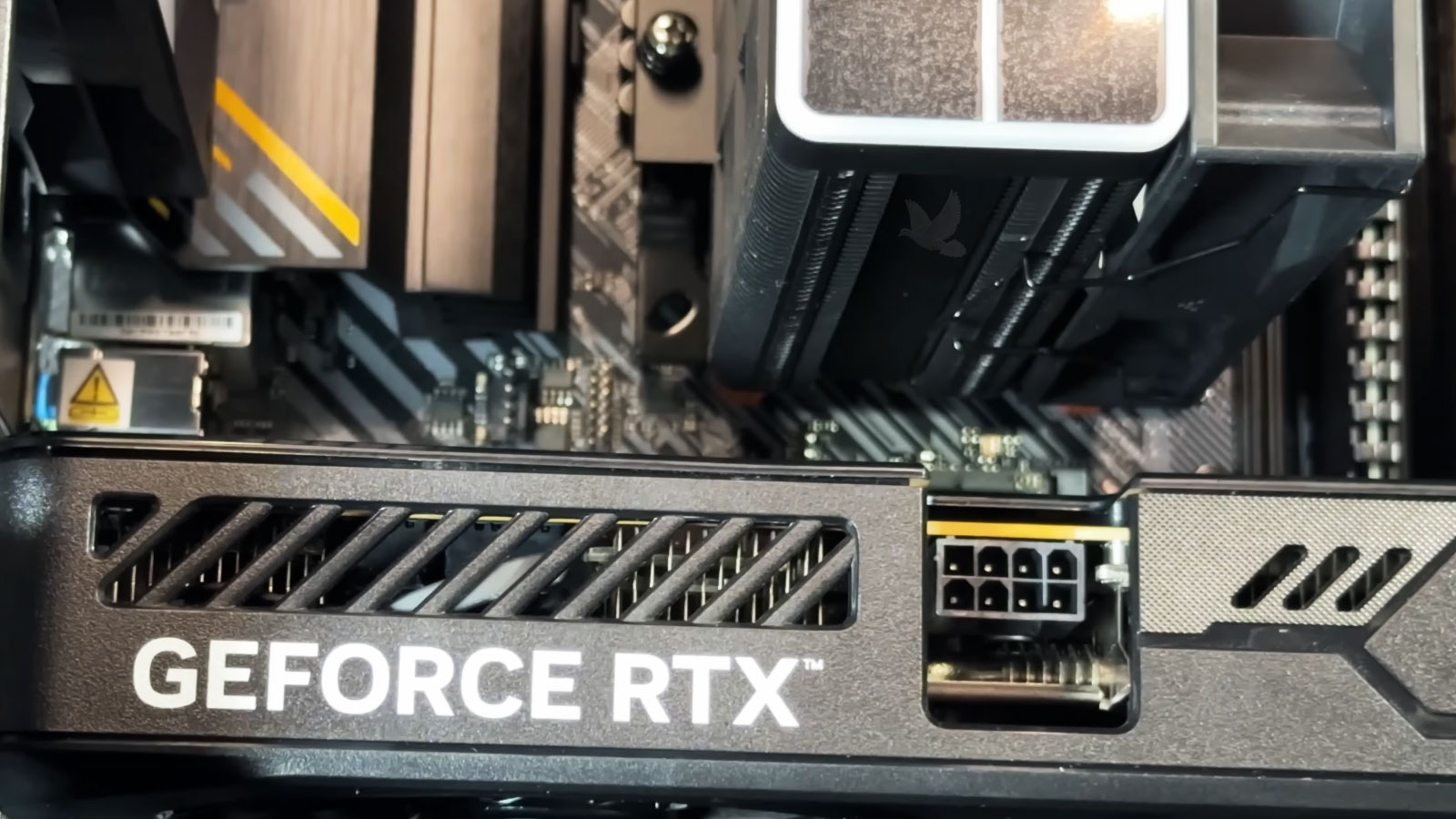
Making the Most of the PC You Already Have
A desktop does not have to be replaced simply because one part fails or the system begins to show its age. Many PCs can remain useful for years when the right components are repaired or upgraded, while other systems eventually reach a point where putting more money into the existing platform no longer makes sense. We can evaluate the condition of the computer as a whole and help determine which parts are worth keeping and where an investment will actually make a difference.
When the computer still does what you need and the problem is isolated to a specific component or circuit, correcting that failure may be all the system needs. There is little reason to replace useful hardware simply because one part stopped working.
Some desktops have plenty of useful life remaining but are held back by storage, memory, graphics, cooling, or another component. In those cases, targeted upgrades can improve the areas that actually affect how the computer is used without replacing everything around them.
There is also a point where additional repairs or upgrades stop making financial sense. An aging platform, multiple failing components, limited compatibility, or poor future upgrade potential can make replacement or a new build the more practical choice. Knowing when not to keep investing in an old system is part of making a good repair decision.
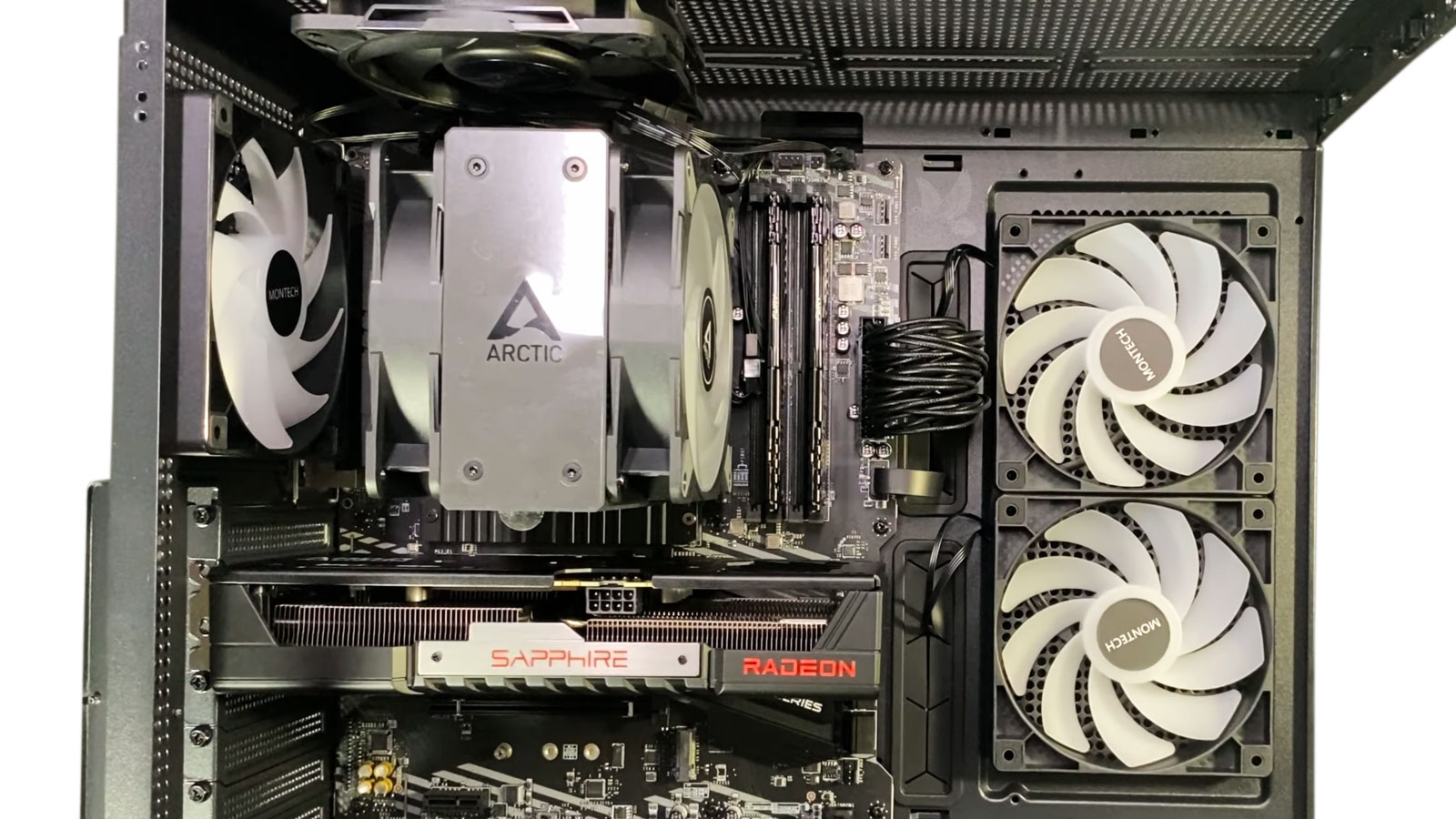
Not Every PC Comes From a Factory Configuration
Desktop computers can range from familiar manufacturer-built systems to custom machines assembled around a specific workload. Workstations may use specialized graphics, large amounts of memory, multiple storage devices, or hardware chosen for applications that place very different demands on the system. Business desktops can present another set of priorities, where reliability, existing software, connected equipment, and minimizing downtime may matter more than having the newest hardware.
We work with these systems as complete configurations rather than assuming that every PC follows the same factory design. That can mean tracing compatibility or stability problems in a custom build, diagnosing hardware in a workstation, or keeping an established business computer in service when replacing it would create more disruption than repairing it.
When the Computer and the Data Become Two Different Problems
A desktop that will not boot may still have perfectly accessible files, while a computer with otherwise working hardware can have a storage device that is beginning to fail. Knowing which situation you are dealing with matters, especially when the information on the drive is more important than the computer itself.
There May Be More Life Left in Your PC
A desktop does not become obsolete simply because it develops a hardware problem or has been in service for several years. A well-equipped system with one repairable failure may have plenty of useful life remaining, while another computer with multiple problems can present a very different situation. Hardware condition, repair cost, available upgrades, the way the PC is used, and the importance of the software or data already on it can all influence the decision. We can evaluate the system as it stands and give you a practical picture of what makes sense now without pushing a repair or upgrade that would not be worthwhile.
Questions That Often Come Up Before a PC Repair
A few answers can make it easier to know what to expect before bringing in a desktop computer for diagnosis or repair.
Yes. A desktop that appears completely dead can have a problem with the power supply, motherboard, power button or front-panel connections, internal wiring, or power circuitry on the board. The first step is determining where power is being lost and which component is actually responsible. Depending on the failure, the solution may involve replacing a faulty part or repairing the motherboard at the component level.
A PC can power on without producing a display for several reasons. Memory problems, graphics hardware, power delivery, motherboard faults, CPU-related issues, connections, or a system that is failing to complete POST can all produce similar symptoms. Testing the hardware individually helps identify the actual cause instead of assuming that the graphics card or monitor is responsible.
Not always. Some motherboard failures are caused by individual electronic components, damaged power circuitry, broken connectors, traces, pads, or other faults that can be repaired directly. We perform board-level diagnostics and microsoldering when appropriate to determine whether repairing the existing motherboard is a practical alternative to replacing it.
Yes. Custom-built PCs can be diagnosed whether the problem appeared during the original build, after installing new hardware, or after the computer had been working normally. Compatibility, power requirements, memory, graphics, motherboard settings, cooling, connections, firmware, and individual components can all be evaluated to isolate the source of the problem.
Often, yes. A computer can fail to boot because of a motherboard, power, memory, or other hardware problem while the storage device and its files remain intact. The drive can be evaluated separately from the rest of the PC. If the storage device itself is failing, the condition of the drive and the importance of the data should be considered before making repeated attempts to access it.
Once the failure has been identified, we can explain what is causing the problem and the practical options for correcting it. That may involve repairing or replacing a specific component, performing board-level work, addressing another hardware issue, or considering an upgrade when it makes sense for the existing system. The next step depends on the condition of the PC and whether the proposed work is worthwhile.
Give Your PC the Attention It Needs
Whether the problem is preventing the computer from starting, causing instability, or pointing to a deeper hardware or motherboard failure, the next step is getting the system properly evaluated. Send us the details about what is happening with your PC and we can take it from there.