
Computer Virus and Malware Removal
Malicious software can interfere with normal computer operation, change system behavior, expose information, generate unwanted activity, or make a computer increasingly difficult to use. Removing an infection begins with determining what is actually present, where it has affected the system, and what must be cleaned or corrected without treating every unusual computer problem as a virus.
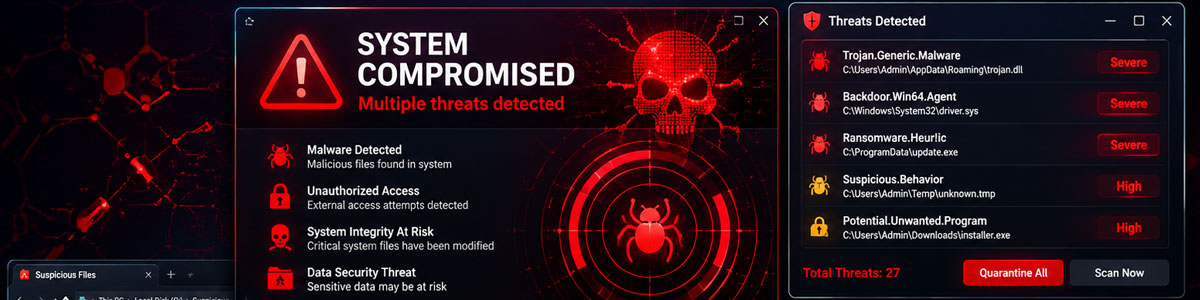
Malicious Software Can Affect More Than One Part of a Computer
An infection does not always produce one obvious warning or behave the same way on every computer. Depending on what has entered the system, malicious software may interfere with Windows, alter browser activity, create unwanted processes, change settings, or operate with very little visible indication that anything is wrong.
What matters is identifying behavior that does not belong there and determining whether it is actually connected to malicious software.
Not Every Computer Infection Works the Same Way
The word “virus” is often used broadly for unwanted or malicious software, but different threats can behave in very different ways. Some are designed to spread or damage files, while others may monitor activity, display unwanted advertising, interfere with normal browsing, or maintain unauthorized access to the computer.
Identifying what is present matters because removal should address the actual infection and the changes it has made. Finding one malicious item does not necessarily establish that it is the only unwanted component on the system.
A proper cleanup therefore involves more than recognizing a familiar threat name. The computer needs to be examined for related components, unwanted changes, and remaining activity that could allow the problem to continue after the most obvious item has been removed.
Removing Malware Means Finding More Than the Obvious Threat
An infection may consist of more than the first malicious file, warning, or unwanted program that becomes visible. Related processes, startup entries, browser changes, scheduled activity, and other components may remain behind. Removal should account for the infection as a whole rather than stopping when its most noticeable symptom disappears.
The objective is a clean system, not simply a computer that looks clean. Pop-ups disappearing or normal browser behavior returning can be encouraging, but those visible changes alone do not establish that every malicious component has been removed.
Removing the Malware May Not Undo Every Change It Made
Malicious software can modify parts of a computer while it is active. Even after the unwanted software has been removed, browser settings, startup behavior, system configurations, or other affected areas may still need attention before the computer is returned to normal use.
Those changes should be evaluated according to what the infection actually altered. The goal is not to reset everything on the computer or make unnecessary changes. It is to correct the specific conditions left behind by the malicious activity.
This part of the cleanup is important because a computer can be free of the original malicious file while still behaving incorrectly due to settings or components that were changed during the infection.
Browser and Startup Changes
Redirects, unwanted extensions, modified home pages, altered search settings, or unauthorized startup entries may need to be corrected when they were introduced by the infection.
- 1
Browser extensions
- 2
Startup entries
- 3
Search settings
- 4
Unwanted redirects
System and Security Changes
Some infections can interfere with Windows settings or security controls. Areas affected by the malicious software can be reviewed and restored when necessary.
- 1
Security settings
- 2
Windows configuration
- 3
Scheduled activity
- 4
Remaining unwanted components
A Clean Computer Should Stay Clean After the Removal
After malicious software and the changes associated with it have been addressed, the computer should be checked again. A follow-up examination can help determine whether unwanted components, suspicious processes, or other evidence of the infection remains on the system.
The computer’s behavior also matters after cleanup. Browser redirects, unwanted programs, unexpected startup activity, security changes, or other behavior connected to the infection should no longer continue if those conditions were successfully corrected.
This final check is particularly important when an infection involved multiple components. Removing one detected item does not prove that everything associated with it disappeared at the same time. The system should be evaluated as a whole before the cleanup is considered complete.
The purpose of verification is simple: confirm that the malicious activity has stopped, the unwanted changes have been addressed, and no identified part of the infection has been left behind.
Remove the Infection, Not Just the Symptoms
If malicious software is present, the goal is to identify what has entered the computer, remove the unwanted components, correct the changes associated with the infection, and verify that the malicious activity is no longer continuing. The cleanup should address what is actually found rather than making unnecessary changes to unrelated parts of the system.