
Desktop Computer Repair Services for Hardware, Performance, and System Problems
Desktop computers can develop problems involving individual components, storage, cooling, power, software, or the interaction between several parts of the system. This service hub brings our desktop computer repair services together in one place so you can go directly to the type of help that matches the problem you are experiencing.
Whether the computer is no longer operating normally, needs a component replaced, requires an upgrade, or has a problem that has not yet been identified, the appropriate service begins with understanding what part of the system needs attention.
Eight Desktop Services, One Place to Start
The services below cover specific areas of desktop computer repair and support. Choose the service that best describes what your computer needs, or use the broader repair options when the cause of the problem is not yet clear.
Choose the Desktop Computer Service You Need
Each service below focuses on a specific type of desktop computer problem, repair, maintenance task, or upgrade. Select the option that best matches what you need.
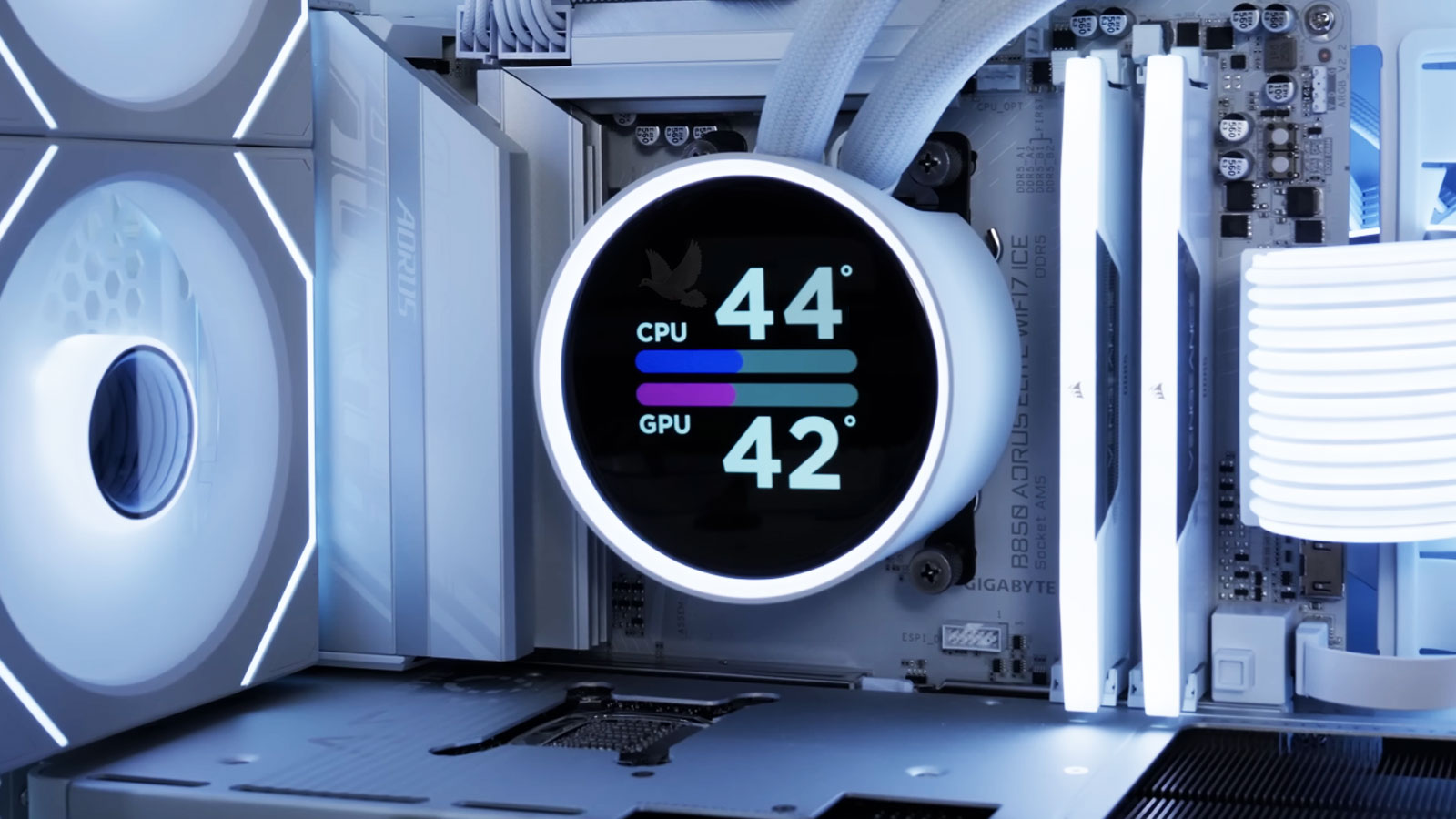
Desktop Problems Often Involve More Than One Part of the System
A desktop computer is built from separate components that depend on one another for power, cooling, storage, processing, graphics, and normal system operation. When one area begins to fail, the symptom can sometimes appear somewhere else entirely.
That is why desktop repair can involve more than replacing the first component that looks suspicious. Temperature readings, storage behavior, power stability, motherboard condition, software configuration, and overall system performance can all provide useful information when identifying what the computer actually needs.
The liquid-cooled desktop shown here represents that broader picture. Its visible hardware and operating temperature readings reflect the kind of component-level information that can matter during diagnostics, maintenance, upgrades, and repair.
The Service Depends on What the Computer Is Actually Doing
A system that is overheating, losing data, failing to start, running unstable, or simply needing a hardware upgrade does not require the same solution. The purpose of this hub is to direct each desktop problem toward the service that best matches it.
Not Every Desktop Problem Arrives With an Obvious Diagnosis
You may know exactly what you need when a hard drive has failed, files need to be transferred, or the computer is ready for an upgrade. Other problems are less specific. A desktop may shut down unexpectedly, freeze, fail to start correctly, behave inconsistently, or show several symptoms at the same time.
When the cause is uncertain, the starting point should be identifying the failure rather than choosing a repair based only on the symptom.
You Already Know the Task
Choose the corresponding service above when the work that needs to be performed is already clear.
The Computer Has a Problem
When the symptom is clear but its cause is not, Desktop Computer Repair Diagnostic is the more appropriate place to begin.
The System Needs Attention
Maintenance, configuration, and upgrade services address computers that may still operate but need specific work rather than diagnosis of an unknown failure.
A Desktop Can Often Be Serviced at the Component Level
Unlike systems where many parts are tightly integrated into a single assembly, desktop computers commonly use separate components for storage, memory, graphics, cooling, power, and other functions.
That modular construction can make it possible to focus the work on the part of the computer that actually needs attention.
When an existing component or connection has failed, the objective is to identify the affected area and determine whether it can be repaired or whether replacement is the appropriate solution.
A failed or unreliable component may need to be replaced with hardware that is compatible with the desktop’s motherboard, power requirements, physical configuration, and existing components.
Cleaning and maintenance address conditions such as accumulated dust and cooling restrictions before they develop into more serious temperature or reliability problems.
A working desktop does not have to be broken to benefit from service. Storage, memory, graphics, and other components can sometimes be upgraded when the existing configuration no longer meets the computer’s intended use.