
Laptop Repair Services for Hardware and Software Problems
A laptop can develop problems almost anywhere in the system. Screens get damaged, batteries wear out, charging ports become loose or broken, keyboards stop responding, cooling systems become clogged, and storage devices eventually fail. Other problems are less obvious, especially when a laptop will not turn on, shuts down unexpectedly, overheats, stops charging, or shows signs of liquid damage.
Our laptop repair service in Miami covers these problems as well as more complex hardware and motherboard failures. Screens, batteries, keyboards, fans, storage devices, charging ports, hinges, cables, and other damaged parts can be replaced when necessary. For faults that cannot be corrected by replacing a standard component, we can diagnose the motherboard itself and perform microsoldering and component-level repairs on damaged circuits, connectors, and electronic components.
Many laptops are also worth upgrading rather than replacing simply because they have become slow or are running out of storage. Memory and SSD upgrades, cooling maintenance, internal cleaning, hardware replacement, and other improvements can restore performance and extend the life of a system that is otherwise in good condition. Each laptop is evaluated based on the actual problem and the condition of the machine so the repair or upgrade makes sense for the computer and the person using it.
Laptop Problems We Repair
Laptop problems can appear suddenly or develop gradually over time. Some affect a single component, while others can prevent the computer from starting or working reliably. Recognizing the symptoms is often the first step toward determining what actually needs attention.
More Than Simple Parts Replacement
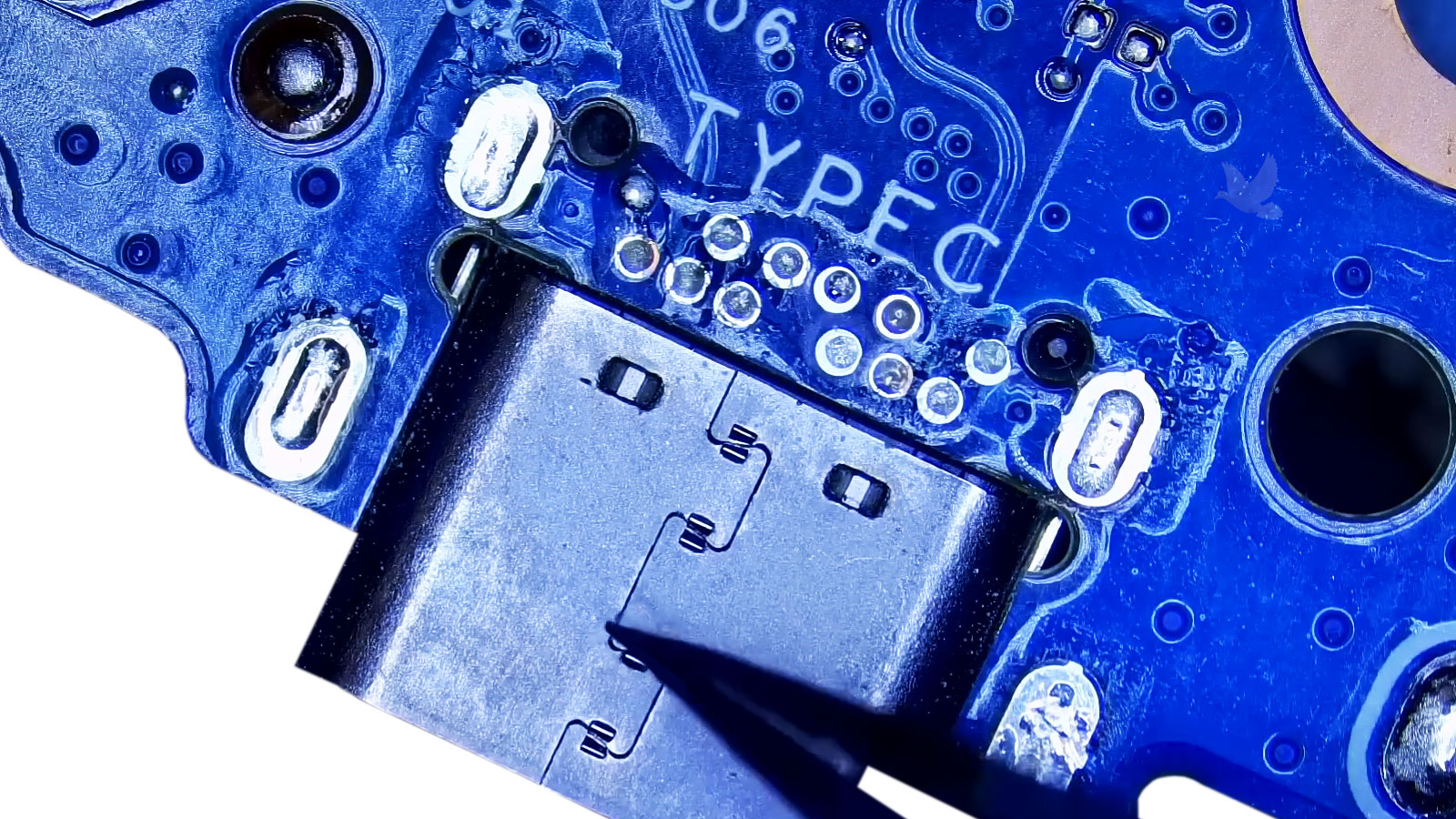
Some laptop problems can be solved with a straightforward screen, battery, keyboard, storage, or other component replacement. Others require deeper diagnosis when the visible symptom does not identify the actual failure. A charging problem may originate beyond the charging port, a black screen may not be caused by the display, and a laptop that appears completely dead can still have a repairable electrical or motherboard fault.
Board-level diagnosis, microsoldering, power-circuit testing, connector repair, firmware work, and component-level troubleshooting can make it possible to address failures that would otherwise lead to an unnecessary motherboard or complete laptop replacement.
Liquid-Damaged Laptop Repair
A spilled drink can affect much more than the keyboard. Liquid can reach connectors, charging circuits, power components, storage devices, and the motherboard, sometimes leaving corrosion or electrical damage in areas that show no obvious signs from the outside.
The extent of the damage can vary considerably from one laptop to another. A proper inspection can reveal whether the problem is limited to replaceable parts or has reached the circuitry underneath, where cleaning, component-level repair, or microsoldering may be required.
Laptop Upgrades & Performance
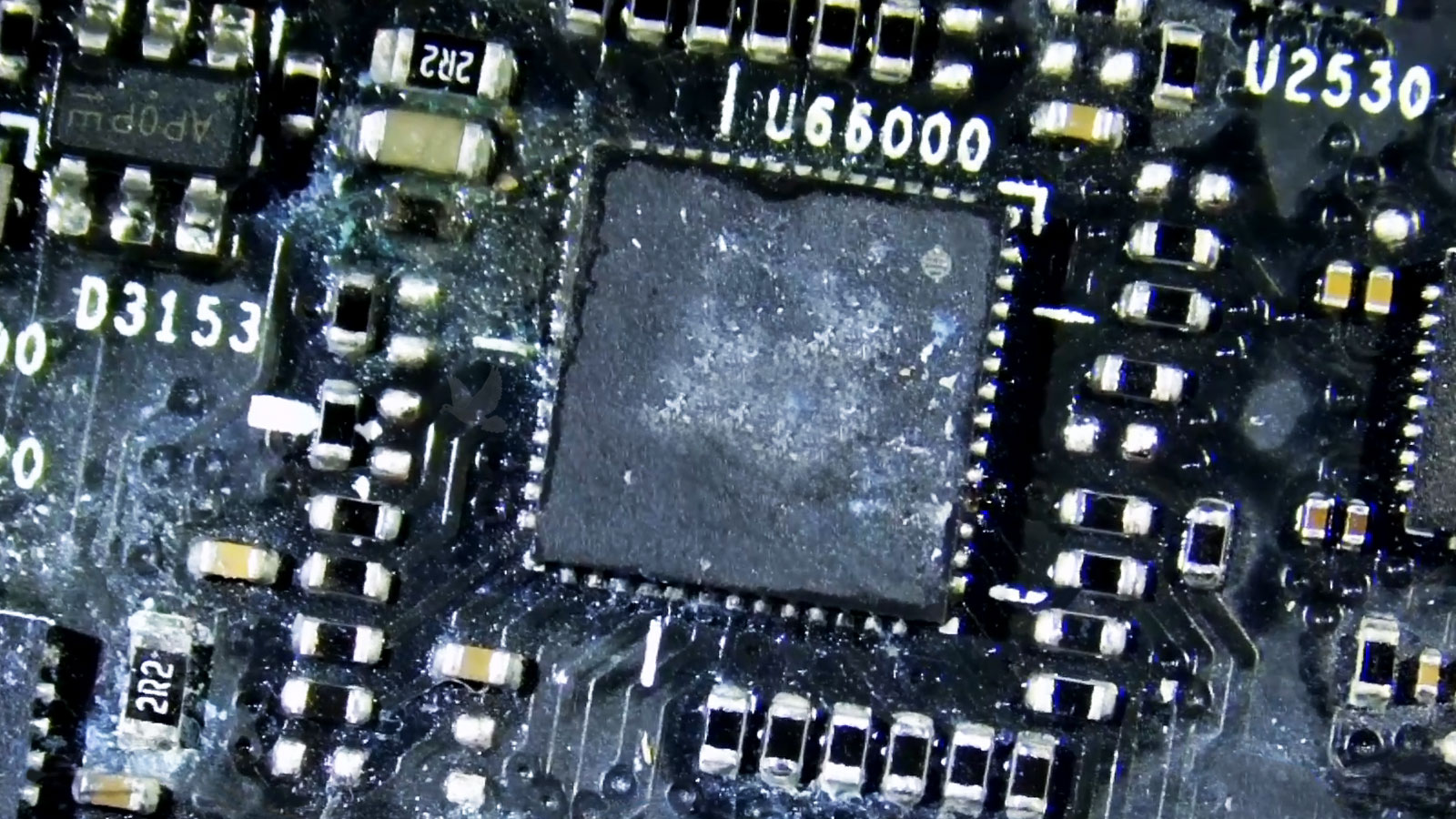
A laptop does not have to be broken to benefit from professional attention. Slow performance, limited storage, insufficient memory, or aging components can sometimes be improved with the right hardware upgrade or system configuration, extending the useful life of a computer that still meets your needs.
Laptop Screens, Hinges & Physical Damage
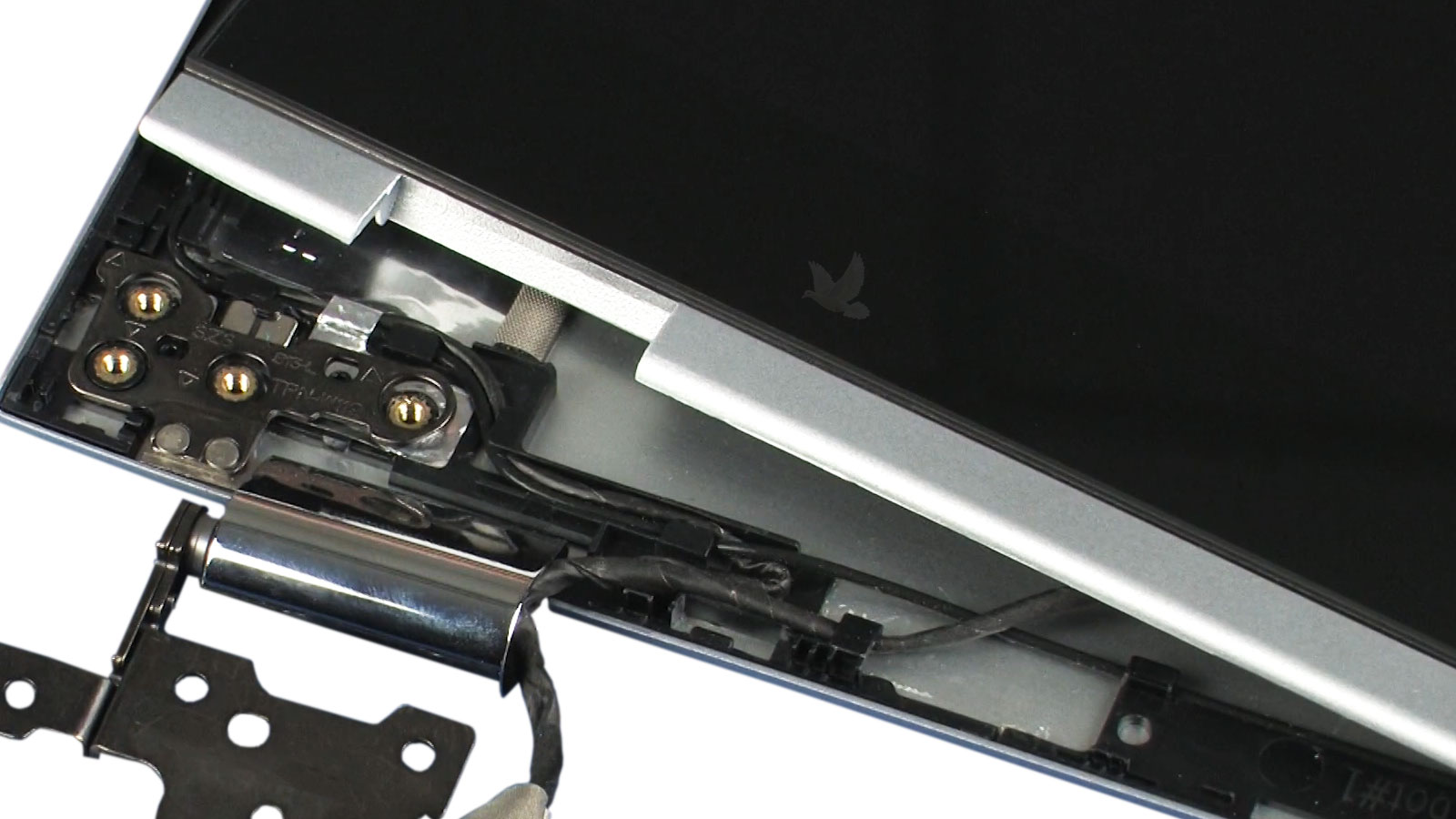
Everyday use, accidental drops, worn components, and repeated opening and closing can eventually leave a laptop with damage that affects both its appearance and operation. Some problems are immediately visible, while others begin with a loose hinge, intermittent connection, or damaged port and gradually become worse.
Laptop Storage, Data & Recovery
A storage problem can affect much more than available disk space. Failed or unstable drives can cause slow performance, freezing, startup failures, corrupted files, disappearing storage, or a laptop that no longer reaches the operating system at all. When important files are involved, protecting the data can become just as important as repairing the computer.
Storage devices can fail gradually or without much warning. Freezing, unusually slow access, boot errors, missing drives, corrupted files, and repeated startup problems can all appear when storage becomes unreliable. Diagnosis can help separate a failing drive from operating-system or motherboard-related problems that produce similar symptoms.
Files and user data can often be transferred when replacing a laptop, installing new storage, or moving information from an older system. When the original drive remains readable, documents, photos, profiles, and other important data may be moved without rebuilding everything manually.
Cloning can preserve an existing installation when upgrading or replacing compatible storage, including the operating system, installed applications, settings, and user files. This can make an SSD upgrade or drive replacement considerably less disruptive when the original storage is still healthy enough to be copied.
When a laptop no longer starts or its storage cannot be accessed normally, important files may still be recoverable depending on the condition of the device and the nature of the failure. The first priority is determining what has failed and avoiding unnecessary actions that could make recovery more difficult.
Need the Files More Than the Laptop?
If the computer has failed but the information stored on it is important, the repair and the data do not always have to be treated as the same problem. The laptop can be evaluated with the condition of the storage and the importance of the files in mind.
Laptop Brands We Service
Laptop designs vary considerably between manufacturers and even between models from the same brand. Repair options can depend on the internal construction, component availability, and the type of failure involved, but service is available for a wide range of consumer, business, workstation, and performance laptops.












Laptop Repair FAQ
Repair options can vary depending on the laptop, the type of failure, and the condition of the equipment. These are some common questions that come up when deciding what to do with a damaged or malfunctioning laptop.
That depends on the age and condition of the laptop, the type of failure, the cost and availability of replacement parts, and how well the computer still meets your needs. A newer or higher-end laptop may justify a more involved repair, while an older system with several problems may be better replaced. A proper diagnosis makes that decision much easier to evaluate.
In many cases, yes. A completely unresponsive laptop can have problems involving the power adapter, charging port, battery, power circuitry, motherboard components, firmware, or other internal systems. No power does not automatically mean the motherboard or the entire laptop needs to be replaced.
Yes, depending on the design and extent of the damage. Some charging ports are replaceable modules, while others are soldered directly to the motherboard and require board-level work. USB-C charging systems can also involve circuitry beyond the connector itself, so diagnosis is important when replacing the port alone does not resolve the problem.
Often, but it depends on why the laptop stopped working and the condition of its storage device. A computer can fail while the SSD or hard drive remains accessible, allowing files to be transferred or recovered separately. If the storage itself has failed, the available recovery options depend on the nature and severity of that failure.
Sometimes. Liquid damage varies considerably depending on what was spilled, where it reached, whether the laptop remained powered, and how much corrosion or electrical damage developed afterward. Some cases require cleaning and replacement of affected parts, while others involve component-level motherboard repair.
In some cases, an SSD, additional memory, storage expansion, cooling service, or another practical upgrade can extend the useful life of an older laptop. Upgrade options depend heavily on the model, however, because many newer systems use soldered or non-replaceable components.
Need Help With Your Laptop?
Whether your laptop has stopped turning on, suffered physical or liquid damage, developed a charging or display problem, or simply needs the right repair or upgrade, help is available. From straightforward component replacement to advanced motherboard and circuit-level work, the repair can begin with identifying what has actually failed and determining the most practical way forward.
Ready to Get Your Laptop Working Again?
Have a laptop that needs attention? Get in touch and tell us what is happening. We can discuss the symptoms, the type of laptop involved, and the next step for having it inspected or repaired.