
Computer Repair and Technical Support
Since 2011, many businesses, homeowners, and work-from-home professionals throughout Miami and surrounding areas have used our services for a wide range of computer and technology problems. With more than 20 years of hands-on experience behind the work, the focus is on practical solutions, clear communication, and dependable results, whether the problem involves a routine repair, a difficult system failure, or a more specialized technical issue.
Support is available for desktop computers, laptops, tablets, phones, gaming systems, workstations, and other electronic equipment. Services range from everyday troubleshooting and upgrades to advanced diagnostics, board-level repair, microsoldering, component-related failures, data and storage problems, and other repairs that require more than basic parts replacement. Custom PC and gaming computer builds are also available, including component selection, assembly, upgrades, configuration, and complete systems built around the customer’s performance and usage requirements. Technical assistance also extends to websites, hosting environments, servers, remote support, networks, and connected systems when the problem goes beyond the device itself.
On-site and remote service are available when appropriate, with flexible options designed to reduce disruption and address problems in the most practical way possible. Serving customers throughout Miami-Dade County has shaped an approach centered on professionalism, careful diagnosis, attention to detail, and long-term reliability rather than quick assumptions or unnecessary work.
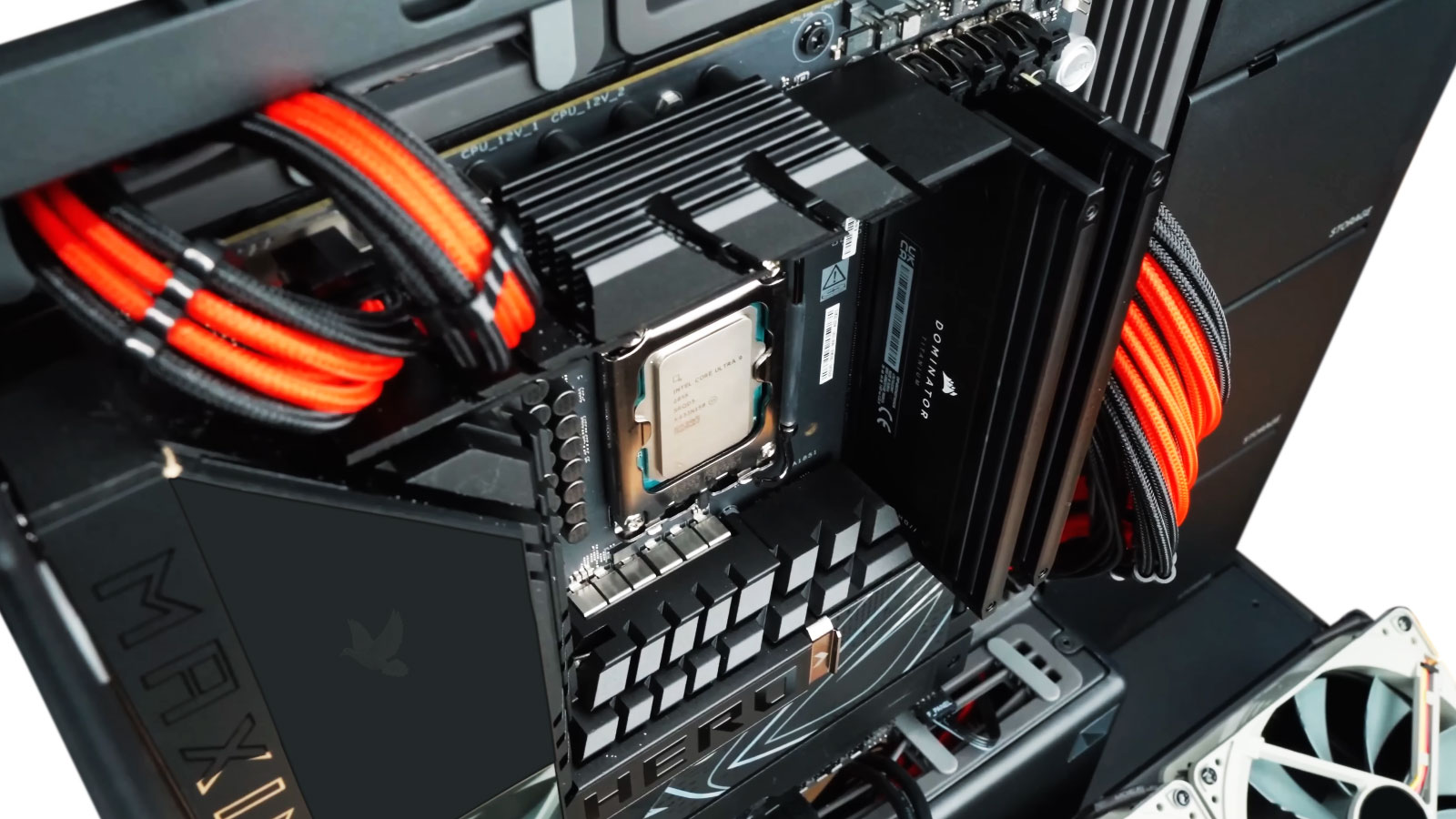
Computer Repair Services
IT Support for Homes and Businesses
Technical support is available for home users, remote professionals, and businesses dealing with persistent system problems, unstable workstations, difficult software failures, recurring network issues, and environments where several devices or systems need to function reliably together.
Support can include diagnosing problems that affect productivity, resolving complex workstation or system behavior, correcting software and operating-system issues, addressing hardware-related instability, and helping maintain computers and connected technology that are important to daily work.
For businesses without dedicated internal IT staff, assistance can also extend to ongoing troubleshooting, system reliability, upgrades, equipment replacement decisions, and technical problems that require more than a quick temporary fix.
Free Pickup and Delivery Available
Free pickup and delivery is available for qualifying computer repair services throughout Miami and surrounding areas, making it easier to get your system serviced without an unnecessary trip.
Arrangements can be coordinated around availability and the type of equipment being serviced. Once the repair is completed, the system can be returned so the entire process can be handled with as little interruption as possible.
Advanced Computer Repair & Diagnostics
Board-Level & Electronic Repair
Power, Startup & Firmware
Complex System Recovery
Accurate Diagnosis Comes Before the Repair
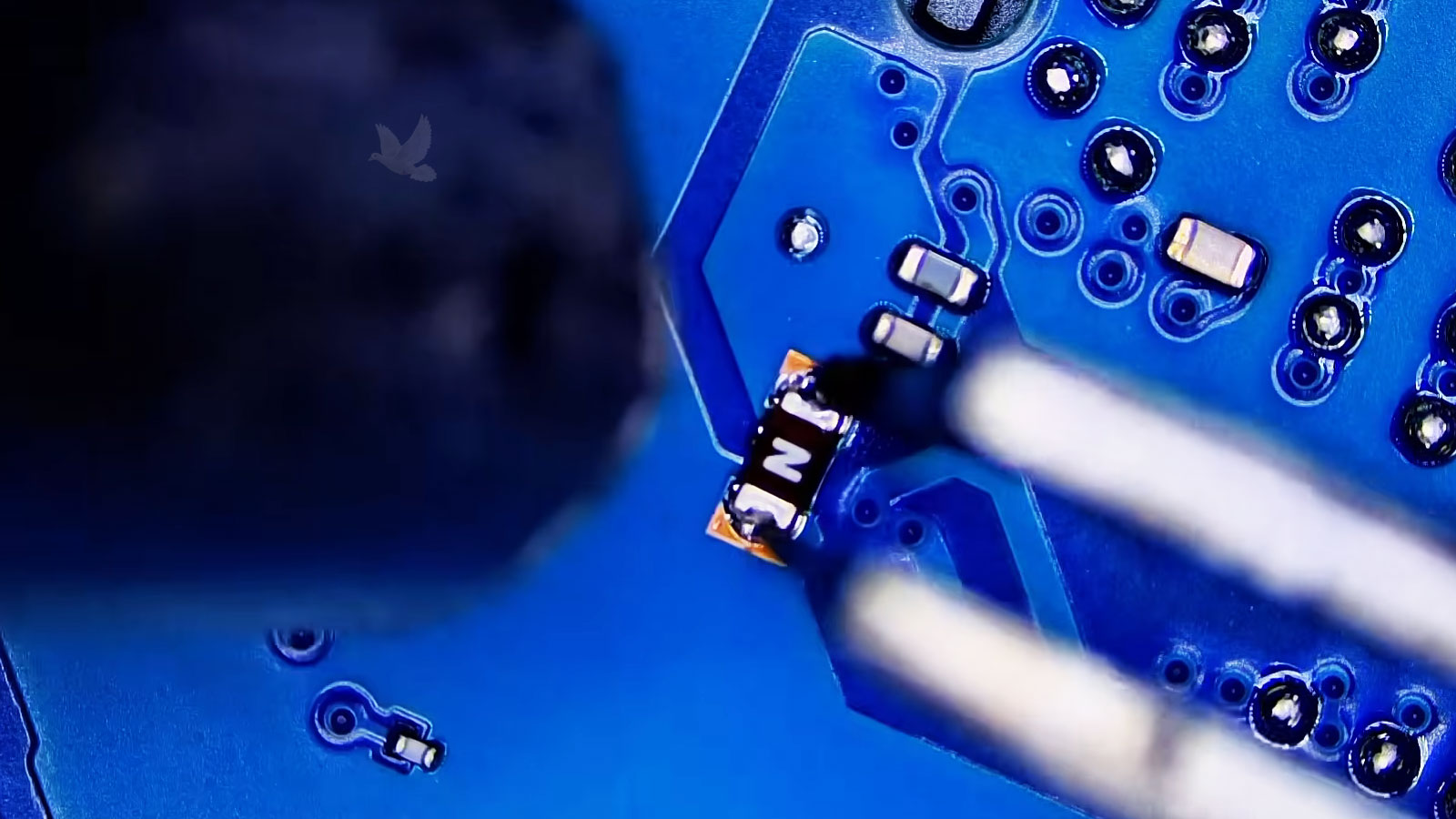
Computer problems are not always caused by the most obvious component. A system that runs slowly may be dealing with a failing drive, insufficient memory, overheating, software conflicts, malware, or processes consuming resources in the background. Startup failures can originate from the operating system, storage, power delivery, damaged hardware, firmware, or several issues occurring at the same time.
Proper troubleshooting means identifying the source of the problem before deciding what should be repaired or replaced. Hardware, software, system performance, power delivery, firmware, and connected components may all need to be evaluated as part of the diagnostic process. This helps avoid replacing parts that are still working and makes it possible to address the actual cause instead of temporarily treating the symptoms.
Symptoms can also overlap between very different types of failures. Random freezing, unexpected shutdowns, application crashes, corrupted data, unusual noises, poor responsiveness, boot failures, or intermittent operation may require several possibilities to be eliminated before the cause becomes clear. A machine that appears to have a software problem may ultimately have unstable hardware, while an apparent component failure may actually originate elsewhere in the system.
Specialized Technical Capabilities
Microsoldering & Board-Level Repair
Precision repair beyond ordinary component replacement.Component-Level Electronics Repair
Microsoldering and board-level repair for damaged circuits, connectors, power and charging sections, traces, components, and other electronic failures. This type of work can make it possible to repair the affected area rather than automatically replacing an entire board or device.
Website, Hosting & Server Support
Technical support for the systems behind your online presence.Web & Hosting Solutions
Assistance with business websites, hosting accounts, web servers, migrations, configuration problems, website failures, domains, and hosting-related issues. Support is also available for new website projects that require setup, configuration, hosting, and deployment.
Remote Technical Support
Get technical assistance without waiting for an on-site visit.Help When You Need It
Many software, configuration, website, server, email, and system problems can be handled remotely. When the situation allows it, remote assistance provides a convenient way to troubleshoot problems, configure systems, make changes, and address urgent technical issues without bringing equipment in for service.
Repair, Upgrade, or Replace?
The right decision depends on more than the age of the computer or the cost of a single failed part. Its overall condition, remaining capabilities, availability of replacement components, expected service life, specialized software, established configurations, and the practical cost of rebuilding or migrating the environment can all affect whether repair, upgrade, replacement, or preservation makes the most sense.
More Than Computer Repair
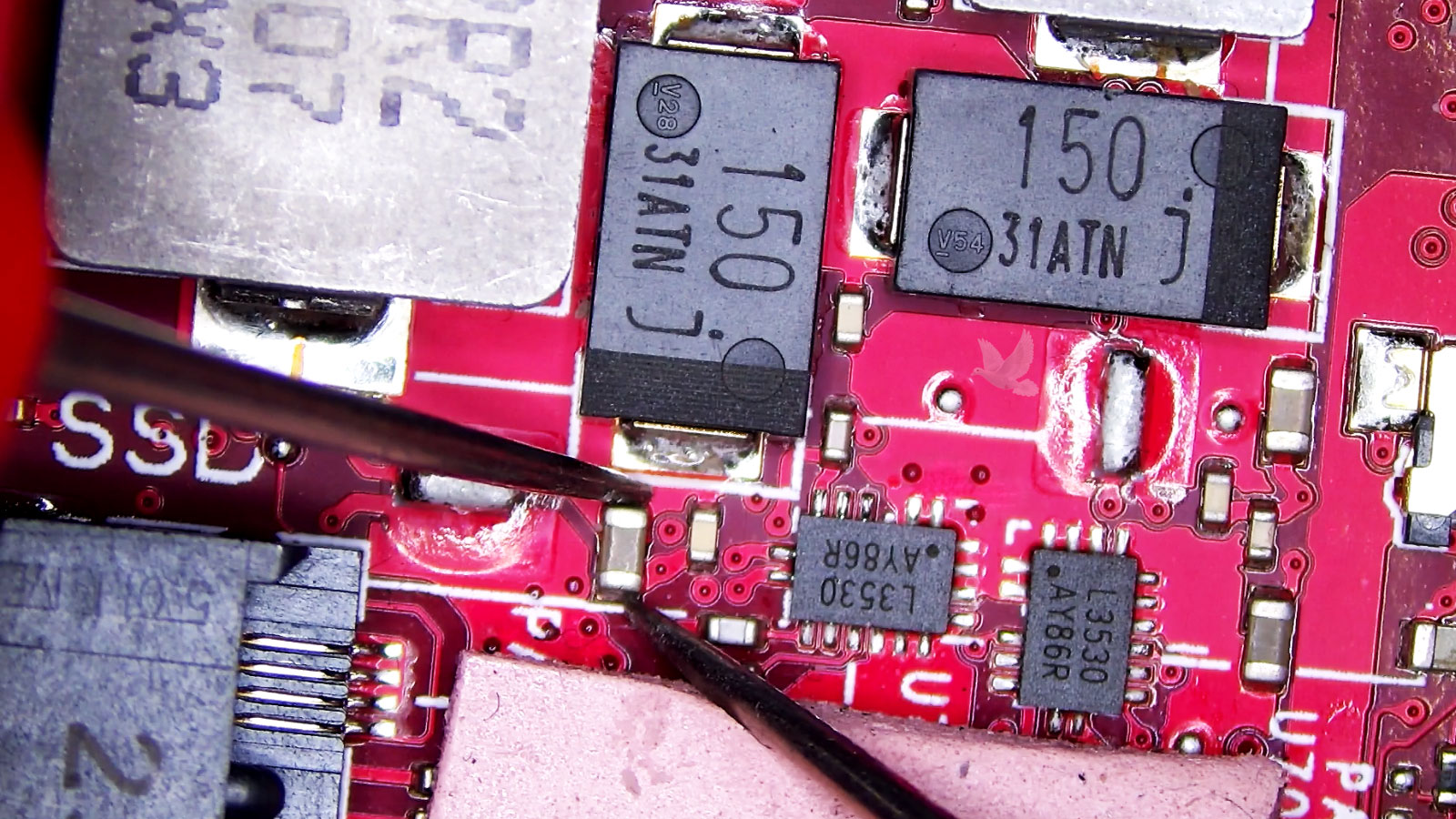
Our work extends beyond desktop and laptop computers. We provide diagnostic and repair services for a broader range of electronic equipment, including devices and systems with board-level, power, charging, connector, storage, and component-related failures. When a device can be practically diagnosed and repaired, we can often go considerably further than simply replacing the complete assembly.
Microsoldering and board-level capabilities allow us to work with failures that require precision repair at the component level. Damaged connectors, traces, circuits, power sections, charging systems, and individual electronic components can often be investigated directly, particularly when replacement is expensive, unavailable, or simply unnecessary.
We also understand that the equipment itself may represent only part of what needs to be protected. Important data, specialized configurations, proprietary software, business information, and difficult-to-replace environments can make preservation just as important as the physical repair. Our approach takes those factors into consideration when determining the most practical way forward.
Electronic Boards & Components
Board-level troubleshooting and repair for circuit boards, damaged components, traces, connectors, and other electronic faults that require work beyond ordinary module replacement.
Power & Charging Systems
Diagnosis and repair of power-related failures, charging circuits, damaged power connections, intermittent electrical problems, and electronic systems that no longer receive or distribute power correctly.
Storage & Data Hardware
Troubleshooting involving hard drives, SSDs, external storage, damaged interfaces, storage electronics, and hardware failures where access to important data may also need to be considered.
Specialized Electronic Equipment
Our repair work is not restricted exclusively to computers. We can evaluate other electronic devices, controllers, boards, and specialized equipment when the failure falls within our diagnostic, electronics, and repair capabilities.
Technical Support That Extends Beyond the Repair Bench
Our services extend beyond the repair bench when a problem involves more than the physical computer itself. Along with computer and electronics repair, we can assist with business systems, servers, websites and hosting, as well as technical problems that can be handled remotely.
Desktop, laptop, Mac, gaming PC, workstation, and custom computer repairs are handled for both home and business customers. From common hardware failures to more difficult problems requiring advanced diagnostics, repair and upgrade options are available for a wide range of computer systems.
Microsoldering and component-level repair are available for computer boards and many other types of circuit boards and electronic equipment. This includes work involving damaged connectors, traces and pads, charging and power circuits, individual components, and other faults requiring precision board-level repair.
Businesses experiencing problems with servers or connected systems can receive on-site or remote technical assistance. We can help troubleshoot server failures, connectivity and configuration problems, inaccessible resources, and other issues affecting the systems a business relies on.
Website services are also available for businesses that need a new website or assistance with an existing one. This can include creating and configuring websites, restoring sites that have stopped working, troubleshooting hosting problems, and resolving issues involving domains, DNS, SSL, email, migrations, and other related technical services.
When an issue does not require a physical visit, assistance can often be provided remotely. This is available for software and configuration problems, websites, email, servers, system issues, and other technical situations that can be diagnosed or resolved through a secure remote connection.
Whatever the technology involved, the goal is to identify what is actually failing and provide the repair or technical support needed to get it working properly again.