
Practical Computer Support for Hialeah Gardens
Computers have become part of nearly everything people depend on during the day, from personal files and communication to business applications, online accounts, shared resources, and specialized equipment. When something stops working correctly, the interruption is often more important than the technical name of the failure.
In Hialeah Gardens, computer problems can involve a family laptop that will no longer start, a desktop that has become unreliable, a Mac with hardware trouble, or a business system that employees depend on throughout the workday. The appropriate solution can range from a relatively simple correction to physical repair, data-related work, or more involved technical service.
Start With What the Computer Is Doing
A useful starting point does not require knowing which component has failed. Describe what changed, what the computer does now, and what happened before the problem appeared. Those details can provide a much better direction than guessing at a particular part or repair.
Problems That Appear During Use
A computer may start normally but become troublesome once work begins. Freezing, unusual slowness, application crashes, unexpected restarts, excessive heat, strange noises, or disappearing connections can point toward very different areas of the system.
Patterns matter. A failure that appears only during gaming or demanding applications provides different information from one that occurs immediately after startup or while the computer is sitting idle.
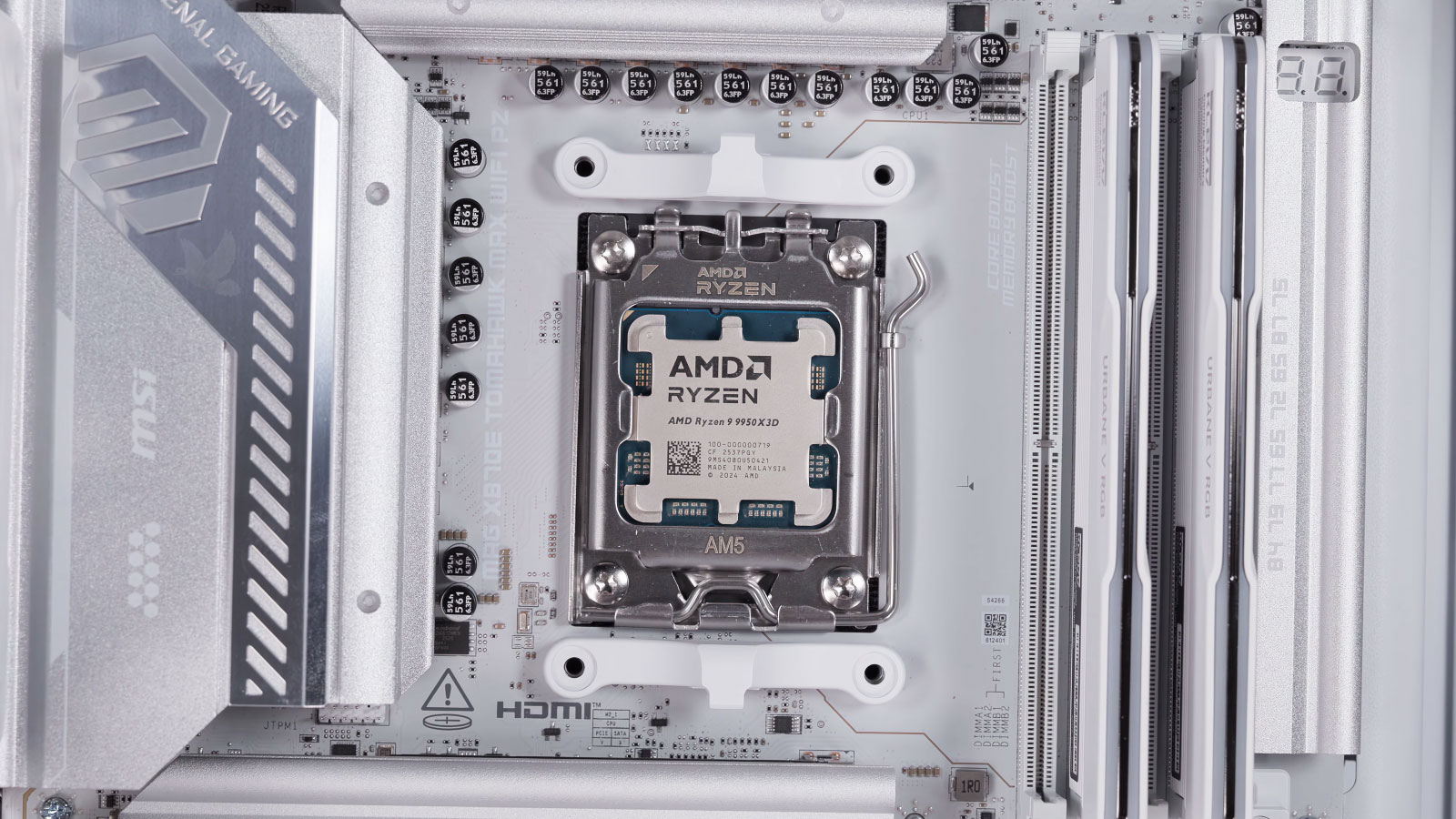
When does the problem happen?
What the computer was doing immediately before a failure can be one of the most useful clues when narrowing down the problem.
Problems That Prevent Normal Use
Other failures leave little opportunity to use the computer at all. It may show no power, turn on without displaying an image, become trapped in a startup cycle, stop at an error screen, or fail to recognize an important drive or device.
In those cases, repeated attempts to force the machine to start are not always helpful. If important data is involved or the failure appears to be hardware-related, preserving the computer’s current condition can be more useful than repeatedly experimenting with it.
High-Performance Computers Create Their Own Kind of Problems
Gaming computers and other high-performance systems often operate much closer to the limits of their cooling, power, and hardware than an ordinary office computer. A machine can appear completely normal during light use and begin failing only when the processor, graphics card, memory, or power supply is placed under a heavier load.
That makes performance-related failures especially important to evaluate as a complete system rather than assuming that the most expensive component is automatically responsible.
Sometimes the Computer Matters Less Than What Is Stored Inside It
Photos, documents, accounting records, projects, customer information, and years of personal files can make a storage failure very different from an ordinary computer problem. The machine itself may be replaceable while the information stored inside it is not.
When important data is involved, the priority can change from getting the computer running immediately to avoiding actions that could make recovery more difficult.
When the Problem Begins Before the Operating System
Some computers fail before Windows, macOS, or any installed application has a chance to load. Firmware and BIOS problems can prevent otherwise functional hardware from completing the basic startup process, particularly after corruption, an interrupted update, incorrect programming, or failure involving the firmware chip itself.
These symptoms can resemble failures involving memory, the motherboard, processor, graphics hardware, or power. That makes identifying the actual source important before firmware is changed or components are replaced.
Firmware repair is specialized work, but it can matter when an otherwise serviceable motherboard is being considered for replacement simply because the computer can no longer complete its earliest startup process.
A Small Business Rarely Depends on Just One Computer
Even a modest workplace can depend on several connected pieces of technology at the same time. Employee computers may need access to shared files, printers, email accounts, internet services, business applications, websites, or a local server. A failure in one place can therefore appear as a problem somewhere else.
An employee who cannot open a shared file may have a workstation problem, but the interruption could also originate with the network, storage, permissions, or the system hosting the information. Email trouble can involve the individual computer, account settings, a domain, or the mail service itself.
Looking at those relationships becomes especially important when several people experience the same problem. Repairing individual workstations one after another accomplishes little when the actual failure is a resource they all share.
When the Problem Cannot Come to the Bench
Other business problems require no physical visit at all. When the affected computer remains operational and connected, software, account, email, website, and configuration issues may be suitable for remote technical assistance.
Sometimes the Failed Part Is on the Board
Replacing an entire electronic assembly is not always the only response to a failure. Circuit boards contain individual components, connections, power sections, and control circuitry, and a problem confined to one of those areas may sometimes be repaired at the component level.
This type of work is different from replacing a computer drive, screen, or memory module. The board itself becomes the subject of the repair, requiring the fault to be located before determining whether correcting it is practical.
| Equipment | Examples of Electronic Work |
|---|---|
| Automotive electronics | Modules and circuit boards with component, connection, or power-related faults |
| Marine equipment | Electronic controls and boards affected by electrical faults, damaged components, connections, or corrosion |
| Audio equipment | Amplifiers, music equipment, and specialized electronics with board-level failures |
| Household equipment | Control boards from televisions, refrigerators, water heaters, and other electronic devices |
| Specialized electronics | Other repairable electronic boards where identifying and correcting the failed area may be practical |
Whether board-level repair makes sense depends on the failure, condition of the board, availability of components, value of the equipment, and whether the damaged area can be repaired reliably. Some boards are good candidates; others are better replaced.

The Repair Process Can Fit the Equipment
A laptop with a broken screen is easy to transport. A large desktop, business workstation, server, or other electronic equipment can be a different matter. The most sensible way to handle a repair depends partly on what needs attention and where the necessary work can actually be performed.
Equipment requiring disassembly, component replacement, electronic testing, soldering, or other bench work needs to reach an appropriate work area. Software and configuration problems may be suitable for remote assistance, while certain business systems are better examined where they are already installed.
Pickup and delivery can also be arranged when appropriate. For customers sufficiently close within the Miami area, delivery may be available at no additional charge. Longer distances may involve a reasonable transportation charge to account for the additional travel.
The important part is choosing the arrangement that makes sense for the equipment rather than making every repair follow the same route.
Repair, Upgrade, or Replace?
A computer does not automatically become a good repair candidate simply because a technical solution exists. Age, overall condition, performance, repair cost, available parts, and what the system is expected to do afterward all belong in the decision.
Sometimes. Age alone does not determine whether a repair makes sense. A well-built computer with one isolated failure may still have years of useful service ahead of it, while another system of similar age may already have several limitations or developing problems.
When the computer is fundamentally healthy but no longer performs well enough for its workload, additional memory, faster storage, improved graphics, or another compatible upgrade may provide more value than replacing the entire machine. An upgrade should address an actual limitation rather than simply add new parts.
Replacement deserves consideration when repair costs become disproportionate to the value of the system, several major components are failing, suitable parts are difficult to obtain, or the computer can no longer reasonably support the software and tasks expected of it.
Then the equipment and the information should be treated as separate concerns. Even when repairing the computer itself makes little economic sense, recovering important files may still be worthwhile before the system is retired or replaced.
The objective is not to repair everything at any cost. It is to understand the realistic options well enough to choose the one that provides the most sensible outcome.
Need Help With a Computer in Hialeah Gardens?
A problem does not need to be fully understood before asking about repair. Whether the concern involves a personal computer, gaming system, important data, business equipment, firmware, or an electronic board, describing what is happening and what equipment is involved is enough to begin.
Computer repair and technical assistance are available for homes and businesses in Hialeah Gardens. The next step can be matched to the situation, whether the equipment requires hands-on attention, the problem can be addressed remotely, or an appropriate business system needs to be examined on-site.