
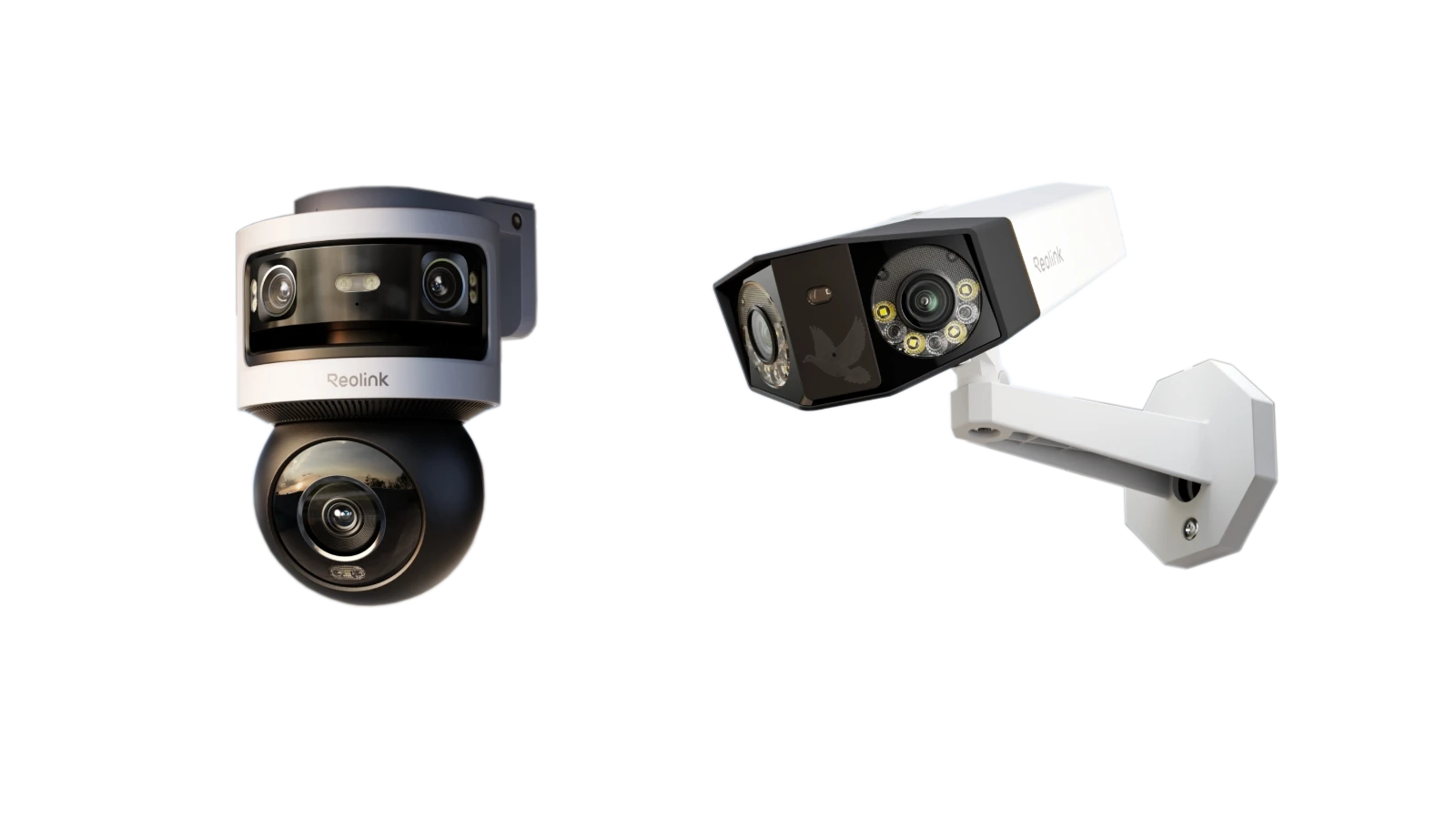
Security Camera Installation for Homes and Businesses
Security cameras provide a way to monitor the areas around a home or business and maintain a visual record of activity when it matters. A properly planned installation begins by determining what needs to be seen, where cameras should be positioned, and how the system will be used after installation.
We install security camera systems around the layout of the property rather than simply placing cameras wherever mounting is easiest. Entrances, driveways, parking areas, offices, storefronts, hallways, and other important locations can each require a different viewing angle and camera position.
The installation can include the cameras, wiring, recording equipment, network connectivity, and system configuration needed to bring the individual parts together into a usable surveillance system.
Camera Placement
Position cameras around the areas that need useful visual coverage rather than treating every part of the property the same.
System Installation
Install and connect the equipment required for the cameras to operate together as a complete surveillance system.
Recording and Access
Configure the system so recorded and available camera views can be accessed through the equipment and features supported by the installation.
A security camera installation should provide useful views of the property, dependable recording, and a system that is practical to operate after the installation is complete.
Planning Security Camera Coverage
Before cameras are mounted, the property should be evaluated around the areas that actually need to be monitored. Camera placement affects what can be seen, how useful recorded footage will be, and whether important parts of the property remain outside the intended field of view.
The objective is not simply to install a certain number of cameras. Each camera should have a reason for being where it is, with its viewing direction and coverage based on the area it is intended to monitor.
Good camera placement begins with deciding what each camera needs to capture. Once the important areas are identified, the number of cameras, mounting locations, viewing directions, and installation requirements can be planned around the property instead of being decided after the equipment is already mounted.
Camera Position and Viewing Angles
A camera can be installed in the correct general area and still provide a poor view if its height, direction, or viewing angle does not match what needs to be monitored. Positioning should account for both the location of the camera and the scene that needs to remain visible within its view.
The goal is to capture useful activity in important areas while avoiding unnecessary views that provide little value to the surveillance system.
Camera Height
Mounting height affects the perspective of the camera and the amount of the surrounding area visible within its view.Find a Useful Perspective
The camera should be high enough to provide practical coverage while maintaining a viewing angle appropriate for the people, vehicles, entrances, or areas being monitored.
Viewing Direction
The direction a camera faces determines which activity enters the field of view and which areas remain outside it.Aim at What Matters
Camera direction can be established around entrances, pathways, work areas, parking areas, or other locations where useful visual coverage is required.
Field of View
Some locations require a wider view of the surrounding area while others benefit from concentrating on a more specific location.Match the View to the Area
The intended coverage should determine how much of the scene needs to remain visible rather than expecting every camera position to provide the same type of view.
Obstructions
Walls, columns, landscaping, signs, equipment, and other objects can interfere with what a camera is able to see.Keep Important Areas Visible
Potential obstructions should be considered before mounting so the selected position provides a clear view of the area the camera is intended to monitor.
Thoughtful positioning makes each camera more useful. Instead of adding cameras simply to compensate for poor placement, the installation can begin with locations and viewing angles selected around what the surveillance system actually needs to capture.
Security Camera Wiring and Cable Installation
A security camera system depends on more than the cameras mounted around the property. The wiring behind the installation provides the physical connections needed to carry video, network communication, power, or a combination of these functions depending on the type of camera system being installed.
Cable routes should be planned around the camera locations and the structure of the property. Wiring can be routed through walls, ceilings, attics, and other appropriate pathways when the building allows it, helping connect cameras without leaving unnecessary cable exposed throughout occupied areas.
The individual cable runs can then return to the location where the recording or network equipment is installed, creating an organized infrastructure that brings the cameras together as one system.
Planning Cable Routes Before Running Wire
The distance between cameras and supporting equipment, available pathways through the building, wall and ceiling construction, and the location of the equipment all affect how the wiring can be installed.
Considering those conditions before cable is run helps establish practical routes for each camera instead of determining the path only after mounting has begun.
Camera Cable Runs
Individual cable runs connect camera locations with the equipment responsible for supporting the surveillance system.
Routing Through the Property
Available walls, ceilings, and other suitable pathways can be used to route wiring according to the construction and layout of the location.
Bringing Connections Together
Camera wiring can return to an appropriate equipment location so the individual connections remain organized as part of the complete system.
The wiring may remain largely out of sight after installation, but it is a fundamental part of the camera system. Proper cable routing provides the connection between cameras and the equipment that allows the surveillance system to operate as a whole.
Security Camera Recording and Video Storage
A security camera system becomes considerably more useful when activity can be recorded and reviewed after it occurs. Depending on the equipment being installed, cameras can work with compatible recording hardware and storage to maintain video from the areas being monitored.
The recording portion of the system should be configured around the cameras connected to it, the available storage, and the way recorded footage will need to be accessed. The objective is to create a practical system where camera views are organized and recordings can be located when they are needed.
Compatible cameras can be connected with the recording equipment responsible for receiving and storing their video. The exact arrangement depends on the type of camera system and equipment being installed.
Once connected, the individual camera channels can be configured so the system recognizes the cameras and presents their views through the appropriate recording interface.
The amount of footage that can be stored can vary according to the number of cameras, recording settings, storage capacity, and how the particular system handles its recordings.
Camera views can be identified and arranged so it is easier to recognize which part of the property each camera is monitoring.
Clear identification becomes particularly useful on systems with multiple cameras because the person reviewing the system can distinguish entrances, exterior areas, offices, parking areas, and other monitored locations without having to determine which camera is which every time.
When an event needs to be reviewed, the recording system provides access to footage captured by the cameras according to the playback capabilities available on the installed equipment.
A properly configured system makes it easier to select the appropriate camera and navigate to the relevant recorded period rather than treating the cameras as live views only.
Recording brings the individual camera views together into a system that can provide information both while activity is occurring and afterward when previously captured footage needs to be reviewed.
Remote Access to Your Security Cameras
Many security camera systems provide the ability to view cameras from a compatible phone, tablet, or computer when the installed equipment supports remote access. This can make it possible to check camera views without being physically in front of the recording equipment at the property.
Remote viewing needs to be configured as part of the system rather than assumed to work simply because the cameras are connected. The recording equipment, network connection, compatible application or software, and viewing device must work together according to the capabilities of the installed system.
Once configured, remote access can provide a convenient way to view the cameras from the devices the property owner or authorized users normally carry or use.
Access Based on the Installed System
Remote viewing features vary between camera systems and manufacturers. Setup should follow the capabilities of the equipment being installed so the appropriate application, account, network connection, and available viewing features are configured correctly.
Connect the System
The recording equipment and cameras are connected to the network as required by the installed system.
Configure Remote Access
The compatible remote viewing method is configured according to the features and requirements of the camera equipment.
Access Camera Views
Authorized users can use compatible devices to reach the camera views and remote features provided by the installed system.
Remote access extends the usefulness of a security camera installation beyond the location of the recording equipment, providing another way to reach the camera system when the installed equipment and available connection support it.
Security Camera Systems for Different Installations
Not every property requires the same type of security camera system. The appropriate installation depends on the existing infrastructure, the camera locations, the equipment being used, and how the property owner wants to record and access video.
Some installations are built around network connected cameras, while others use dedicated camera wiring and compatible recording equipment. Existing properties may already have part of the infrastructure in place, while a new installation may require the cameras, wiring, and recording system to be planned together.
The system should be selected and installed around the requirements of the property rather than assuming that one camera configuration is appropriate for every location.
The equipment may differ from one installation to another, but the objective remains the same: create a camera system that provides the required coverage and brings the cameras, connections, recording, and viewing features together in a practical way.
Outdoor Security Camera Installation
Exterior cameras can provide visibility around the areas where people and vehicles approach, enter, leave, or move around a property. Because outdoor cameras operate in a different environment from cameras installed inside a building, their locations should be selected with the exterior layout and intended view in mind.
Entrances, driveways, parking areas, gates, walkways, yards, and the perimeter of a building can require different camera positions depending on what needs to remain visible. A camera intended to monitor an entrance, for example, has a different purpose from one providing a broader view across a parking area.
Outdoor placement should also account for the physical surroundings. Rooflines, walls, landscaping, neighboring structures, and other features can affect where a camera can be mounted and what it will be able to see from that position.
Installing Cameras Around the Property
The exterior camera layout can be planned so individual views complement one another. One camera may cover an entrance while another monitors the path leading toward it, with additional cameras positioned around other important areas of the property.
This allows exterior coverage to be built around specific locations instead of expecting a single camera to provide useful visibility across an entire property.
Outdoor camera placement should be determined by what needs to remain visible from each position.
Exterior Areas to Consider
Entrances
Driveways
Parking areas
Gates and walkways
Building perimeter
Yards and exterior work areas
Exterior coverage works best when each camera has a defined purpose within the overall installation. The result should provide useful views of the important areas around the property while keeping the camera system practical to monitor and review.
Indoor Security Camera Installation
Indoor cameras can provide visibility in the areas of a home or business where activity needs to be monitored from inside the property. Unlike broad exterior coverage, interior camera placement can often focus on specific rooms, passageways, entrances, counters, or other defined areas.
The location of each camera should reflect what needs to remain visible while also considering the physical arrangement of the interior space.
Coverage Based on How the Interior Is Used
A camera near an interior entrance may need to capture people as they enter the building, while a camera covering a hallway may be positioned to monitor movement between different areas. Offices, reception areas, counters, storage spaces, and other locations can each require a different view depending on the purpose of the installation.
Furniture, walls, doorways, shelving, equipment, and the normal movement of people through the space can influence where a camera should be mounted. Considering the actual room layout helps avoid positions where important activity is unnecessarily blocked or outside the intended view.
Connecting Interior Cameras to the System
Interior camera locations also need practical connections to the rest of the surveillance system. Wiring can be planned around available walls, ceilings, and suitable pathways so cameras can connect with the recording or network equipment used by the installation.
When indoor and outdoor cameras are part of the same system, their individual views can be brought together through the compatible recording and viewing equipment rather than operating as unrelated installations.
Indoor camera placement should make the important areas of the property easier to monitor without adding cameras where they provide little useful coverage. Each camera should contribute a purposeful view to the complete surveillance system.
Expanding an Existing Security Camera System
A security camera installation may need to change as the property changes. Additional entrances may need coverage, a business may begin using another part of the building, or areas that were not included in the original installation may become important to monitor.
An existing system does not automatically need to be replaced simply because additional coverage is required. The cameras, recording equipment, available connections, and existing wiring can first be considered to determine whether the current system can support the changes being planned.
Working With Existing Infrastructure
When compatible equipment and usable wiring are already present, portions of the existing installation may be able to remain in service while additional cameras or connections are incorporated.
What can be retained depends on the equipment already installed and whether it can support the required expansion.
Adding Coverage Where It Is Needed
Additional cameras can address areas that the existing installation does not adequately cover. This might include another entrance, a newly occupied room, an exterior area, additional parking space, or another part of the property where visibility has become necessary.
New camera locations should be planned as part of the existing system rather than treated as isolated additions. Their wiring, recording connections, available storage, and viewing access need to work with the equipment that will support them.
Changes Based on the Current System
Before additional cameras are installed, the existing system can be evaluated to determine what it supports and what changes are required.
This avoids assuming that every expansion requires completely new equipment while also avoiding the opposite assumption that every new camera can simply be connected to whatever is already there.
Expanding a security camera system should begin with what is already installed and what the property now needs. From there, additional cameras, wiring, or supporting equipment can be incorporated where the existing coverage needs to grow.
Testing the Security Camera System After Installation
Mounting the cameras and connecting the equipment does not complete the installation by itself. The system should be checked after setup to confirm that the cameras are operating, the intended areas are visible, and the recording and viewing functions available through the installed equipment are working properly.
This final stage also provides an opportunity to review individual camera views after the cameras are in their permanent positions. An angle that appeared appropriate during planning may need a small adjustment once the actual view can be seen through the system.
Testing the installation as a complete system helps identify those adjustments before the work is considered finished.
Confirm that the installed cameras are operating and providing useful views of the areas they were positioned to monitor.
Check that the compatible recording equipment is receiving the camera feeds and that available recording functions are operating as configured.
Verify that camera views and recorded footage can be accessed through the viewing and playback features provided by the installed system.
When remote viewing is part of the installation, confirm that the configured compatible devices can reach the camera system using the remote access features supported by the equipment.
Home Security Cameras
Camera coverage can be planned around entrances, driveways, yards, interior areas, and other parts of a home where the property owner wants additional visibility.
The installation can bring those individual camera locations together through compatible recording and viewing equipment.
Security Camera Installation Built Around Your Property
The number of cameras and the way they should be installed depend on the property. A smaller location may need only a few carefully selected views, while a larger home, office, or business may require cameras across multiple interior and exterior areas.
That is why the installation should begin with what the customer wants to monitor rather than with a predetermined number of cameras.
Camera locations, wiring requirements, recording equipment, available remote access, and the existing infrastructure can all be considered together when determining how the surveillance system should be installed.
One Property, One Installation Plan
The finished system should reflect the actual areas that matter at that location, with each camera contributing a useful view rather than simply increasing the camera count.
Business Security Cameras
Offices and businesses can require cameras around entrances, work areas, counters, storage areas, parking areas, and other locations important to everyday operations.
Coverage can be planned across the property while keeping the cameras connected through one coordinated surveillance system.
Whether the installation is for a home, office, or business, the security camera system should be designed around the property itself, the areas the customer wants to see, and the way the cameras will be used after the installation is complete.
Put Your Security Camera Coverage in Place
Whether you need cameras installed around a home, office, or business, the installation can be planned around the areas you want to monitor and the way you want to use the system.
Tell us about the property and where you need camera coverage. We can help determine the appropriate camera locations, wiring requirements, recording setup, and available viewing options to put together a security camera system that fits the location.