
Mac Display and Screen Repair Services
A damaged or failing Mac display can make the computer difficult to use even when the rest of the system is working normally. Cracked glass, impact damage, lines across the screen, flickering, distorted colors, dark areas, and displays that remain black are all problems that can affect MacBook and other Mac models.
Some screen failures are obvious, while others require diagnosis before the correct repair can be determined. A black or distorted display does not always mean that the screen itself must be replaced, which is why the source of the problem should be identified before choosing the repair.
Screen repair and replacement are available for supported Mac models with damaged or malfunctioning displays. The correct approach depends on the model, the type of display assembly, the extent of the damage, and what testing shows during diagnosis.
When a Mac Screen Problem Is More Than a Crack
Screen damage is not always a shattered panel. A Mac display can develop problems without any visible impact damage, and the symptoms can range from minor image defects to a screen that produces no usable picture at all.
What appears on the display provides useful information, but similar symptoms can have different causes. Recognizing the behavior of the screen is the first step; determining why it is happening requires diagnosis.
Not Every Display Problem Has the Same Cause
A visible crack makes screen damage easy to recognize, but many display problems are less straightforward. Before a screen assembly is replaced, the symptoms and condition of the Mac should be evaluated to determine which part of the display system is actually responsible.
The Repair Depends on What Is Actually Damaged
Mac displays are built differently across models and generations, so there is no single repair method that applies to every damaged screen. The construction of the display, the location of the failure, and the availability of appropriate replacement components all influence how the repair should be approached.
When physical damage affects an integrated display assembly, replacing the assembly may be the appropriate solution. Other situations may involve a specific component or connection associated with the display rather than the entire screen. The objective is to correct the actual failure instead of assuming that every visible display problem requires the same repair.
Model identification is especially important because MacBook Air and MacBook Pro displays can differ significantly between generations, even when the computers appear similar from the outside. Screen size alone is not enough to determine the correct replacement. The exact model and display configuration need to be established before compatible parts are selected.
After the repair, the display should be checked for proper image quality, illumination, color, stability, and normal operation through the range of screen movement. This final testing verifies that the original symptom has been corrected and that the repaired display operates as expected.
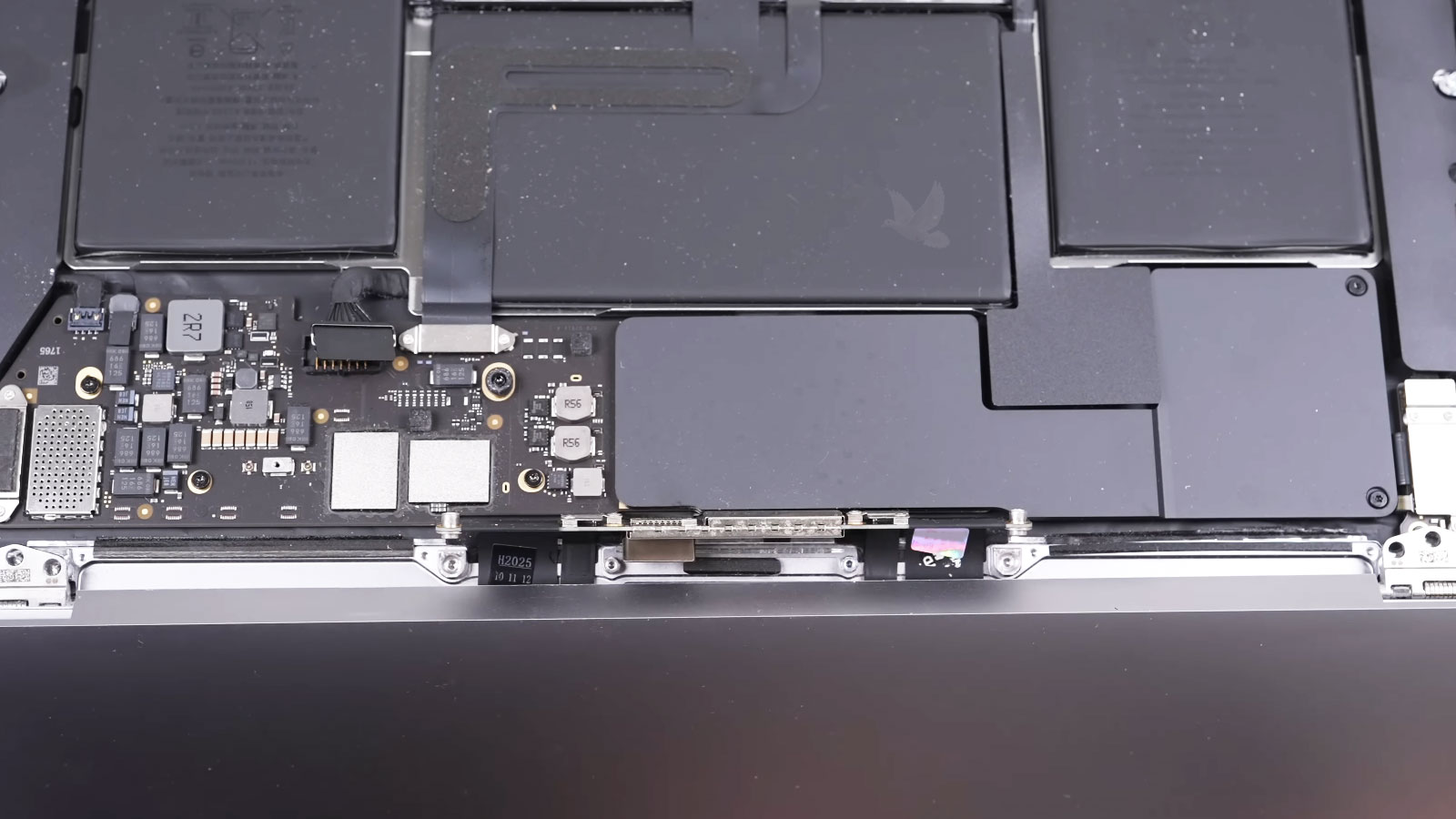
From Diagnosis to a Working Display
A Screen Repair Has to Fit the Mac Properly
A replacement display has to do more than produce a clear picture. It becomes part of the lid, hinge, cable, and enclosure system of the Mac, which means correct fit and installation are important to how the computer feels and operates after the repair.
The finished result should open, close, and hold its position normally without introducing unnecessary stress around the display or enclosure.
Know What the Screen Needs Before Moving Forward
A Mac display can represent a significant part of the computer, so the repair should make sense for both the condition of the screen and the particular Mac involved. Diagnosis provides the information needed to determine whether the display is actually responsible for the problem and what type of repair is appropriate.
Once the failure has been identified, the repair can be discussed based on the exact model, the required parts, the work involved, and the overall condition of the computer. That gives the owner a clear understanding of what is being repaired before deciding whether to proceed.
For physically damaged screens, the extent of the damage also matters. A Mac with an obvious cracked or broken display may have additional effects from the same impact that should be identified during inspection rather than discovered unexpectedly after the screen has already been replaced.
The goal is straightforward: establish what failed, determine the appropriate screen repair, and provide enough information for an informed decision before the work moves forward.
Get Your Mac Display Working Properly Again
A cracked, damaged, flickering, or malfunctioning Mac screen does not have to remain an unanswered problem. The first step is determining whether the display itself has failed and, if it has, identifying the repair that is appropriate for the exact Mac model.
Mac screen diagnosis, repair, and replacement are available for supported models with physical display damage or functional screen problems. Each repair is approached according to the condition of the computer and what testing shows rather than assuming that every display symptom requires the same solution.
If your Mac has a damaged screen or is no longer displaying an image correctly, it can be inspected to determine what has failed and what will be required to restore normal display operation.