
Data Recovery Services for Failed and Inaccessible Storage Devices
Losing access to important files can happen without warning. A computer may stop recognizing its drive, an external storage device may suddenly become unreadable, or files that were available moments earlier may no longer open or appear where they should.
Data recovery is the process of retrieving accessible information from storage devices that can no longer be used normally. The cause may involve a failing hard drive, damaged file system, corrupted storage, accidental deletion, or another problem that prevents the operating system from reaching the data correctly.
The first priority is protecting the information that may still be recoverable. Continued use of a failing or damaged device can sometimes make the situation worse, particularly when new information is being written to the same storage. Careful evaluation helps determine what happened, whether the device can still be accessed safely, and what recovery approach is appropriate.
Why Data Suddenly Becomes Inaccessible
Data loss does not always mean the files themselves are gone. In many cases, the information is still present on the storage device, but the computer can no longer reach it normally.
Each situation requires a different approach. A device that is physically failing should not be handled the same way as a healthy drive with deleted files, and a corrupted file system may require a different recovery method than a storage device that is no longer recognized at all.
The Type of Failure Determines the Recovery Approach
Two storage devices can show very similar symptoms while having completely different problems. Identifying whether the failure is logical, electronic, or physical helps determine how the device should be handled and which recovery methods can be used safely.
Logical Data Loss
Files may become inaccessible even when the storage device itself is still functioning. Deleted data, damaged partitions, corrupted file systems, formatting, and damaged directory structures can prevent normal access without necessarily involving a physical failure.
Electronic Failure
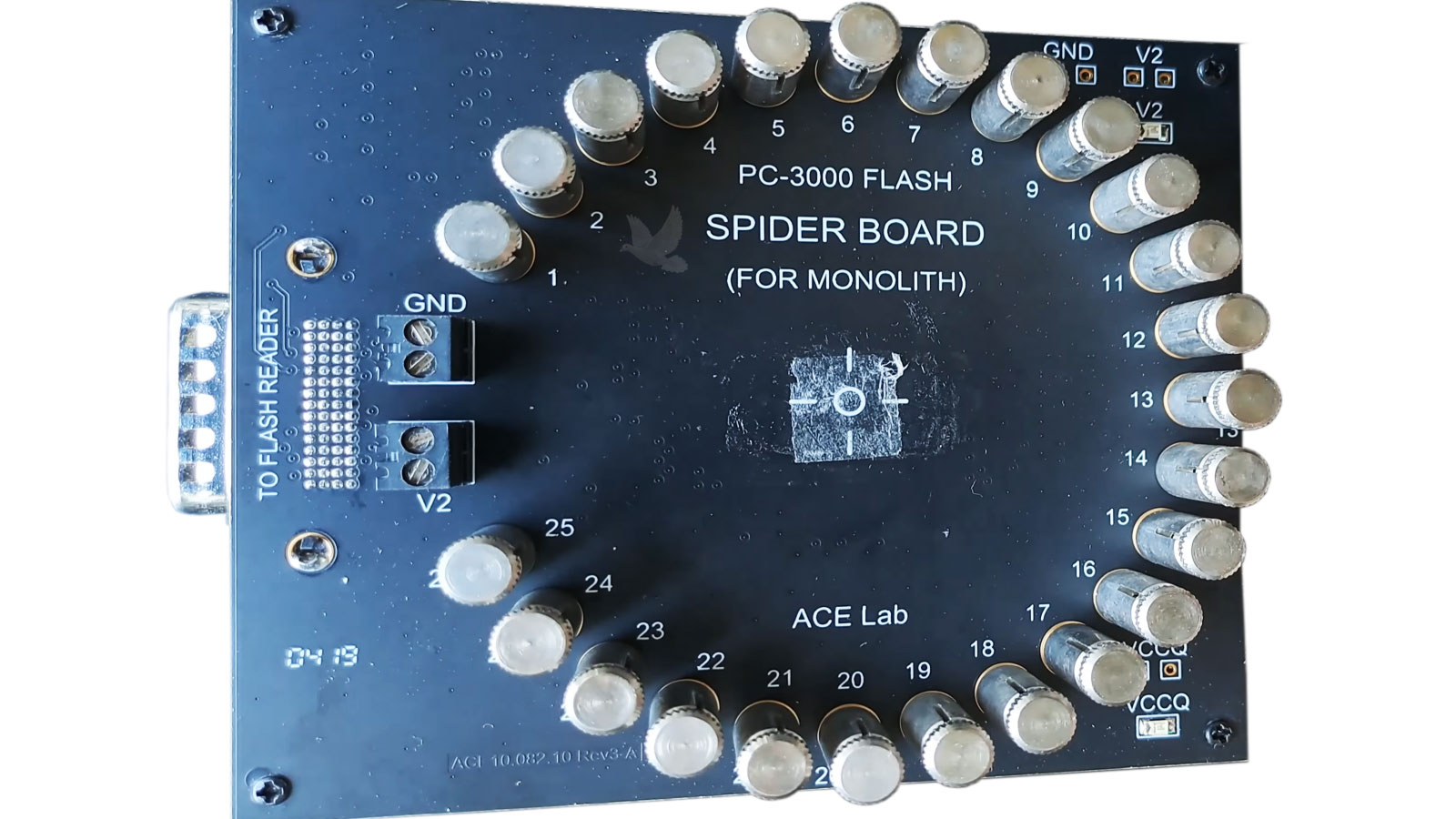
A storage device can stop communicating because of problems with its controller, circuit board, power components, connectors, or other electronics. In these cases, restoring safe communication with the device may be necessary before its data can be accessed.
Physical Failure
Mechanical damage and deterioration can prevent a storage device from operating normally. Unusual noises, repeated attempts to start, intermittent detection, or complete loss of access can indicate a condition where continued operation may place the stored data at greater risk.
Data Recovery From Different Storage Devices
Important files are stored on many different types of media, and each presents its own challenges when access is lost. The way data is stored, the components controlling the device, and the nature of the failure all influence how recovery should be approached.
Before attempting recovery, the storage device and its symptoms need to be considered together. A hard drive with mechanical problems, for example, presents a very different situation from a flash drive with a damaged connector or a solid-state drive that suddenly stops being detected.
What to Do When You Can No Longer Access Your Files
What happens after data becomes inaccessible can matter just as much as what caused the problem. When important files are involved, avoiding unnecessary changes to the storage device helps preserve its current condition until the problem can be properly evaluated.
How the Data Recovery Process Works
Recovery begins by understanding the condition of the storage device rather than immediately attempting to extract files. The steps that follow depend on what is preventing access and how safely the device can be operated.
The Files That Matter
The value of a storage device is often not the device itself, but the information stored on it. Personal files, business records, photographs, projects, and other irreplaceable data may represent years of work or memories that cannot simply be downloaded again.
What Determines Whether Data Can Be Recovered?
No data recovery situation has a guaranteed outcome. Two devices with similar symptoms can have very different levels of recoverable information depending on what failed, what happened afterward, and the condition of the stored data.
A device that has stopped working does not automatically mean its files are permanently lost. At the same time, restoring access to a device does not necessarily mean that every file will be intact. The actual condition of the underlying data is what ultimately determines what can be recovered.
This is why the device should be evaluated before conclusions are made about the result. Recovery is based on what can actually be read and reconstructed from the available information, not simply on whether the storage device can be powered on or recognized.
Factors That Can Affect the Result
When It Is Time to Consider Data Recovery
Not every file-access problem requires data recovery, but certain symptoms indicate that continuing to troubleshoot the storage device normally may not be the best approach. When the information is important and the device is behaving unpredictably, preserving its current condition becomes the priority.
A storage device that previously worked but no longer appears normally may have a logical, electronic, or physical problem. Repeatedly reconnecting or restarting it does not identify the cause and may be inappropriate if the device is failing.
A format or initialization prompt means the computer cannot use the storage structure normally. If important files are still on the device, recovery should be considered before accepting changes that can alter that structure.
Missing directories, corrupted files, unexpected errors, or inaccessible folders can indicate damage to the file system or stored information. Continued writing to the same device can further change what remains recoverable.
Storage that repeatedly appears and disappears, freezes during access, becomes extremely slow, or produces read errors may be unstable. These symptoms should be taken seriously when the files cannot be replaced.
Clicking, repeated spin-up attempts, grinding, or other abnormal sounds from a mechanical hard drive can indicate physical trouble. Continuing to operate a mechanically failing drive can increase the risk of additional damage.
Protect the Data Before Taking the Next Step
When important files become inaccessible, the safest next step is usually to avoid making unnecessary changes to the affected storage device. Preserving its current condition gives the best chance of evaluating the problem accurately and determining what recovery options remain available.
Whether the issue involves a hard drive, solid-state drive, flash storage, memory card, or external device, the goal is the same: recover as much usable information as possible while minimizing further risk to the original data.