
Mac Repair Services and Support
Macs have changed dramatically from one generation to the next, and the repair that makes sense for one model may be completely wrong for another. Intel-based Macs, Apple-silicon systems, all-in-one iMacs, compact Mac desktops, and different generations of MacBook hardware present their own construction, component, storage, power, and serviceability considerations. Effective Mac repair begins by understanding the machine in front of us, not by assuming every failure has the same solution.
We provide Mac repair in Miami for problems that range from replaceable hardware and damaged internal assemblies to failures that require considerably deeper electronic and technical work. When a complete assembly does not need to be replaced, the ability to investigate the failure further can open repair options that would otherwise be overlooked.
Mac Models We Service
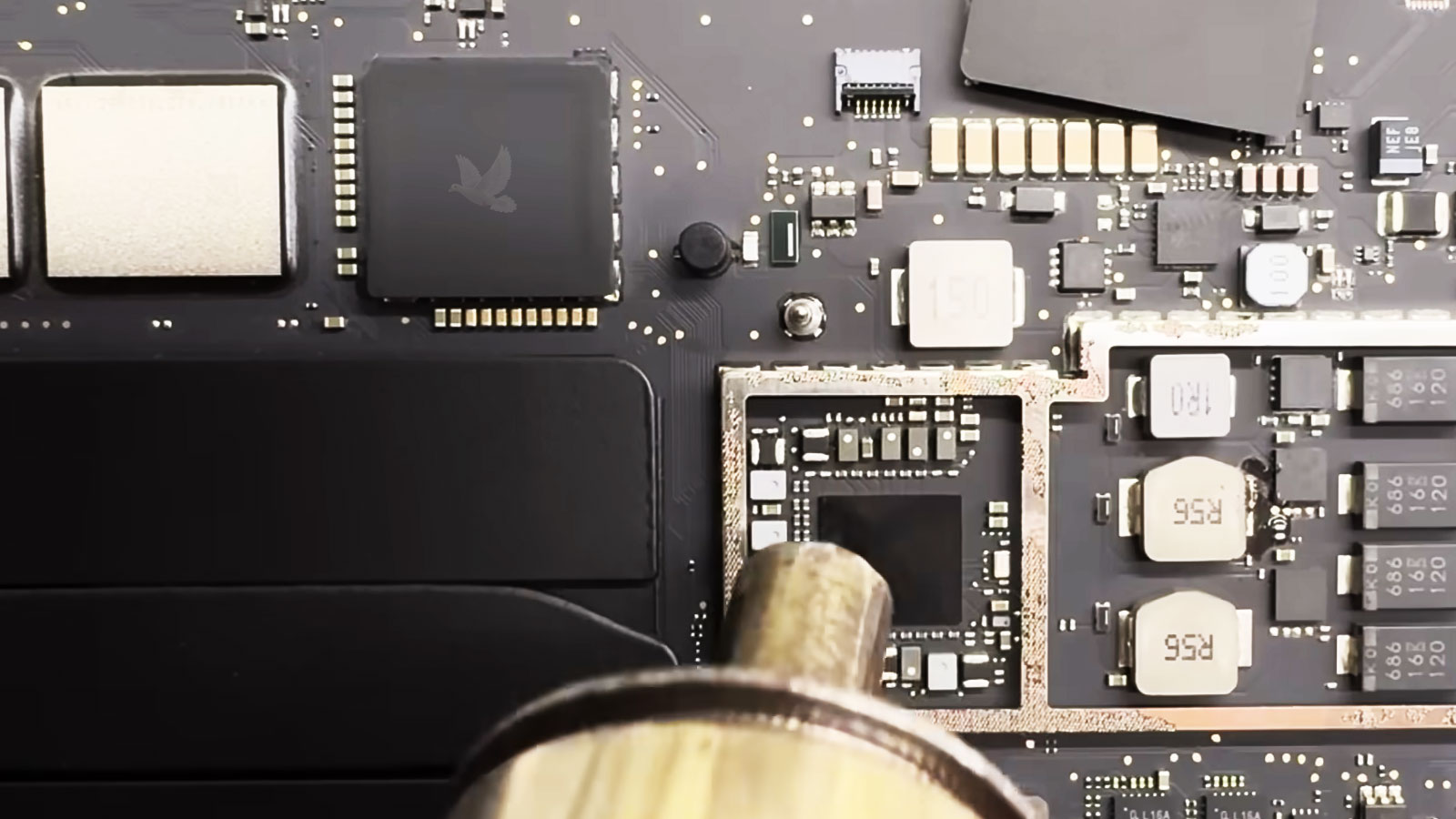
Mac hardware has evolved through many generations, from Intel-based systems to current Apple silicon designs. We service a broad range of Mac computers and evaluate each model according to its architecture, age, condition, available repair options, and the work it actually requires.
MacBook Pro
Intel and Apple silicon MacBook Pro models across multiple generations and screen sizes.
MacBook Air
Earlier Intel-based MacBook Air systems through current Apple silicon generations.
iMac
Intel and Apple silicon iMac models, including multiple generations of Apple’s all-in-one desktop platform.
Mac Desktops
Mac mini, Mac Studio, and Mac Pro systems across applicable generations and hardware configurations.
Mac Hardware Repair
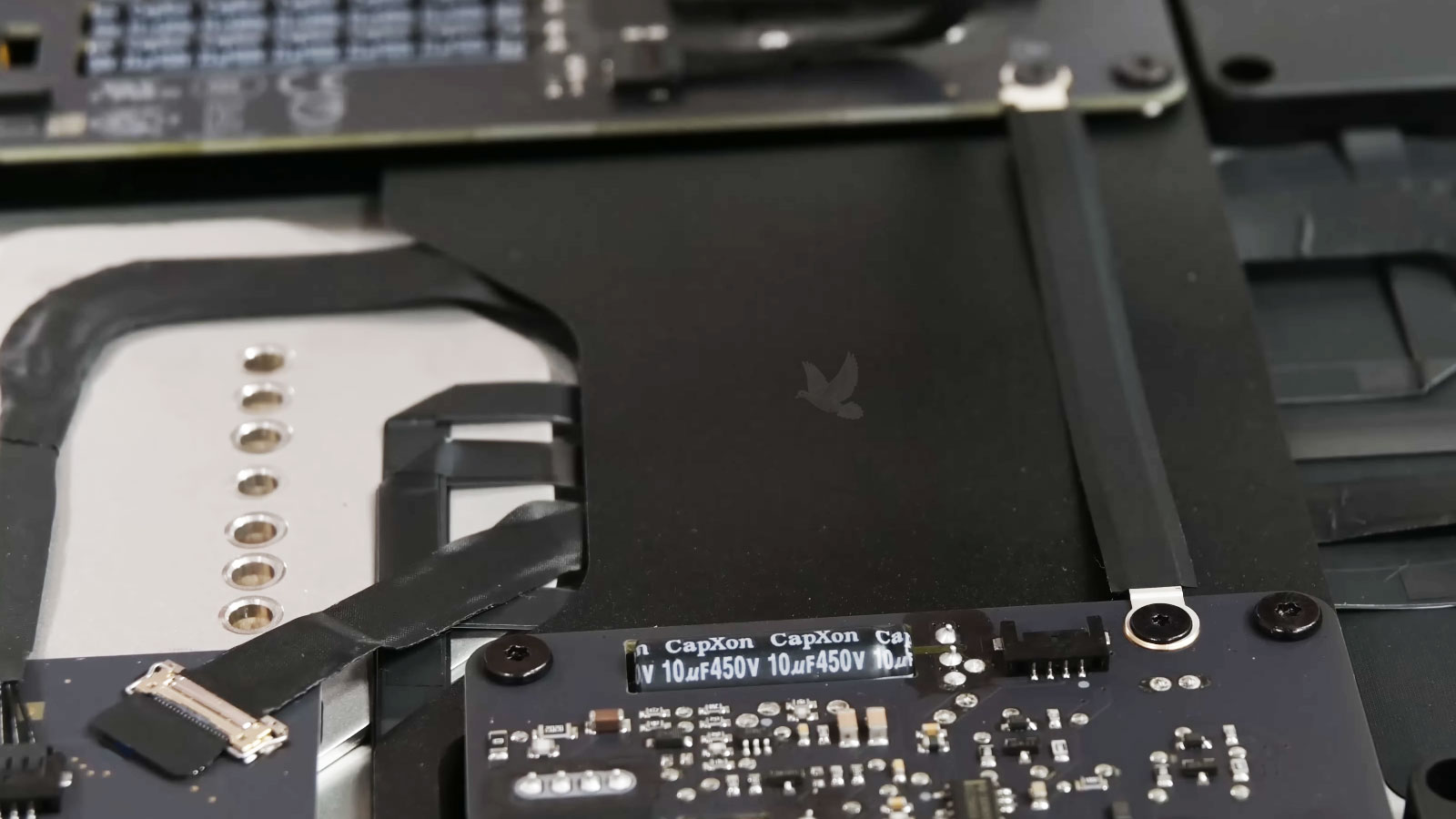
Physical hardware failures can affect nearly every part of a Mac, from the components you interact with every day to assemblies buried deep inside the system. Displays, keyboards, batteries, cooling systems, ports, speakers, cameras, internal cables, storage hardware, power components, and other assemblies can fail through wear, impact, heat, electrical problems, or simple component failure.
The appropriate repair depends heavily on the model and generation. Some Mac components can be serviced or replaced individually, while others are integrated into larger assemblies or the logic board itself. Before replacing major hardware, we determine what part of the system is actually responsible and whether a more targeted repair is practical.
Mac Logic Board & Component-Level Repair
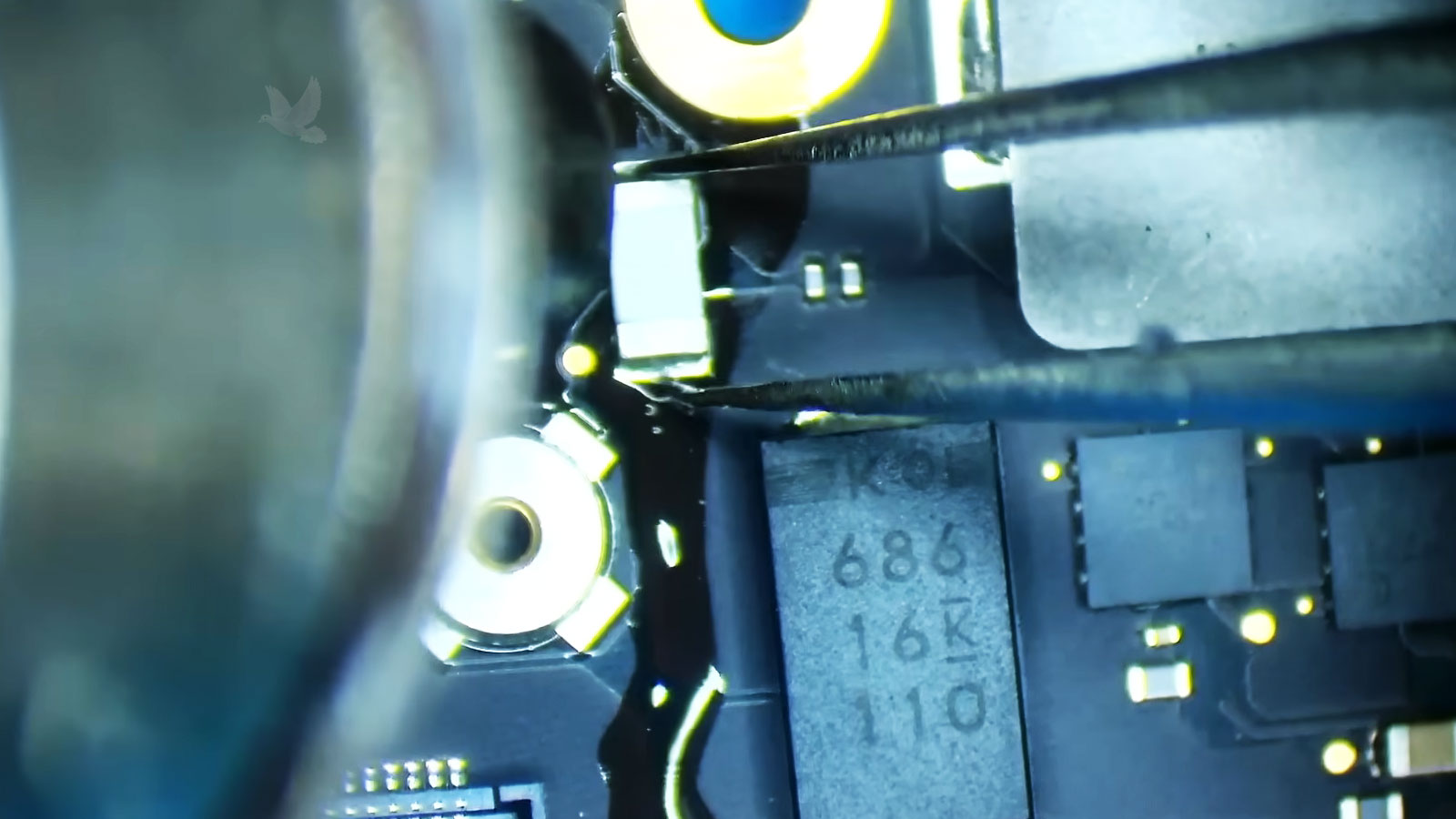
A logic board failure does not automatically mean the entire board has to be replaced. When the fault can be isolated to a damaged circuit, connector, trace, power section, or individual electronic component, board-level repair may provide a more practical solution. This type of work requires the failure to be investigated at the electronic level rather than treating the logic board as a single replaceable part.
Repairing the Failure at Board Level
Component-level troubleshooting can involve electrical measurements, circuit analysis, schematic and board-level information where applicable, microscopic inspection, and controlled testing to identify where a failure originates. The objective is to narrow the problem to the affected area before components are removed or repair work begins.
Depending on the failure, repair may involve damaged or shorted components, compromised traces or pads, failed connectors, power-delivery sections, charging circuitry, corrosion-damaged areas, or other faults affecting the operation of the logic board. Microsoldering techniques allow work to be performed on components and connections that cannot be serviced using ordinary replacement methods.
Board replacement is not always the only repair option.
Mac Power, Startup & Boot Failures
A Mac that will not start normally can fail at very different points in the process. Some systems show no response at all, while others power on but never reach macOS, restart repeatedly, shut down unexpectedly, remain on a blank screen, or stop at a startup symbol or recovery screen.
In other cases, the Mac may begin the startup process normally and then freeze, restart, or become unresponsive before the desktop is reached. The point at which normal operation stops is an important part of understanding the failure and determining what needs to be examined next.
Intermittent startup problems can be particularly important to evaluate carefully because the Mac may appear to work normally after several attempts or operate for a period before the failure returns. A successful startup does not necessarily mean the underlying problem has disappeared, especially when the same machine has already shown repeated power, shutdown, or startup irregularities.
Where the Startup Process Breaks Matters
The behavior that occurs before and during startup provides important information about where the problem may exist. A machine with no response presents a different diagnostic path from one that powers on but produces no usable display, and both are different from a Mac that reaches the Apple logo before restarting or failing to load the operating system.
Instead of treating every no-start condition as the same failure, we evaluate how far the Mac progresses, what functions are present, whether the behavior is consistent, and what changes when the system is tested under different conditions. This helps separate failures that may look similar to the customer but require very different repairs.
Mac Firmware, Recovery & macOS Startup
Not every Mac that fails to load correctly has a conventional hardware failure. Firmware, recovery environments, operating-system corruption, failed updates, startup configuration, and storage-related system problems can interrupt normal operation even when much of the underlying hardware remains functional. Identifying that distinction can prevent a software or system-level failure from being mistaken for a hardware problem.
Firmware and Recovery Problems
Firmware participates in the earliest stages of bringing a Mac into an operational state, before the normal macOS environment becomes available. Problems at this level can interfere with startup, recovery, updates, restoration, or the system’s ability to reach a usable operating environment.
The available recovery path also depends on the Mac generation and architecture. Intel-based Macs and Apple silicon systems do not handle every recovery situation in the same way, making it important to identify the model and the condition of the system before attempting restoration or other corrective work.
When macOS Cannot Start Normally
macOS can become unbootable or unstable because of damaged system files, unsuccessful installations, incompatible changes, storage-related corruption, or other problems within the operating environment. The appropriate solution may involve repairing the existing installation, using recovery tools, reinstalling macOS, or restoring the system through another supported method.
Before destructive recovery work is performed, the condition of the Mac and the importance of its existing information should be considered. Reinstalling or erasing a system may make a computer operational again, but restoring operation and preserving what is already stored on the machine are not always the same objective.
Recovery work should also account for how the Mac was configured before the failure occurred. User accounts, applications, system settings, external devices, security features, and previous upgrades can all affect what happens after macOS is repaired or restored. The objective is not simply to reach the desktop again, but to return the system to a stable and usable operating condition whenever practical.
Mac Liquid Damage & Corrosion Repair
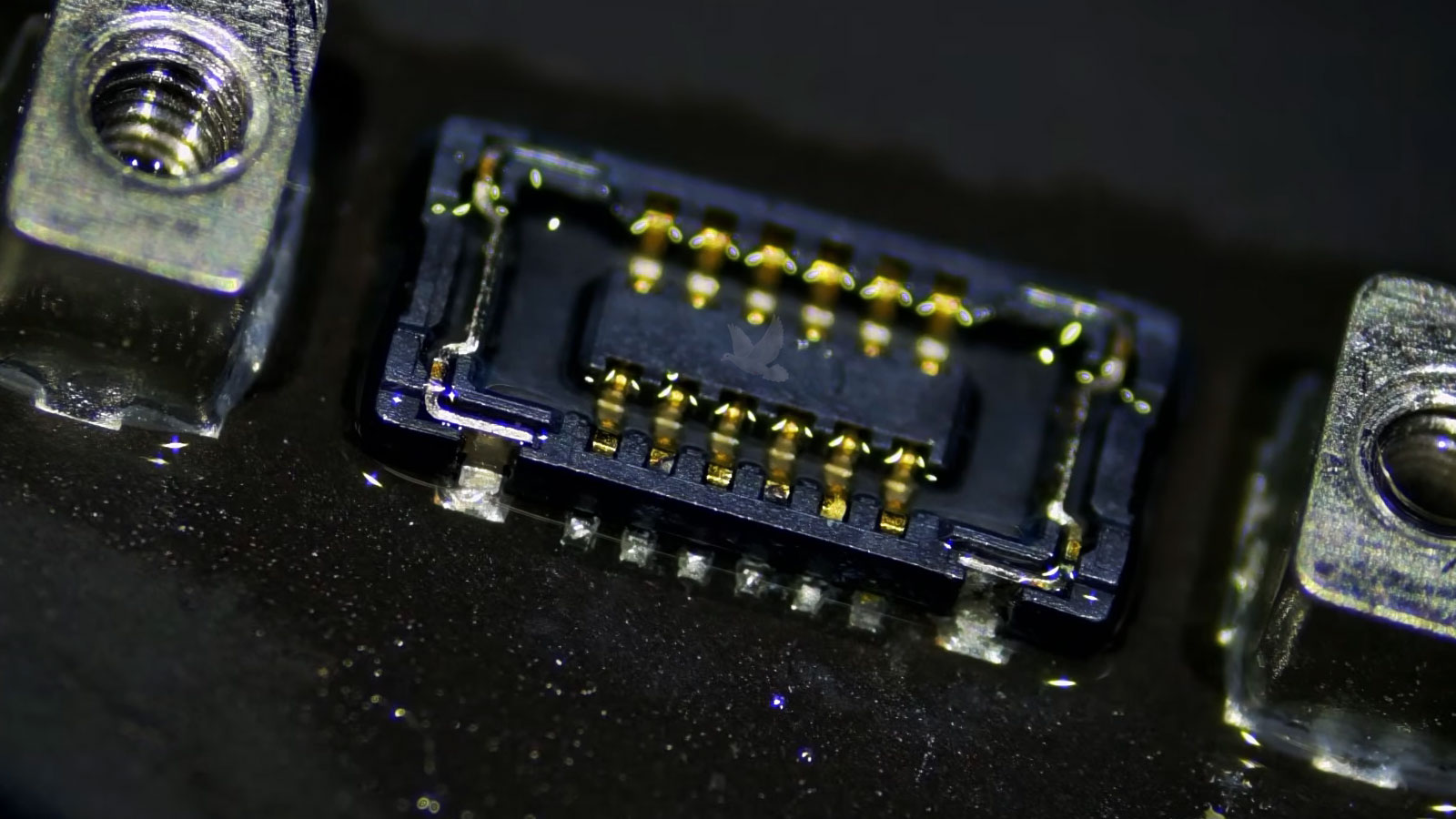
Liquid exposure can affect much more than the area where a spill first occurred. Once moisture enters a Mac, it can travel beneath components, through connectors, along cables, and into areas that are not visible from the outside. A machine may stop working immediately, develop only one obvious problem, or continue operating temporarily while contamination remains inside.
The condition can also change after the original incident. Residue and corrosion may continue affecting electrical connections and exposed conductive surfaces after the Mac appears dry, which means a machine that initially survives the spill can develop additional problems later. For that reason, the condition of the internal hardware matters more than whether the exterior has simply dried.
Liquid-damage service begins by determining where the exposure reached and which parts of the Mac were actually affected. The objective is to distinguish repairable damage from components or assemblies that genuinely require replacement, while also considering whether the extent of the damage makes continued repair practical.
A Mac can be dry on the outside while damage continues inside.
Mac Cooling, Thermal Performance & Reliability
Heat management is part of normal Mac operation, but a system that can no longer control temperature properly may behave very differently under sustained use. Excessive fan activity, reduced performance, unusual heat, instability, or shutdowns under demanding workloads can indicate that the cooling system or the conditions surrounding it need to be evaluated.
When Heat Begins Affecting the Mac
Thermal problems are not defined by temperature alone. A Mac may become warm during demanding work and still be operating normally, while another system may reduce performance or become unstable because heat is not being transferred or removed as intended. The important question is how the machine behaves as temperature and workload change.
Cooling performance can be affected by airflow restrictions, accumulated contamination, fan problems, deteriorated thermal interfaces, previous repair work, or faults that cause components to operate outside their normal conditions. The correct service depends on what is actually preventing the system from maintaining stable operation.
Testing the Mac under appropriate workloads can help determine whether the problem appears only after temperature rises, whether performance changes under sustained demand, and whether the machine remains stable once normal operating conditions are restored. It can also reveal behavior that may never appear during a brief startup or idle test, particularly when the failure develops gradually as the system remains under load. Comparing how the Mac behaves before, during, and after those conditions provides a much clearer picture of whether temperature is actually contributing to the problem.
Signs Worth Evaluating
These symptoms do not automatically identify the failed part. They indicate that the relationship between workload, temperature, cooling, and system stability needs to be examined.
Mac Storage Failure, Data & Preservation
When a Mac contains important files, the objective is not always as simple as getting the computer to start again. Photos, business records, creative projects, application data, user profiles, and other difficult-to-replace information can make preservation an important part of deciding how the machine should be handled.
Storage architecture also varies considerably between Mac generations. Some systems use removable or separately serviceable storage, while others integrate storage much more closely with the computer’s main hardware. Those differences can affect both the available repair options and what should be considered before work that could alter or erase existing information is performed.
For that reason, the condition and importance of the existing data should be established before choosing a repair or recovery path whenever preservation is a concern. Restoring the Mac to operation and protecting what is stored on it can be related goals, but they are not necessarily the same job.
The history of the Mac can also influence that decision. Previous storage problems, interrupted upgrades, earlier repairs, unexpected shutdowns, or changes made before the failure may provide useful context when determining what happened and which approach carries the least unnecessary risk to the existing information.
When the Information Matters as Much as the Mac
Storage-related problems can appear as missing volumes, startup failures, read or write errors, severe performance problems, inaccessible user data, corrupted file systems, or a Mac that no longer recognizes its storage normally. Before assuming the storage device itself has failed, the condition has to be separated from other hardware or system problems capable of producing similar behavior.
When existing information is important, unnecessary writes, erasure, reinstallation, or replacement can change the situation permanently. The repair plan should therefore account for whether the priority is restoring normal operation, preserving the existing environment, recovering accessible information, or some combination of those objectives.
Not every storage failure can be resolved through ordinary repair, and not every damaged system presents the same recovery possibilities. When specialized recovery beyond the practical scope of the repair is required, that distinction should be identified before additional work reduces the remaining options.
Is This Mac Worth Repairing?
A repair being technically possible does not automatically mean it is the best investment. The decision should consider the Mac as a complete machine, its generation, condition, capabilities, remaining usefulness, repair cost, and what the owner expects from it after the work is completed.
Age & Generation
The generation of the Mac affects compatibility, available repair options, parts availability, and how much useful service life can reasonably be expected after the repair.
Overall Condition
One isolated failure is very different from a machine with extensive wear, previous damage, multiple problems, or a history of repairs that may influence its long-term reliability.
What You Need From It
A Mac that still meets the owner’s workload may be worth preserving, while a system that has already become inadequate for the software or performance required may justify a different decision.
Repair Cost & Value
The cost of the proposed repair should make sense in relation to the condition and usefulness of the machine, not simply whether the repair can technically be performed.
How We Approach a Mac Repair
A successful repair involves more than correcting the first symptom that appears. The process begins with understanding the condition of the Mac and continues through selecting the appropriate repair path, completing the work, and verifying that the original problem has actually been resolved.
The repair is complete when the problem has been addressed, not merely when the Mac turns on.
Mac Repair Miami Frequently Asked Questions
Questions about Mac repair, service options, older models, repairability, and what to expect before bringing your Mac in for service.
Contact us and tell us which Mac you have and what problem you are experiencing. We can discuss the situation, determine the appropriate next step, and arrange the service based on the condition of the machine and the type of repair involved.
Yes. We service Mac computers across multiple generations, including Intel-based systems and Apple silicon models. The available repair options depend on the specific model, architecture, condition, and type of failure, so each Mac is evaluated according to the hardware actually involved.
Yes, older Macs can still be evaluated for repair. Age alone does not determine whether a repair makes sense. Parts availability, overall condition, compatibility, expected future use, and the cost of the required work all help determine whether repairing an older Mac is practical.
Yes. A Mac with no power or no normal startup can be evaluated to determine where the failure is occurring. Similar symptoms can originate from very different problems, so the appropriate repair depends on what testing reveals rather than the symptom alone.
In many cases, yes, but the result depends on where the liquid reached and how much damage occurred. Liquid exposure can affect multiple areas of a Mac, and corrosion or contamination may continue causing problems after the exterior appears dry. An internal evaluation is needed to determine the practical repair options.
We perform both conventional hardware service and more advanced electronic repair when appropriate. Some failures can be addressed through component-level and microsoldering work rather than automatically replacing a complete assembly.
No. Some logic board failures can be diagnosed and repaired at the component level rather than replacing the complete board. Whether that is possible depends on the nature and extent of the failure.
Not necessarily, but some recovery procedures can alter or erase existing information. If the files or existing system environment are important, that should be considered before destructive recovery, reinstallation, or storage-related work is performed.
Repair time depends on the failure, the amount of diagnostic work required, parts availability, and the type of repair being performed. Straightforward repairs may require considerably less time than intermittent, board-level, liquid-damage, or other technically involved cases.
That depends on more than the age of the computer. The Mac’s generation, overall condition, repair cost, remaining usefulness, available parts, and what you need from the machine should all be considered before deciding whether repair or replacement makes better sense.
Need Help With Your Mac?
Whether the problem is straightforward or requires deeper investigation, the next step is to have the Mac properly evaluated. Contact us to discuss what is happening with your system and determine the appropriate service for your Mac.
Mac repair is available for home users, professionals, and businesses throughout the Miami area.