
When a Computer Starts Behaving Differently
Computers rarely go from working perfectly to completely unusable without something changing along the way. A slower startup, an occasional freeze, a fan that runs more often, a battery that no longer behaves normally, or a connection that has become unreliable can all be early indications that something inside the system has changed.
The important question is not simply whether the computer still works. It is whether it works the same way it did before.
Changes Worth Paying Attention To
A computer may deserve a closer look when:
- startup or shutdown takes noticeably longer than before;
- programs begin freezing or closing unexpectedly;
- the computer becomes unusually hot during ordinary use;
- charging, USB, display, or network connections become intermittent;
- unfamiliar noises appear during operation;
- the same error or unusual behavior keeps returning.
A single occurrence may mean very little. A repeated change in normal behavior is more useful because it establishes a pattern that can be investigated.
The Same Symptom Can Point in Different Directions
A symptom describes what the computer is doing, but it does not automatically identify the part or system responsible. Two computers can appear to have the same problem while requiring completely different testing once the behavior is examined more closely.
Computer Feels Slow
Long startup times, delayed applications, or sluggish response.Several Causes Can Look Similar
Storage problems, limited memory, excessive background activity, overheating, operating-system issues, or a deteriorating component can all produce a computer that simply feels slower than it used to.
Computer Shuts Down
The machine suddenly turns off or restarts without warning.The Shutdown Is Only the Symptom
Heat, unstable power, memory faults, motherboard problems, firmware behavior, or another hardware condition can interrupt normal operation. The circumstances surrounding the shutdown help narrow the possibilities.
Device Will Not Connect
Wi-Fi, USB, Bluetooth, displays, or other devices stop communicating normally.The Connection Has More Than One Side
The problem may involve software configuration, a driver, the peripheral itself, a damaged port, a cable, an internal controller, or another part of the communication path.
Finding the cause means moving beyond the label of the symptom and identifying what changes when the computer is tested under different conditions.
What Happens Just Before the Problem Can Be Important
A computer problem often becomes more understandable when attention shifts from the failure itself to the moments immediately before it. A freeze after opening a particular program, a restart shortly after connecting power, or a display problem that appears only after waking from sleep can each point toward a different area of the system.
The order of events can matter because computers change operating states constantly. Power demand rises and falls, memory usage changes, storage becomes active, temperatures increase, devices connect and disconnect, and the operating system moves between sleep, startup, shutdown, and active use.
A useful description therefore includes not only what happened, but also what the computer was doing just before it happened.
The step immediately before the failure can sometimes be more informative than the failure itself.

Software and Hardware Problems Do Not Always Stay Separate
Some computer problems cross the boundary between software and hardware. An operating system may report an error because a physical component is responding incorrectly, while a perfectly healthy component can appear defective when software, firmware, or configuration prevents it from operating normally.
Intermittent Problems Can Come From Partial Failures
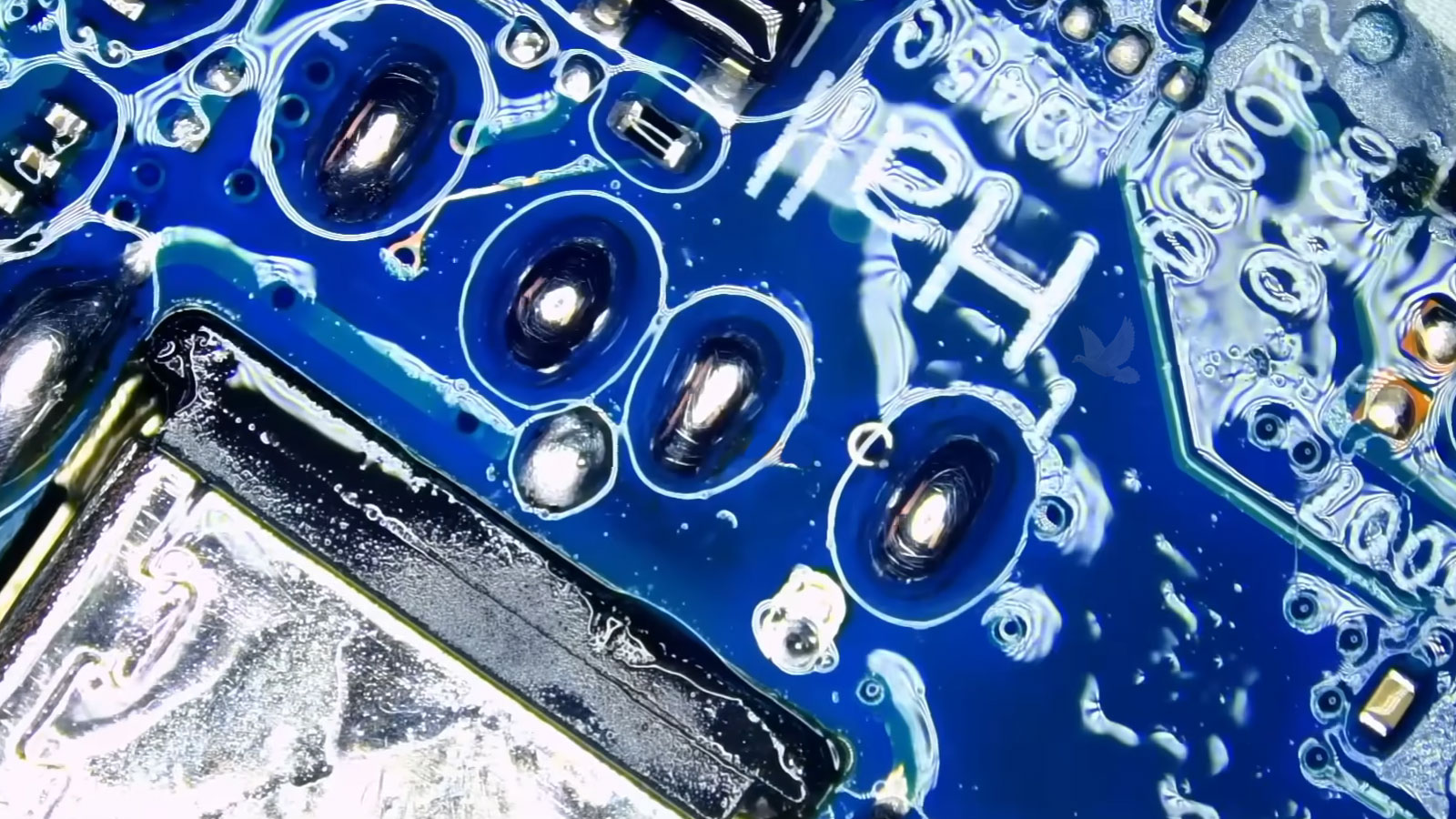
A connection or component does not always fail all at once. Electrical contact can become inconsistent, a solder joint can weaken, a connector can loosen, or a component can behave normally until temperature, movement, or electrical load changes.
The progression does not prove which component is responsible, but it can show that an intermittent problem is becoming less intermittent.
Some Failures Exist Below the Replaceable-Part Level
A computer can have a fault that is not contained within a removable drive, memory module, battery, fan, or other easily exchanged component. Power circuits, charging sections, controllers, connectors, and other parts of the motherboard can develop problems of their own.
When testing points to the circuit board, the next question becomes more specific: which part of the electrical path is no longer behaving normally?
Instead of replacing an entire board immediately, component-level diagnosis can sometimes identify a damaged connector, failed semiconductor, defective power component, compromised solder connection, or another localized fault.
Microsoldering, circuit-level repair, and firmware work become relevant only when the diagnosis actually leads there. They are not substitutes for determining the cause first.
A Repair Decision Involves More Than the Failed Part
Once the cause of a problem has been identified, the condition of the rest of the computer becomes important. A repair that makes sense for an otherwise dependable machine may deserve a different evaluation when several unrelated components are already deteriorating.
Not by itself. Age provides context, but overall condition matters more. An older computer that has been dependable and still meets its owner’s needs can present a very different decision from one that already has several unrelated problems.
The faults should be considered together rather than as isolated repairs. A damaged charging connection may be repairable, for example, but an unhealthy battery, deteriorating storage, and unrelated display problems can change whether additional work is sensible.
Not necessarily. The purpose of the machine matters. A computer used primarily at a desk may remain useful despite a weak battery, while the same battery condition could be a serious limitation for someone who depends on portability.
Yes. Sometimes restoring operation is important because files, specialized software, settings, or another difficult-to-reproduce working environment remain on the computer. In other situations, protecting or recovering the data may be more important than returning the original machine to everyday use.
The useful question is not simply whether a fault can be repaired. It is what the computer will be like after the repair is completed.
Pickup and Return
Available within Miami at no additional charge.
Hands-On Diagnosis Does Not Have to Begin With a Trip Across Town
Some problems can be discussed or addressed remotely, but physical faults require access to the computer itself. Intermittent power problems, damaged connectors, internal hardware failures, overheating, and circuit-level faults are examples where the machine may need to be examined directly.
For North Bay Village residents, free pickup and return is available within Miami, allowing the computer to be brought in for hands-on diagnosis and returned after the work is completed.
Remote assistance can still make sense when the problem can be handled without physical access to the machine. The appropriate approach depends on what the symptoms require rather than forcing every problem into the same type of service.
You Do Not Need to Diagnose the Computer Before Asking for Help
A useful starting point can be surprisingly simple: what changed, when it started, and what the computer does now. It is not necessary to determine whether the cause is software, firmware, a failing component, or something happening on the circuit board before requesting service.
Computer problems in North Bay Village can be evaluated from the symptoms first. From there, testing can establish what is actually happening and whether the next step should involve remote assistance, hands-on diagnosis, hardware work, or a different course of action.