
One Failed Function Does Not Mean the Whole Computer Has Failed
A computer can continue starting, running programs, connecting to the internet, and accessing files even while one important function has stopped working. A failed keyboard, damaged port, blank display, charging problem, missing audio, or unreliable touchpad can make an otherwise usable machine difficult or impossible to work with.
These failures do not all point to the same type of repair. A function can depend on the device itself, its cable or connector, supporting circuitry, firmware, drivers, power delivery, or communication with other hardware inside the computer.
That distinction matters because replacing the most obvious part is not always enough. A display problem, for example, may involve the panel, cable, connector, backlight circuitry, graphics hardware, or another part of the signal path. The visible symptom tells us what stopped working, but not automatically which piece caused it.
For computer repair in Virginia Gardens, localized failures can be evaluated without assuming that the entire computer needs major repair or replacement. The important question is which part of the function has actually been lost and what remains working normally around it.
One Function, Several Possible Causes
The part that appears to have failed may be only one point in a larger path that allows that function to work.
The Problem May Be in the Device, the Connection, the Circuit, or the Control
A computer function usually depends on several parts working together. When that function disappears, the failure may be at the visible device itself or somewhere earlier in the chain that supports it.
The Device Itself
A keyboard, display panel, camera, speaker, fan, touchpad, storage device, or other component can fail internally even when the rest of the system continues operating normally.
The Physical Connection
Cables, sockets, connectors, contacts, and soldered attachment points can interrupt communication or power between otherwise functional components.
Supporting Circuitry
A device may be good while the circuit responsible for powering, enabling, protecting, or communicating with it has failed somewhere on the board.
Control & Communication
Drivers, firmware, embedded controllers, configuration, or communication between components can prevent hardware from operating even when no obvious physical damage is visible.
When Replacing the Obvious Part May Not Be Enough
Sometimes the Replacement Part Proves the Problem Is Somewhere Else
Replacing a suspected component can sometimes provide information beyond whether that particular part was defective. If a known-good replacement produces exactly the same symptom, attention has to move beyond the component itself.
The next point in the path may be a cable, connector, socket, damaged contact, board connection, supporting circuit, or another part responsible for allowing the device to operate. What initially looked like a straightforward parts replacement can therefore become a more detailed hardware investigation.
This is particularly important when several components participate in the same function. A keyboard may rely on an internal cable and connector before its signals ever reach the circuitry that interprets them. A display depends on more than the panel. A charging port is only the entry point to a larger charging system.
In those situations, continuing to substitute parts without establishing where the function is being interrupted can add cost without resolving the failure. Testing the relevant connections and hardware path provides a more useful direction than assuming the newest replacement must somehow also be defective.
A Connection Does Not Have to Be Completely Broken to Cause Problems
Connectors and their surrounding attachment points are subjected to more stress than many other areas inside a computer. Cables are inserted and removed, ports experience repeated external pressure, and internal connections can be affected by movement, previous disassembly, heat, or ordinary mechanical wear.
A connection can also remain partially functional. Bent contacts, weakened solder joints, damaged sockets, loose cables, or worn contact surfaces may allow a device to work in one position and fail in another. The resulting symptom can appear intermittent even though the affected component itself is still capable of operating.
External ports create another possibility because the visible opening is only part of the assembly. USB, charging, video, and other ports depend on physical contacts as well as secure attachment to the board. Damage at those points can affect power, data, or both.
Internal connectors require the same kind of distinction. A cable that appears properly installed may still have damaged conductors, poor contact, or a problem at the board-side connector. Inspection therefore has to include the connection itself rather than stopping at whether the cable appears to be plugged in.
When the failure is confined to a connector, socket, cable, or its attachment area, repairing that specific point can preserve the surrounding hardware instead of replacing a larger assembly unnecessarily.
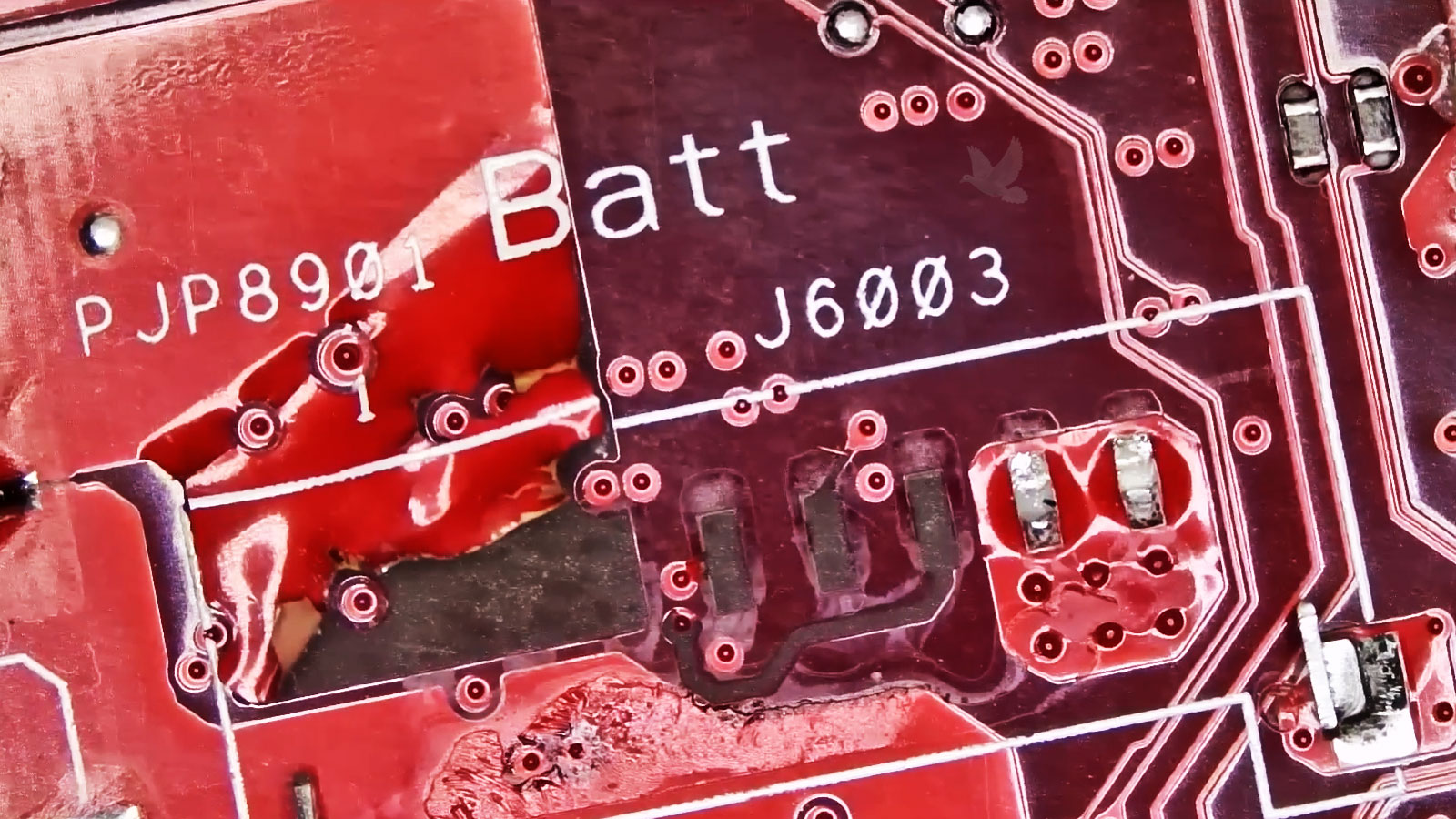
A connection can be present physically and still fail electrically or mechanically.
Everything Still Fits?
Not necessarily.Mechanical Position Matters
A shifted bracket, damaged mounting point, loose hinge, bent frame, or displaced internal assembly can change how components and connections line up even when those parts have not failed electronically.
Sometimes the Failure Is Mechanical Before It Is Electronic
Computers depend on physical structure as well as electronics. Screws, brackets, hinges, frames, mounting points, and internal supports keep components positioned correctly and protect connections from movement they were never designed to absorb.
When that structure changes, the effects can spread beyond the visibly damaged area. A loose or broken hinge can place additional stress on a display cable. A damaged laptop frame can change the alignment of a charging or USB port. Missing or damaged mounting points can allow a board or internal assembly to move when pressure is applied to the computer.
Mechanical damage can also explain why a symptom appears only during movement. Opening the display, pressing near a port, picking up the computer, or changing its position may temporarily alter a stressed connection or component alignment.
This is why restoring the electronic function alone may not always complete the repair. If the structure responsible for supporting that area remains damaged, the repaired connection or replacement component can continue to experience the same physical stress.
The mechanical condition of the surrounding assembly therefore becomes part of the repair whenever it affects how the hardware is positioned, supported, or protected.
Detected Hardware Is Not Always Working Hardware
A computer can identify a piece of hardware and still be unable to use it properly. The device may appear in the operating system, firmware, or hardware information while producing errors, losing functionality, operating with limited features, or behaving inconsistently.
Drivers are one part of that relationship. An incorrect, damaged, incompatible, or incomplete driver can prevent the operating system from communicating with hardware as intended. This can become noticeable after an operating system change, driver update, hardware replacement, or software installation.
Firmware and configuration can create a different kind of limitation. Certain devices depend on settings, initialization, or firmware-level communication before the operating system ever begins controlling them. A problem at that stage may make functional hardware appear unavailable or defective.
This distinction can prevent unnecessary parts replacement. When the hardware is communicating but not functioning correctly, its software and firmware relationship deserves attention before concluding that the physical device itself has failed.
Different Layers, Different Questions
The Same Failed Function Does Not Affect Everyone the Same Way
A hardware problem becomes important because of what it prevents the computer from doing. The same failed feature can be a minor inconvenience for one person and the reason another person cannot use the computer at all.
A damaged built-in keyboard may be temporarily manageable at a desk with an external keyboard, but that workaround changes completely when the laptop needs to remain portable. A failed camera may have little effect on one computer while making another unsuitable for daily video meetings. A damaged USB or video port can become critical when that connection is required for specialized equipment or an external display.
Understanding that practical impact helps determine what needs to be restored rather than treating every defect as though it carries the same priority. It can also help distinguish between a reasonable temporary workaround and something that interferes with the computer’s normal purpose.
The completed repair should therefore be judged by more than whether the machine turns on. The function that mattered should once again work in the way the computer needs to be used.
Portability
A workaround that depends on additional equipment may not be practical for a computer that regularly travels.
Daily Work
Cameras, keyboards, displays, audio, and connections can be essential when they are part of the user’s normal workflow.
Connected Equipment
A particular port or hardware function may matter because another device depends on it to complete the computer’s job.
Keep the Computer. Fix What Stopped Working.
A failed screen, keyboard, port, camera, charging function, or internal connection does not automatically make the rest of the computer disposable.
If the machine still does what you need except for the function that failed, repairing that specific problem may be all that stands between an inconvenient computer and a useful one again.