
From the First Warning Sign to the Source of the Failure
A computer problem can interrupt something as simple as checking email or something as important as finishing work, accessing records, managing a business, or retrieving files that are needed immediately.
The first priority is understanding what has actually stopped working. A slow computer, a machine that will not start, an application that repeatedly crashes, or a laptop that suddenly loses power can each point in several directions. Treating the visible symptom without understanding its cause can lead to unnecessary repairs and leave the original problem unresolved.
Computer problems in Golden Beach can involve everyday software issues, replaceable hardware, or failures that require much deeper electrical investigation. The appropriate response depends on what the machine is doing and what testing reveals.
The Machine Itself
A computer that will not start, charge, display an image, recognize hardware, or remain stable may require hands-on diagnosis before the cause becomes clear.
The System and Software
Operating system problems, applications, drivers, configuration errors, unwanted software, and other software-related faults can sometimes be corrected without replacing hardware.
What Is Happening Inside
When ordinary troubleshooting does not explain the failure, motherboard circuitry, firmware, connectors, power delivery, or individual electronic components may need closer investigation.
A Computer Problem Rarely Happens at a Convenient Time
A failure can appear in the middle of work, while preparing something important, or when a computer has been operating normally for months. In those moments, the immediate temptation is often to restart it repeatedly, search for a quick fix, or begin changing settings without knowing whether the problem is actually related to software.
Before making major changes, it helps to pay attention to what happened immediately before the failure. A new sound, an unusually hot computer, a recent update, a power interruption, a liquid spill, or a warning that appeared only once can provide useful information later.
What happened before the problem can be just as useful as what the computer is doing now.

For a home office, personal computer, or business system in Golden Beach, preserving those details can make troubleshooting more focused and reduce unnecessary trial and error.
A Few Decisions Can Protect the Computer Before It Is Examined
What happens after a computer begins failing can affect both the diagnosis and the condition of the machine. Some problems tolerate normal troubleshooting attempts. Others are better left alone until the cause is understood, particularly when there are signs of electrical damage, storage trouble, overheating, or liquid exposure.
Sometimes the Best Next Step Is to Stop
If liquid entered the computer, there is a burning smell, the machine becomes abnormally hot, a storage device is making unusual mechanical sounds, or power repeatedly cuts in and out, continuing to turn the computer on may make the situation harder to evaluate.
In those cases, the objective is not to see how many times the machine can be restarted. It is to avoid adding another problem before the existing one is understood.
The Symptom Does Not Always Identify the Failed Part
Two computers can behave almost identically while suffering from completely different problems. A black screen does not automatically mean the display has failed, and a computer that will not turn on does not necessarily need a new motherboard. Diagnosis becomes more useful when the symptom is treated as evidence rather than the final answer.
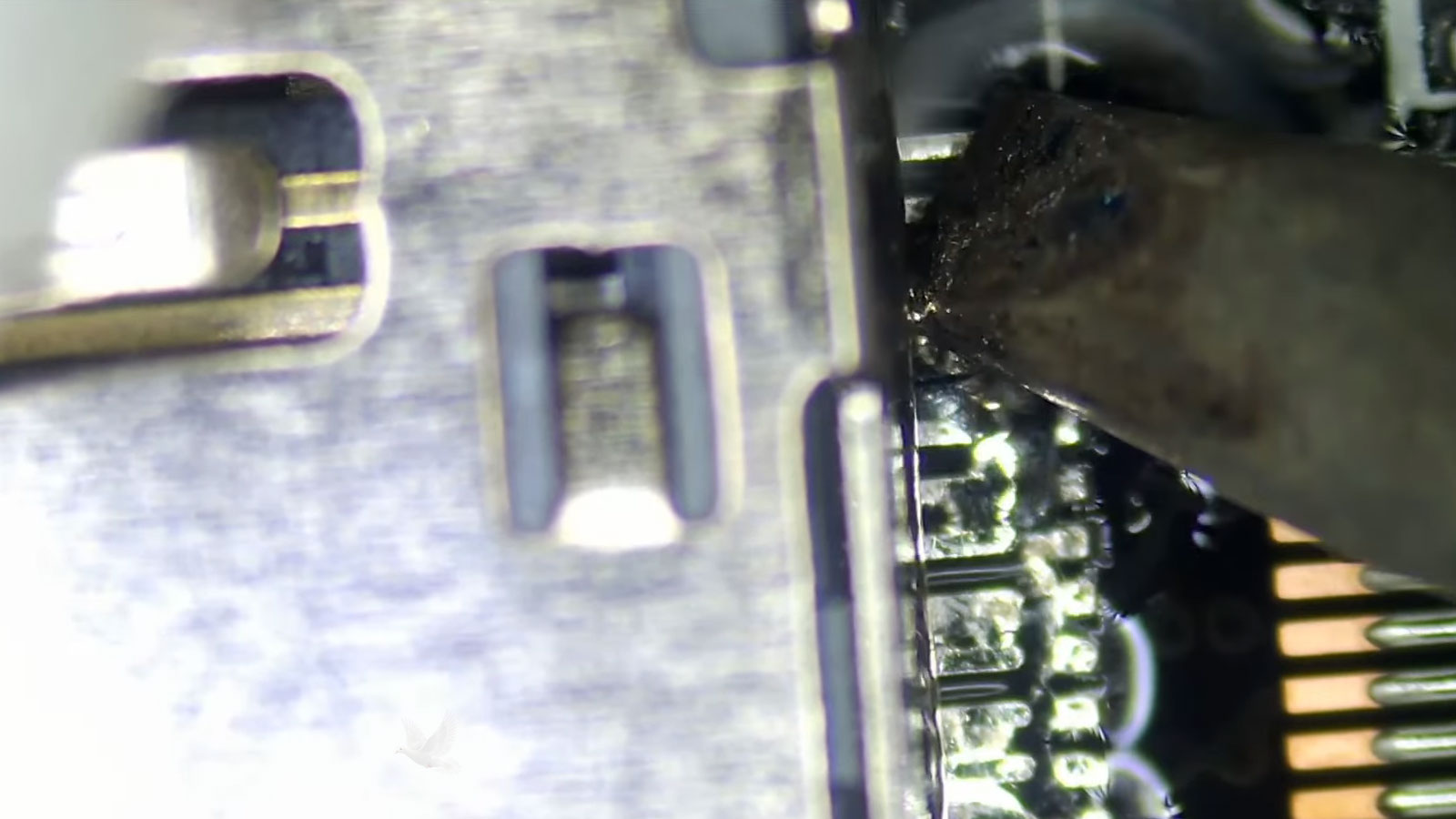
Some Failures Begin Below the Replaceable Parts
Memory, storage, batteries, fans, and other replaceable components account for many computer failures, but not every problem ends there. A machine can have perfectly usable major components and still remain completely unable to start because the circuitry supplying or controlling them is not operating correctly.
On a motherboard, different sections depend on specific voltage rails and control signals appearing in the proper sequence. If one required supply is absent, the computer may stop long before Windows, macOS, or any other software has an opportunity to load.
Finding the Missing Power Is Only the Beginning
A missing voltage does not automatically identify the component that needs repair. The cause may be a shorted component, failed power controller, damaged MOSFET, broken connection, corrupted firmware, or another condition preventing the circuit from being enabled.
Component-level diagnosis follows the circuit rather than replacing the entire board by default. When the fault can be isolated and the motherboard remains repairable, the failed area may be addressed directly.
The Right Kind of Help Depends on Where the Problem Lives
Some computer problems can be investigated while the machine remains exactly where it is. Others require physical access to the hardware, specialized equipment, or enough time on a workbench to test individual components. Choosing the appropriate approach can avoid unnecessary transportation and make the repair process more practical.
The Computer and the Files Inside It Are Two Different Priorities
When a computer fails, restoring the machine to operation may be the obvious objective. But if the system contains photographs, documents, business records, project files, or other information that cannot easily be replaced, protecting that data may need to come first.
This distinction matters because the best troubleshooting step for the computer is not always the safest first step for the information stored on it.
A replaceable computer can contain irreplaceable information.
When the Data Changes the Repair Strategy
If storage appears healthy and the failure is elsewhere in the computer, accessing the files may be relatively straightforward. A failing drive is different. Repeated startup attempts, repair utilities, operating system reinstalls, formatting, or continued use can place additional stress on storage that is already unstable.
The condition of the storage device should therefore be considered before making changes that could affect existing data. When important files are involved, diagnosis should account for both objectives: understanding what failed and avoiding unnecessary risk to the information that remains.
In some cases, the computer can be repaired while its existing data remains intact. In others, securing accessible information should take priority before broader repair work continues.
When the Same Problem Keeps Coming Back
Some computer problems disappear after a restart, an update, or a temporary adjustment, only to return hours or days later. That does not necessarily mean the original problem was repaired. Intermittent failures often require looking for the condition that causes the symptom to appear rather than concentrating only on the moment when everything seems normal.
Heat
A system may operate normally when cold and become unstable only after components reach a certain temperature.
Power
Charging, shutdown, and startup problems may appear only under particular battery, adapter, or electrical load conditions.
Timing
A freeze or restart that seems random may actually follow a pattern connected to startup, sleep, heavy use, or a particular application.
Connections
Loose connectors, damaged ports, cables, solder joints, or other physical connections can behave differently when the machine is moved or handled.
A problem that cannot be reproduced immediately is still a problem. Details about when it happens, what the computer was doing, and what makes it disappear can provide the pattern needed to track the failure to its source.
When the Problem Needs More Than Another Temporary Fix
A computer does not have to be completely dead before it is worth investigating. Persistent slowdowns, unexplained restarts, charging problems, damaged hardware, software failures, and intermittent behavior can all become more disruptive when the underlying cause remains unresolved.
Computer repair and technical support are available for Golden Beach when the problem needs professional evaluation. Depending on the situation, assistance may involve remote troubleshooting, hands-on repair, component-level work, or onsite support.