
Heat Has to Go Somewhere
Every processor, graphics component, power circuit, and storage device produces heat while it works. The cooling system has to move that heat away fast enough to keep the computer operating normally.
When Cooling Falls Behind, the Computer Changes How It Behaves
A computer can remain fully powered and still be operating under abnormal thermal conditions. The first signs may be subtle: fan behavior changes, the machine becomes warmer than expected, or performance begins to fall only after sustained use.
The important question is not simply whether the computer feels hot. Different systems are designed to operate at different temperatures. What matters is whether heat is being transferred and removed the way the machine was designed to handle it.
Dust buildup, restricted airflow, worn fans, poor heatsink contact, degraded thermal material, or another cooling fault can change that balance without causing an immediate shutdown.
For computer repair in Coral Gables, understanding that thermal behavior can help distinguish normal heat from a cooling system that is no longer keeping up.
Cooling Is a Chain, Not a Single Component
Heat has to pass through several stages before it leaves the computer. A weakness anywhere along that route can reduce cooling effectiveness even when the fan itself is still spinning.
Heat Leaves the Component
The processor, graphics hardware, and other heat-producing components first have to transfer their heat into the cooling assembly efficiently.
The Heatsink Carries It Away
Heatpipes, metal plates, and heatsinks spread that energy away from concentrated hot areas so it can be removed more effectively.
Airflow Removes the Heat
Fans move air across the cooling surfaces and through the chassis. Reduced airflow can leave heat inside even when the rest of the cooling assembly is intact.
The Chassis Lets It Escape
Intake openings and exhaust vents complete the path. Obstruction at either end can reduce how much heat the computer can actually release.
Dust Is Visible
Blocked vents and contaminated cooling surfaces can clearly restrict airflow.But Airflow Is Only Part of Cooling
A clean computer can still have poor thermal transfer, a weak or failing fan, damaged cooling hardware, or another condition that prevents heat from being removed efficiently.
Cleaning the Computer Does Not Correct Every Cooling Problem
Dust is one of the easiest cooling problems to recognize because it can often be seen around vents, fan blades, and heatsink fins. Removing that contamination can restore airflow when obstruction is actually the reason temperatures have increased.
But cleaning cannot repair a fan that is no longer reaching the speed it should, restore proper contact between a processor and its cooling assembly, or correct a heatsink or heatpipe that is no longer transferring heat effectively.
That distinction matters when a computer has already been cleaned but continues to run hotter than expected. Repeating the same cleaning process may make the inside look better without changing the condition responsible for the temperature problem.
Cooling service therefore has to match what is actually failing rather than treating visible dust as the explanation for every thermal complaint.
The Computer May Protect Itself Before It Shuts Down
Modern computers do not necessarily continue operating at full speed as temperature rises. Hardware and firmware can reduce operating frequency, power consumption, or performance in an attempt to keep critical components within acceptable thermal limits.
That protective behavior can make a cooling problem look like something else. A computer may feel responsive when first started but become noticeably slower during gaming, rendering, video work, large calculations, or another sustained workload.
If temperature continues rising beyond what the cooling system can control, stronger protection may eventually occur. The system can become unstable, restart, or shut itself down rather than continue operating under unsafe conditions.
The important distinction is that the slowdown may be a response to the problem rather than the original problem itself. Restoring normal cooling can therefore matter more than trying to correct the resulting performance symptom.
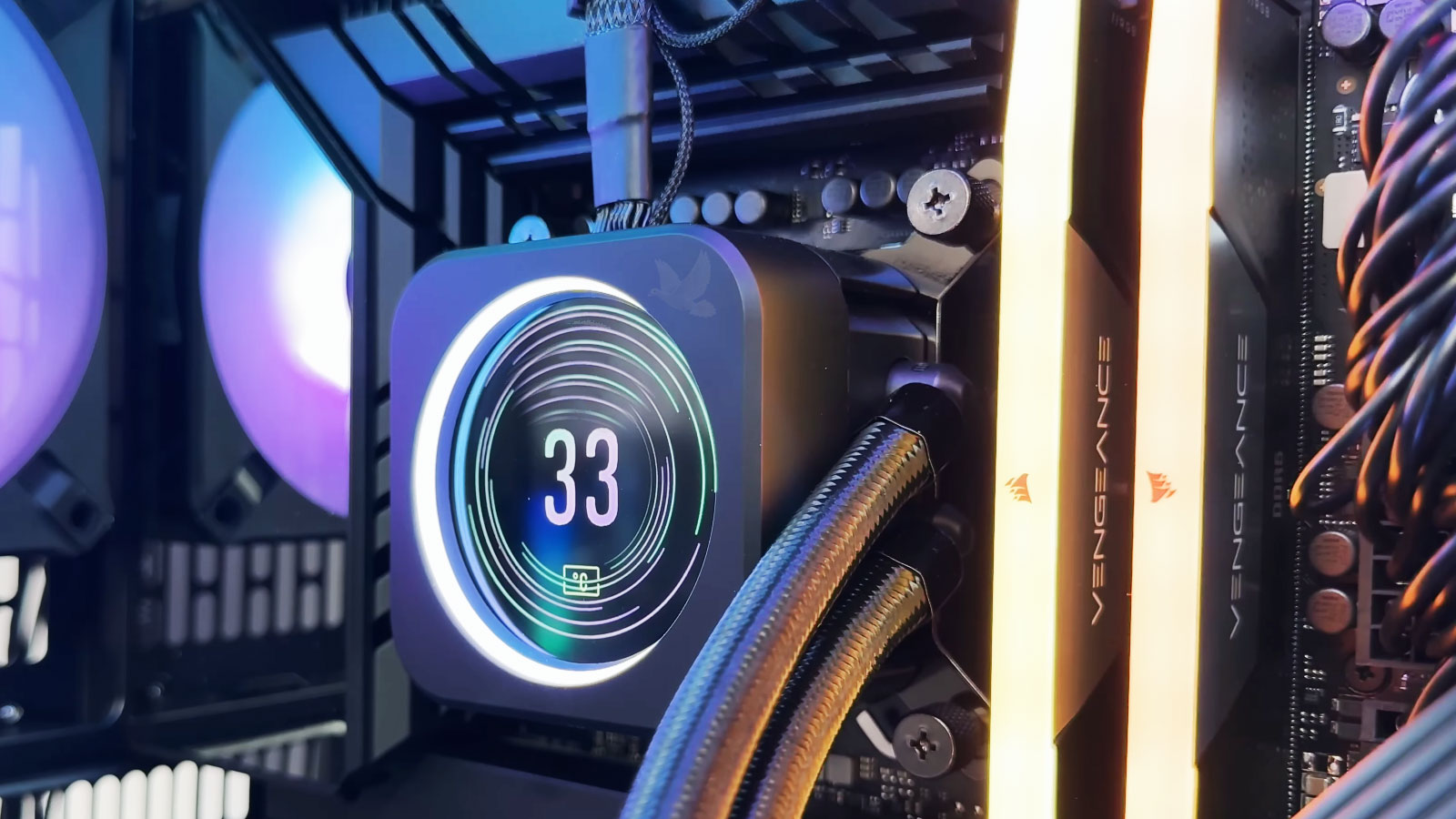
A slower computer is not always asking for faster hardware. Sometimes it is reducing its own performance because it cannot remove heat effectively.
Heat Does Not Stay in One Place
Finding the hottest component is useful, but understanding where the heat goes can be just as important.
One Temperature Reading Does Not Tell the Whole Story
Temperature has meaning only in context. Different processors, graphics hardware, computer designs, workloads, and cooling systems can operate normally at different temperatures.
A reading becomes more useful when it is compared with what the computer is doing at that moment. How quickly did the temperature rise? Did the cooling system respond? Did performance remain stable? And what happened after the workload stopped?
The pattern across those stages can reveal much more than a single peak number.
When the computer is doing very little, the temperature provides a starting point. The important observation is whether the system settles into a stable condition rather than continuing to accumulate heat without meaningful activity.
A sustained workload shows how the cooling system reacts when the processor, graphics hardware, or other components begin producing more heat. Temperature rise, fan response, stability, and performance all become relevant together.
Once the heavy work stops, the cooling system should begin removing the accumulated heat. Watching how the computer returns toward a lighter-use condition can help show whether heat is being expelled effectively or remaining trapped inside the machine.
Thermal diagnosis is therefore not about finding one universal “good” temperature. It is about understanding how the computer heats up, responds, and recovers.
The Repair Has to Work After the Computer Gets Hot Again
Correcting a cooling fault is only part of the job. The computer still has to be operated long enough to produce heat again and show that the cooling system can now keep that heat under control.
That may mean placing the machine under a sustained workload rather than judging the result immediately after startup. Fan response, temperature behavior, stability, and performance can then be observed as operating conditions change.
This is especially important when the original complaint appeared only after extended use. A computer that behaved normally for the first few minutes before the repair should not be considered proven simply because it behaves normally for the first few minutes afterward.
The goal is not to make the computer remain cold. The goal is to confirm that it can produce heat, remove it effectively, and continue operating normally while doing the work expected of it.