
Computer Repair for Everyday Problems in Miami Beach
When the computer stops cooperating, the problem usually interrupts something important.
A failed computer can interfere with work, communication, school, travel plans, entertainment, or access to files that are needed right away. The first concern is often not the technical name of the failure, but getting a clear idea of what changed and what the practical options are.
Different Symptoms Can Point in Completely Different Directions
A laptop that will not charge, a desktop that suddenly shuts down, a Mac that becomes unusually slow, and a computer that displays repeated errors may all appear to be general computer problems, but they rarely have the same cause.
Some failures come from physical hardware. Others begin with storage problems, damaged system files, software conflicts, overheating, power issues, or devices that are no longer communicating correctly with the rest of the system.
That is why the useful question is not simply whether the computer is “broken.” What matters is how the failure behaves, when it started, whether anything changed beforehand, and whether the system still reaches a point where normal testing can be performed.
Computer repair in Miami Beach can involve anything from straightforward hardware replacement to deeper troubleshooting when the cause is not immediately obvious.
Portable Computers Take a Different Kind of Abuse
Laptops are moved, opened, closed, carried, plugged in, unplugged, and used in places where a desktop computer would never go. That convenience also exposes them to failures involving parts that receive constant physical use.
A damaged screen may still produce a faint image, develop lines or dark areas, flicker as the lid moves, or remain completely blank. Keyboards can develop individual dead keys, repeating characters, missing sections, or damage after liquid reaches the area beneath them.
Charging problems introduce another set of possibilities. A laptop that works only when the power connector is held at a certain angle may have a damaged jack or connection, while a machine that recognizes the charger but will not maintain a charge can require a different direction of testing.
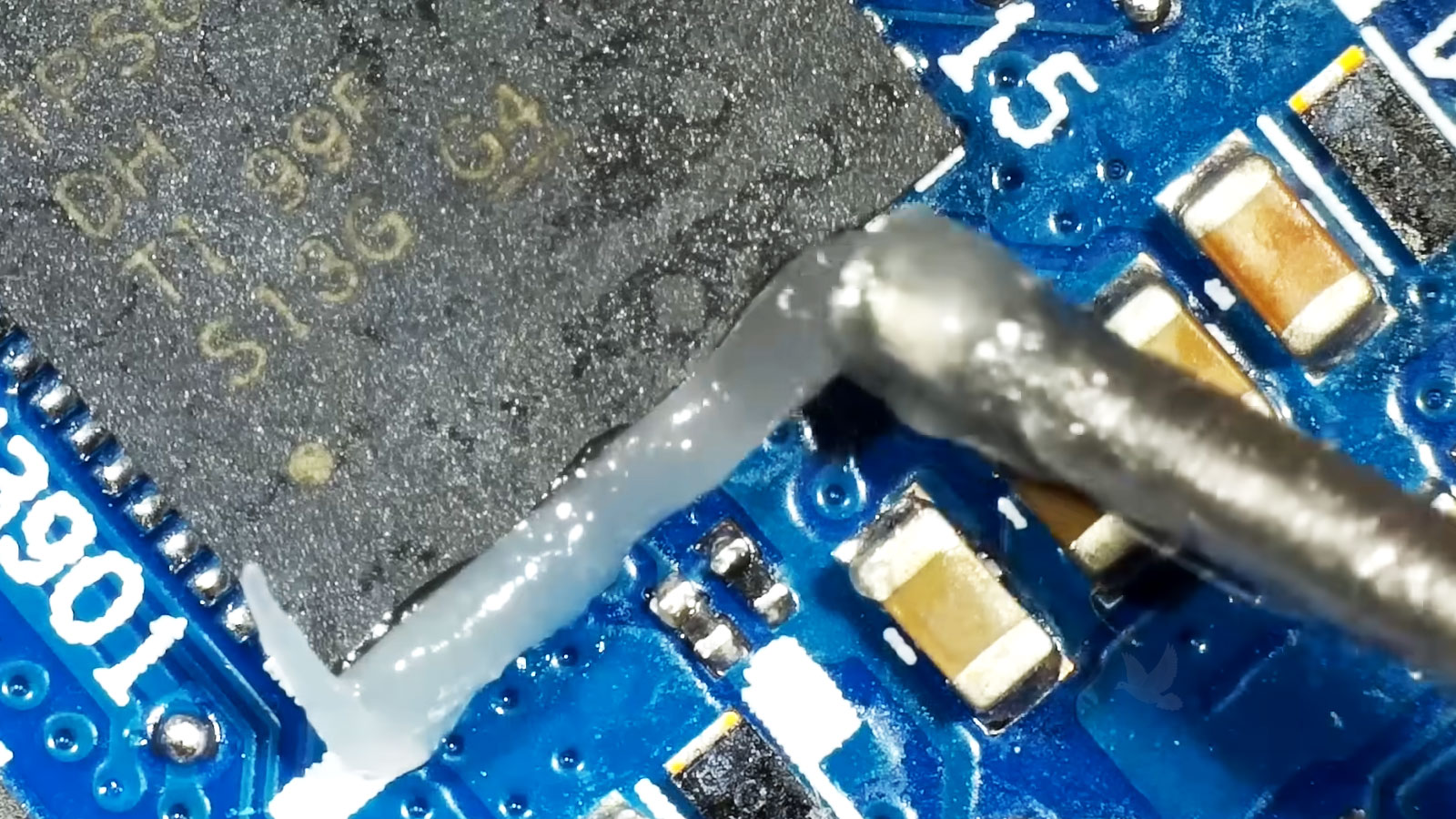
Physical damage does not always mean the laptop has reached the end of its useful life.
Not Every Computer Problem Requires Opening the Case
A computer can have perfectly functional hardware and still become difficult to use. Unwanted software, damaged system files, conflicting programs, browser problems, failed updates, and changes to system settings can produce symptoms that sometimes look surprisingly similar to hardware trouble.
Slow performance by itself does not identify the cause. The useful distinction is whether the computer is struggling because of the equipment inside it or because something within the operating environment is consuming resources, generating errors, or interfering with normal operation.
Software repair is most useful when it corrects the underlying problem without unnecessarily disturbing the programs, settings, and files that still work properly.
An Upgrade Should Have a Reason Behind It
Adding newer hardware can improve a computer considerably, but only when the upgrade addresses an actual limitation. More memory will not correct every slow computer, and a faster graphics card may provide little benefit if the power supply, processor, cooling, or available space cannot properly support it.
Before changing components, it helps to consider what the computer is expected to do afterward. Gaming, video work, general home use, business applications, and extending the useful life of an older system can lead to very different upgrade priorities.
| Upgrade | When It May Be Useful |
|---|---|
| Memory | When available RAM is limiting multitasking or applications that regularly work with larger amounts of data. |
| SSD / Storage | When additional capacity is needed or an older storage configuration is restricting everyday responsiveness. |
| Graphics Card | When gaming, rendering, or other graphics-intensive work requires greater GPU performance. |
| Cooling | When higher-performance components require better heat management or an existing cooling arrangement is inadequate. |
| Power Supply | When new hardware increases power requirements beyond what the existing unit can safely and reliably provide. |
Building a Computer Around the Parts You Actually Want
A custom computer provides much more control than choosing from a preconfigured system. The processor, motherboard, memory, graphics card, storage, case, cooling, and power supply can be selected around the intended use and budget rather than accepting whichever combination happens to come from the manufacturer.
For customers who prefer to choose and purchase their own components, a custom gaming or performance computer can be professionally assembled for a flat assembly service fee. The completed system can be prepared so that it is ready for normal setup and use rather than leaving the customer with a collection of parts to assemble.
Compatibility still matters. Components need to work together physically and electrically, cooling needs to make sense for the hardware, and the power supply needs sufficient capacity for the completed configuration.
The objective is not to install the greatest number of expensive components. It is to build or improve a computer in a way that makes sense for what the machine will actually be used for.
Sometimes the Computer Is Working but the Business Is Not
A business technology problem does not always begin with a failed workstation. Employees may be able to use their computers normally while email stops arriving, a website develops errors, an important online service becomes inaccessible, or a configuration change prevents people from reaching something they depend on.
These situations require a different approach because replacing or repairing the computer itself may accomplish nothing. The problem can exist in an account, application, website, mail configuration, hosting environment, or another service that the computer is simply being used to access.
A business email problem may involve sending, receiving, authentication, account configuration, synchronization, or the connection between an email application and the service behind it.
When several devices or employees are affected, the pattern can be particularly useful. A problem occurring on one computer may point toward that machine or its configuration, while the same failure appearing across multiple devices can suggest that attention belongs elsewhere.
Business websites can develop broken pages, application errors, failed updates, configuration problems, compatibility issues, or other behavior that prevents them from working as intended.
Website troubleshooting can involve identifying what changed, determining whether the problem belongs to the site itself or its surrounding environment, and correcting the affected area without unnecessarily rebuilding parts that continue to function properly.
When a computer still starts, connects to the internet, and can be operated normally enough to establish a remote session, certain software, email, account, website, and configuration problems may be suitable for remote technical assistance.
Remote service is not appropriate for a broken screen, failed motherboard, damaged charging connector, or other problem requiring physical work. When the issue exists primarily in software or configuration, however, transporting the computer may add an unnecessary step.
The location of the symptom and the location of the actual problem are not always the same.
After a Spill, What Happens Next Matters
Turning the computer back on to see whether it still works can expose already-wet circuitry to additional electrical damage.
Liquid Damage Does Not End When the Surface Dries
A spill can reach much farther inside a laptop or other electronic device than the visible wet area suggests. Liquid can travel beneath keyboards, connectors, shields, chips, and other components where simply leaving the equipment to dry does not necessarily remove what was deposited on the circuitry.
The type of liquid also matters. Water exposure and a spill containing sugar, salt, milk, or other substances can leave very different contamination behind. Even after moisture has evaporated, residue can remain conductive or contribute to corrosion.
A computer may even continue working immediately after a spill and develop problems later. That delay can create the impression that the liquid caused no damage when deterioration has already begun in an affected area.
With liquid damage, the fact that a computer still turns on is useful information but it is not proof that the inside of the machine is unaffected.
A Connection Problem Is Not Always a Problem With the Device
A monitor that suddenly disappears, a USB device that repeatedly disconnects, or a computer that will no longer communicate properly over Wi-Fi can make the connected device seem like the obvious culprit. Sometimes it is. In other cases, the problem is the port, internal connection, driver, operating-system configuration, or hardware responsible for managing that connection.
Testing the pieces separately can help determine whether attention belongs to the computer, the accessory, or the communication between them.
USB and Physical Ports
Use an appropriate USB/connector icon.When a Port Stops Being Reliable
Loose, damaged, intermittent, or nonresponsive USB and other physical ports can involve the connector itself, its attachment to the board, internal circuitry, or software responsible for recognizing the connected device. The cause should be identified before assuming the accessory needs replacement.
Monitor and Display Connections
Use an appropriate monitor/display icon.No Image Does Not Always Mean a Bad Screen
HDMI, DisplayPort, USB-C, docking stations, graphics hardware, cables, and display settings can all participate in getting an image from the computer to a monitor. Testing the signal path can separate a monitor problem from a computer-side failure.
Wi-Fi and Bluetooth
Use an appropriate wireless icon.Wireless Problems Can Have Several Sources
Intermittent Wi-Fi, disappearing Bluetooth devices, poor connectivity, or a computer that suddenly stops detecting wireless networks can involve configuration, drivers, internal wireless hardware, antennas, or the network environment itself.
Printers and External Devices
Use an appropriate printer/peripheral icon.The Peripheral May Not Be the Problem
Printers, external drives, scanners, docks, and other peripherals can stop communicating because of software, drivers, cables, ports, or configuration. Some printer problems can also involve the printer itself, and printer repair may be possible in appropriate cases rather than treating every failure as a computer problem.
Following the connection from one end to the other is often more useful than replacing whichever device first appears to have stopped working.
Mac Problems Do Not Always Point to the Same Solution
Mac desktops and laptops can develop many of the same underlying problems as other computers, but their construction and hardware integration can make the repair path different. A Mac that will not start, unexpectedly shuts down, becomes unusually slow, or stops recognizing an internal device needs to be evaluated according to the actual failure rather than treated as a single category of “Mac problem.”
Storage trouble, power faults, damaged internal connections, cooling problems, operating-system issues, and failures on the logic board can produce symptoms that overlap considerably. Even a machine that appears completely dead can require more investigation before it is clear whether the problem involves power delivery, the board, or another component preventing startup.
When the affected part can be serviced independently, repairing the existing machine may remain practical. When components are highly integrated, the condition and value of the computer become more important in deciding how far a repair should go.
The Apple logo on the case identifies the computer. It does not identify which part inside it has failed.
What Is the Mac Doing?
The symptom provides the starting point. Testing determines where the repair needs to go.
A New Computer Is More Useful When the Important Things Come With It
Replacing a computer often solves the hardware problem while creating a different task: moving the information and everyday working environment from the old machine to the new one. Documents, photographs, browser data, email configurations, and other personal or business files may still need to be transferred and organized.
The process is not necessarily the same for every computer. The condition of the old system, amount of data, available storage, operating systems involved, and applications being used can all affect what can reasonably be transferred.
Programs themselves cannot always be copied from one computer to another like ordinary files. Some applications need to be reinstalled, reactivated, updated, or replaced with versions compatible with the new system.
The goal is not merely to copy files. It is to make the replacement computer practical to use.

Computer Help Without Forcing Every Problem Into the Same Routine
The practical way to handle a computer problem depends partly on what has failed. A laptop with physical damage needs a very different arrangement from an email configuration problem, while business equipment that cannot reasonably be disconnected may need attention where it is installed.
For homes and businesses in Miami Beach, the service arrangement can be matched to the equipment and the type of work required rather than assuming that every problem has to follow the same path.
Three Ways a Problem May Be Handled
Pickup and delivery can also be arranged when appropriate. For customers sufficiently close within the Miami area, delivery may be available at no additional charge. Longer distances may involve a reasonable transportation charge based on the additional travel required.
The best service arrangement is the one that fits the problem, the equipment, and where the work can be performed effectively.
Not Sure What Is Wrong With the Computer? Start With the Problem.
You do not need to diagnose the computer before asking for help. A description of what the machine is doing, when the problem began, and anything that changed beforehand is usually enough to begin determining the appropriate direction.
Computer repair and technical assistance are available for homes and businesses in Miami Beach, whether the situation involves a laptop or desktop, Mac or PC, physical damage, software trouble, an upgrade, business technology, or another computer-related problem.
The next step depends on the situation. Some equipment needs hands-on repair, certain problems can be addressed remotely, and appropriate business systems may require attention where they are installed.