
Advanced Computer Repair for Hardware and System Failures
A computer that stops working properly can interrupt everything from a day of remote work to the operation of a home office or local business. In Coconut Grove, repair can involve anything from a laptop that no longer starts to a desktop with unstable hardware, damaged ports, charging problems, display failures, overheating, storage faults, or a system that shuts down without warning.
Some failures are straightforward once the defective part is identified. Others require tracing the problem beyond the obvious symptom. A machine that appears completely dead, for example, may have a power-delivery fault rather than a failed computer as a whole. Intermittent behavior can require testing memory, storage, power circuits, connectors, cooling, and the motherboard before the actual cause becomes clear.
The objective is to determine what failed before deciding what should be repaired or replaced. That distinction matters when a computer contains valuable data, specialized software, an established work environment, or hardware that still makes sense to keep in service.

Repairs That Go Deeper Than the Obvious Failure
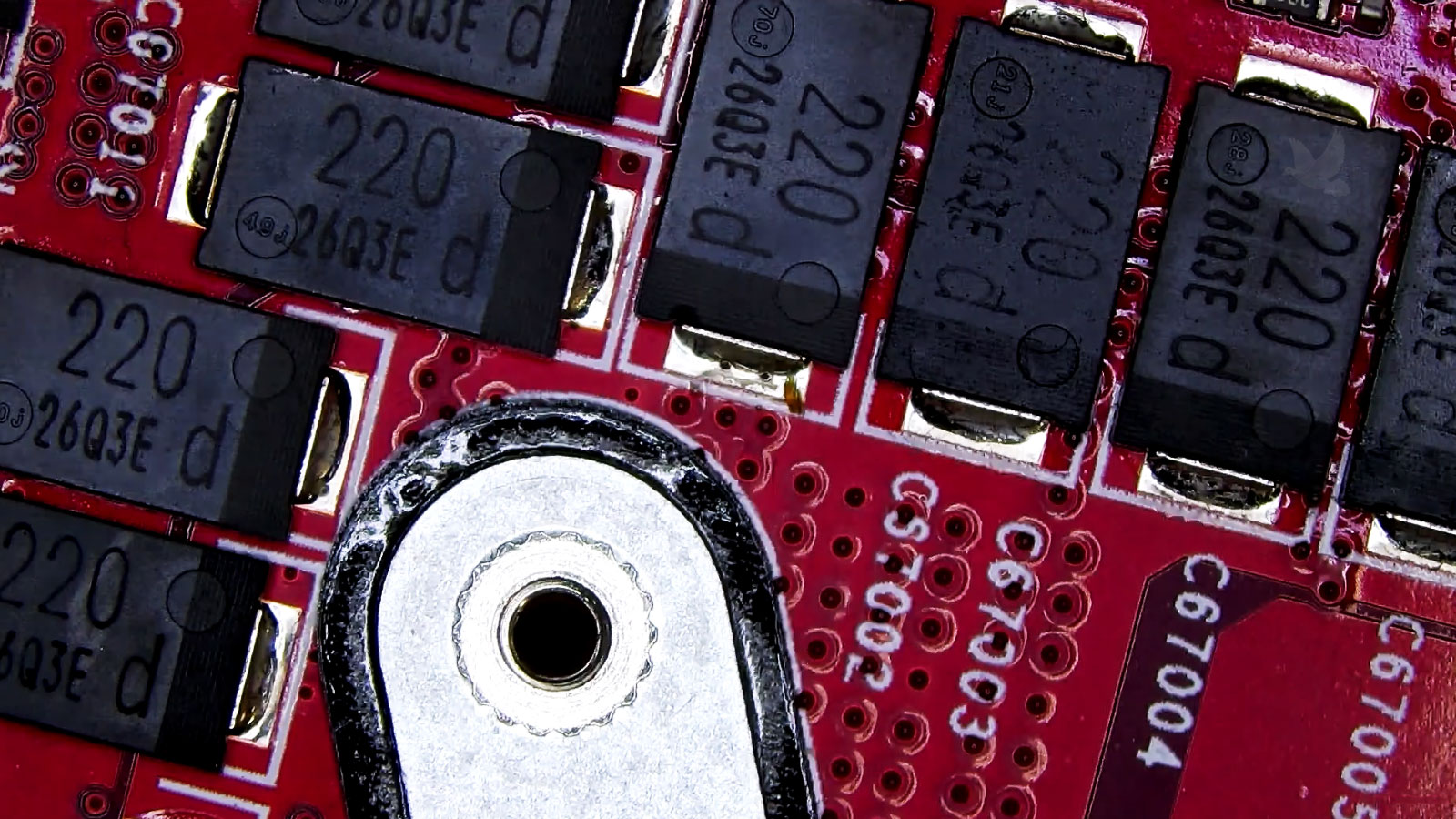
Replacing a visibly damaged part is only one level of computer repair. When the fault exists on the motherboard or inside a control circuit, the repair may require work at the component level rather than replacing an entire assembly.
Repair, Replace, or Keep What Already Works?
Not every malfunction should automatically lead to a new computer. A machine may still have a capable processor, sufficient memory, a useful display, specialized connections, or an existing configuration that would be expensive or inconvenient to reproduce. When the underlying platform remains useful, correcting the failed portion can preserve much more than the hardware itself.
Replacement becomes a different calculation when several major components are deteriorating at once or when the computer can no longer support what its owner needs from it. The cost of one repair means little without considering the condition and usefulness of everything that remains.
A useful repair decision comes from looking at the computer as a complete system rather than judging it solely by the component that failed.
A Successful Repair Has to Fit the Computer’s Job
Two computers with the same failure can require very different decisions. A home laptop used for everyday tasks does not carry the same requirements as a workstation running specialized applications, a computer connected to business equipment, or a system that forms part of an established office setup.
The surrounding hardware matters as well. Multiple monitors, docking stations, external storage, specialized USB devices, printers, scanners, network resources, and other peripherals may depend on the existing computer and its configuration. Returning the machine to operation without considering those connections can leave the original problem only partially resolved.
Business systems can introduce another layer. Shared files, mapped resources, application settings, user permissions, and connections to other equipment may all need to function as they did before the failure. A technically working computer is not necessarily ready to return to its desk if its normal working environment has been disrupted.
The same principle applies to personal machines with carefully established software, local archives, creative applications, or unusual hardware. Preserving a useful configuration can be just as important as restoring the failed component.
Service Options That Work Around the Situation
A computer problem does not always require the same service arrangement. Some machines need hands-on bench work, especially when the failure involves hardware, internal components, physical damage, or motherboard-level testing. Other problems can be handled without moving the computer at all.
Remote service can be useful when the hardware is functioning and the problem involves the operating system, applications, configuration, access, settings, or another issue that can be safely addressed through the existing internet connection. Avoiding unnecessary transportation can make those situations considerably simpler.
When physical repair is required, pickup and delivery can remove another inconvenience. For customers in Coconut Grove, a computer that needs shop work can be collected and returned after the service is completed, allowing the repair process to fit around the customer’s schedule rather than requiring additional trips.
Sometimes the Computer Is Only Part of the Problem
Computers rarely operate completely alone. In offices and more complex home setups, the machine may depend on network connections, shared resources, wireless coverage, or other technology around it. When the surrounding setup is involved, addressing only the computer can leave part of the problem unresolved.
Wired Networks
Ethernet connections, switches, routers, cabling, and network configuration can affect whether a repaired computer communicates properly with the rest of an office or connected workspace.
Wi-Fi & Connectivity
Wireless problems are not always caused by the computer itself. Coverage, router configuration, interference, and the way devices are connected can determine whether a system has dependable access where it is actually being used.
Connected Technology
Security cameras and other network-connected equipment can become part of the same technology environment. Installation and configuration can be handled alongside computer and network work when a location needs more than an isolated machine repaired.
Need Computer Repair in Coconut Grove?
If your computer needs professional repair, advanced troubleshooting, or hands-on technical attention, service is available in Coconut Grove. Whether the problem requires physical repair, deeper electronic work, remote assistance, or support for the surrounding setup, the next step is simply to get in touch and explain what is happening.
The computer can then be evaluated and the appropriate repair path discussed before moving forward.
You can also call directly if you would rather discuss the problem before arranging service.