
When Important Files Become Inaccessible, the First Decisions Matter
Losing access to documents, photographs, business records, project files, or other important information does not always mean the data itself is gone. The problem may involve the storage device, the file system, accidental deletion, corruption, or a computer that can no longer start normally.
What happens next can affect the chances of recovery. Continuing to use the computer, repeatedly attempting repairs, reinstalling software, or writing new information to the affected drive may change data that could otherwise remain recoverable.
Stop Unnecessary Use
If files suddenly disappear or a storage problem develops, avoid creating new files, installing programs, downloading updates, or performing other unnecessary activity on the affected storage device.
Avoid Guesswork
A recovery method that makes sense for accidental deletion may be inappropriate for a failing drive or damaged file system. Understanding what happened should come before choosing how to proceed.
Protect What Remains
The immediate objective is not simply to make the computer work again. When important data is involved, preserving the information that may still be recoverable should take priority over routine repair attempts.
Data Loss Does Not Have a Single Cause
Two computers can show almost the same symptom while having very different problems underneath. A missing folder, an unreadable drive, a system that will not start, and a computer asking to format a disk can each involve a different path to the stored information.
Identifying the type of failure helps determine how cautiously the device should be handled and whether the problem is primarily logical, physical, or connected to another part of the computer.
The Condition of the Drive Changes the Recovery Approach
Before attempting to recover files, it is important to consider how the storage device is behaving. A drive that operates normally after accidental deletion presents a very different situation from one that disconnects, produces read errors, or shows signs of physical failure.
The objective is to avoid treating every data-loss situation with the same procedure.
| What Is Happening | What It Can Mean for Recovery |
|---|---|
| Drive operates normally, but files were deleted | Recovery may focus on locating data that is no longer visible through the normal file system while minimizing new writes to the device. |
| Partition or file system cannot be read normally | The stored information may still exist even though the structures used to locate and organize it have been damaged or changed. |
| Drive becomes extremely slow or produces repeated read errors | Continued attempts to access individual files may place additional demands on an unstable device, so preserving readable data becomes more important than ordinary file browsing. |
| Drive appears and disappears from the computer | An intermittent connection can involve the storage device itself, its interface, power, or another hardware condition and should be evaluated before repeated recovery attempts. |
| Computer fails, but its storage device remains readable | Data may be accessible independently of the original computer, allowing the files to be addressed separately from the repair of the failed system. |
This distinction matters because data recovery is not simply a matter of running recovery software. The safest next step depends on what happened, how the storage device is responding, and whether continued access could make the situation more difficult.
Recovery Should Focus on the Data That Actually Matters
A storage device can contain thousands of files accumulated over years, but not everything on it necessarily has the same value. Personal photographs, financial records, business documents, current projects, databases, email archives, or other irreplaceable information may deserve priority over software and files that can simply be installed or downloaded again.
Identifying those priorities provides a clearer recovery objective, especially when the condition of the storage device makes it impractical to treat every file as equally important.
Knowing what matters most also makes it easier to evaluate the result. A successful recovery is not measured only by the number of files found, but by whether the information the user actually needs can be recovered in a usable form.
Recovered Data Needs Somewhere Safe to Go
Recovery should not place retrieved files back onto the same storage device being examined. Doing so can overwrite information that has not yet been recovered and makes it harder to preserve the original condition of the source.
A separate destination also provides a cleaner way to organize and review what has been recovered before the files are returned to regular use.
Recovering the Files and Repairing the Computer Are Separate Decisions
Keeping these two objectives separate helps avoid a common mistake: restoring access to the computer at the expense of the information stored on it. When important files are involved, protecting and recovering the data should be considered before decisions are made about rebuilding or repairing the system.
When the Files Matter, the Device Is Worth Evaluating
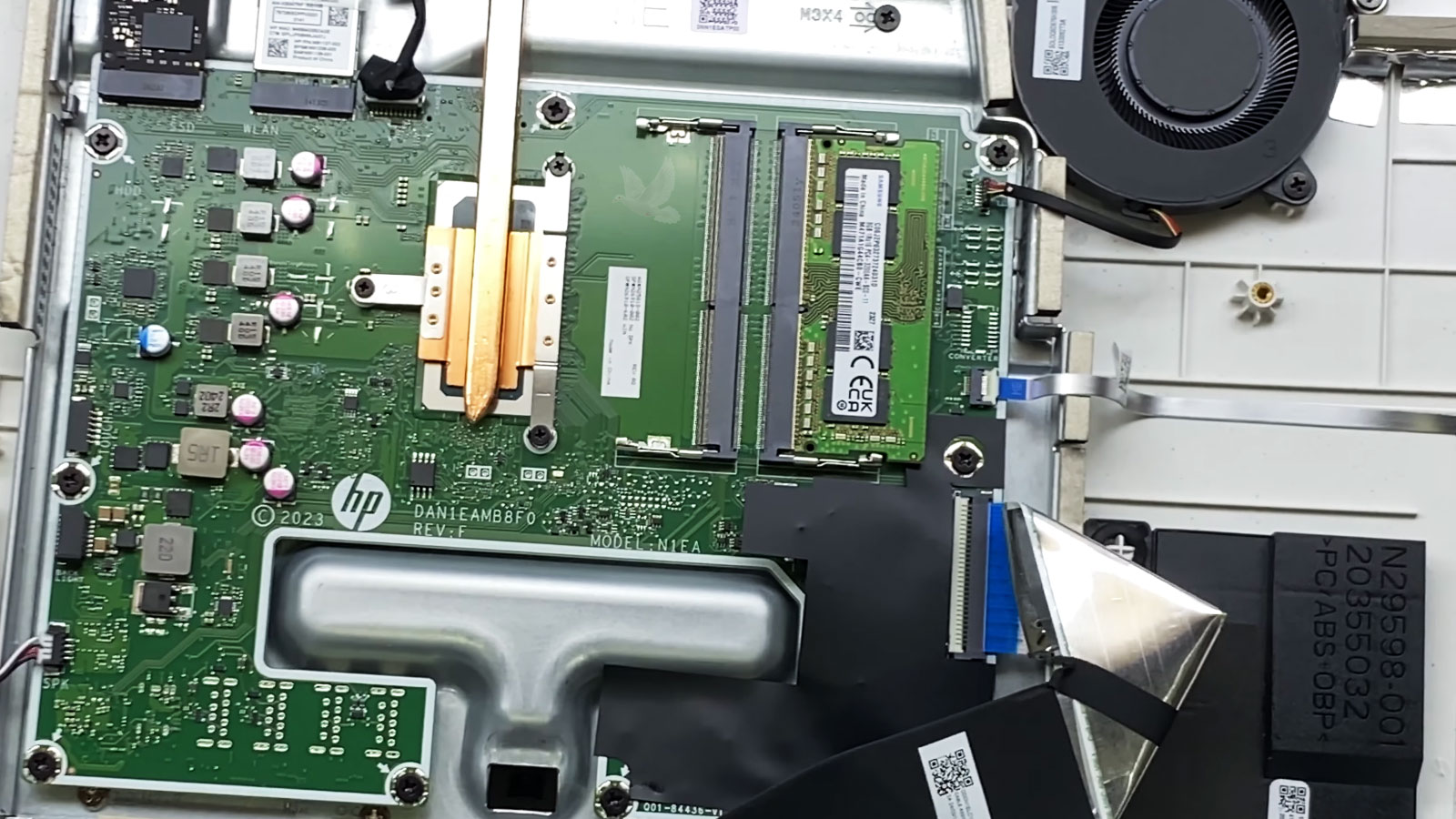
Data recovery service is available in Miami for all in one computers with inaccessible, deleted, corrupted, or otherwise unavailable files. The first objective is to understand what happened and assess the condition of the storage before deciding how recovery should proceed.
This can include situations where Windows no longer starts, a drive is no longer accessible normally, files have been deleted, partitions have changed, or another computer failure has left important information trapped inside the system.
A Recovery Evaluation Can Help Clarify
No recovery method can guarantee that every missing or inaccessible file will be usable. The condition of the storage device, what caused the loss, and what happened afterward all influence what may ultimately be recovered.
The Goal Is to Recover What Matters Without Taking Unnecessary Chances
Data recovery can begin with a deleted folder, an unreadable drive, a failed Windows installation, or an all in one computer that suddenly stops working. What matters is recognizing that the files and the failed system may require different priorities.
Preserving the current state of the storage, identifying the information that matters most, and choosing the recovery approach according to the condition of the device provide a more careful path forward. If the computer also needs repair, replacement storage, or a rebuilt operating system, those decisions can follow once the important data has been addressed.