
What You See on the Display Is the First Clue
A MacBook Air screen can fail in several very different ways. Cracked glass, lines across the image, dark sections, flickering, distorted colors, or a display that remains completely black can each point the repair in a different direction.
The condition of the screen also matters when there is no obvious physical damage. A MacBook Air may appear normal from the outside while the display assembly, its internal connections, or circuitry responsible for producing the image is no longer functioning correctly.
Before deciding what needs to be replaced, the failure has to be separated from other problems that can produce a similar symptom. The important question is not simply whether the screen works, but what part of the display system is preventing it from working correctly.
A Black Screen Is Not Automatically a Broken LCD
A MacBook Air can have no visible image for reasons that extend beyond the LCD panel itself. Confirming that the display assembly is actually responsible helps avoid replacing a screen when the fault originates somewhere else.
The Replacement Is More Than the LCD Panel
A complete MacBook Air display assembly brings several parts together as one finished upper section. The LCD is the visible portion from the front, while the rear housing forms the exterior surface seen when the computer is closed.
Replacing the complete assembly means working with that upper section as a unit rather than treating the visible panel as though it were the only part involved. The exact construction varies by MacBook Air model, which is why the replacement has to correspond to the specific machine being repaired.
The Correct Assembly Has to Match the MacBook Air
Physical appearance alone is not enough to establish compatibility. MacBook Air generations can differ in display construction, connections, dimensions, and other model-specific details.
Identifying the machine correctly before installation helps ensure that the replacement assembly belongs to that particular MacBook Air rather than relying on a screen that merely looks similar.

The Pattern on the Screen Helps Narrow the Failure
The way a MacBook Air display fails can provide useful direction before anything is disassembled. Some symptoms point strongly toward physical panel damage, while others require additional testing because similar behavior can originate outside the display assembly.
Vertical or horizontal lines, distorted sections, abnormal colors, or areas that no longer reproduce the image correctly can indicate a problem within the display assembly.
The pattern matters. Damage that remains in a fixed portion of the screen behaves differently from an intermittent image that changes as the MacBook Air is moved or opened, so the symptom itself becomes part of determining what should be inspected next.
A cracked display may still produce an image, but fractures can spread through the panel and create dark areas, colored lines, bleeding patterns, or sections that no longer display correctly.
Once the panel itself has been physically damaged, the condition of the complete display assembly and the exact MacBook Air model become important when determining the appropriate replacement.
A screen that flickers, cuts out, or changes while the display angle moves should be evaluated under the conditions that produce the failure. An intermittent symptom can provide information that disappears when the MacBook Air is sitting still.
The objective is to determine whether the behavior follows the display assembly or whether another part of the display path needs investigation before replacement is considered.
A completely black display does not provide the same immediate evidence as a visibly cracked panel. The MacBook Air may still be operating even though nothing appears on its screen, or the underlying problem may prevent an image from being produced at all.
Testing should establish whether the display assembly is actually responsible before a replacement screen is installed.
What Can Be Checked Before Disassembly
Testing Comes Before Taking the Display Apart
A visibly shattered LCD provides strong evidence of physical screen damage, but many MacBook Air display problems are less straightforward. When the exterior looks intact, observations made while the computer is operating can help determine whether disassembly is actually the appropriate next step.
Brightness behavior, image stability, display angle, and the location of visible defects can each contribute useful information. Testing with an external display may also help distinguish a problem affecting the built-in screen from a MacBook Air that is failing to produce usable video altogether.
Avoid Replacing a Good Display
Screen replacement makes sense when the display assembly has been identified as the source of the failure. If the evidence instead points elsewhere, replacing an otherwise functional assembly adds a new part without correcting the original problem.
That distinction becomes especially important when the symptom is intermittent or the screen remains black without visible physical damage. Confirming the failure first keeps the repair directed at the component actually responsible.
Reaching the Display Requires Careful Disassembly
Replacing a MacBook Air display assembly requires access to the connections and mounting points that secure the upper section to the computer. The work has to progress in an orderly sequence so the damaged display can be separated without creating new problems elsewhere in the machine.
Prepare the MacBook Air
The computer is opened and prepared for internal repair work before the display connections and mounting hardware are approached.
Disconnect the Display
Connections associated with the display assembly are carefully released so the upper section can be separated from the rest of the MacBook Air.
Release the Assembly
The hardware securing the display is removed while the upper section is supported, allowing the damaged assembly to be taken away without unnecessary stress on the surrounding structure.
Prepare for Replacement
With the original assembly removed, the mounting areas and relevant connections can be checked before the replacement display is positioned for installation.
The New Display Has to Become Part of the MacBook Again
Once the original assembly has been removed, the replacement can be positioned and connected to the MacBook Air. Proper installation involves more than simply attaching the new upper section. Its connections, mounting points, and physical movement all have to work together after reassembly.
The display should open and close normally without unnecessary stress at the hinge area, while the internal connections remain properly positioned as the assembly moves.
Connections Come Before Final Reassembly
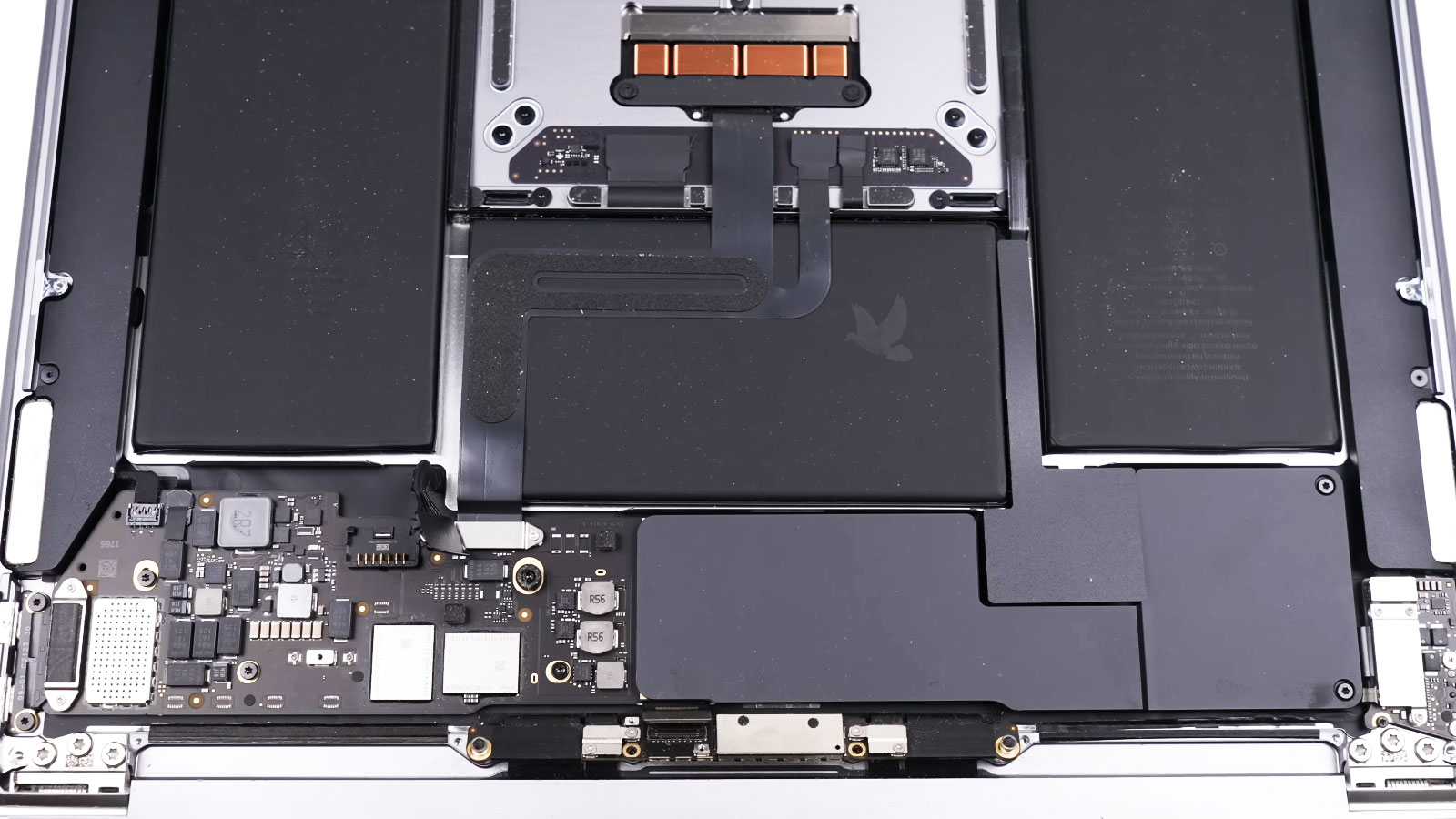
Before everything is closed, the replacement display can be connected and checked for basic operation. Confirming that the panel produces an image at this stage provides an opportunity to catch a connection or installation problem before the MacBook Air is completely reassembled.
A New Screen Still Has to Prove Itself
Installation is not finished simply because the replacement screen produces an image. The display should be checked through normal operation to confirm that the picture, illumination, and physical movement of the assembly behave correctly after the repair.
Image Quality
The visible picture can be checked for consistent color, brightness, sharpness, lines, dark areas, or other abnormalities that should not be present on the replacement display.
Brightness and Stability
Brightness should respond normally while the image remains stable during use. Flickering, unexpected dimming, or intermittent loss of the picture would require further attention before the repair is considered complete.
Opening and Closing
The display can be moved through its normal range while observing both its physical movement and the image. Opening or adjusting the screen should not introduce instability that was absent while it remained stationary.
Bring Back a Clear, Reliable Display
A damaged or failing MacBook Air screen can interfere with everything from everyday work to simply being able to use the computer normally. Once the display assembly has been confirmed as the source of the problem, the repair can move forward with a replacement matched to the specific MacBook Air.
Screen repair is available in Miami for cracked displays, damaged LCD panels, lines, distorted images, flickering, black screens, and other failures traced to the display assembly.
Free pickup and delivery are available within Miami when bringing the MacBook Air in personally is inconvenient. The computer can be collected for the screen repair and returned after installation and final display testing are complete.