
Gaming PCs Built, Repaired, and Upgraded Around the Hardware That Matters
A gaming PC is more than a collection of powerful components. Processor, graphics card, motherboard, memory, storage, cooling, power delivery, firmware, and operating-system configuration all have to work together correctly. A problem with one part can affect the performance or stability of the entire system.
Building and Repairing Gaming PCs Require Different Starting Points
A new gaming computer begins with component selection and compatibility. The motherboard has to support the processor and memory, the power supply must be appropriate for the hardware, the case and cooling system need sufficient physical clearance, and storage, graphics, and connectivity choices have to fit the way the computer will actually be used.
Repair begins from the opposite direction. The components are already together, but something is not behaving as expected. A system may refuse to start, shut down under load, crash during games, lose video, run inconsistently, or develop a problem after hardware has been replaced or upgraded.
Both situations depend on understanding the computer as a complete platform. For gaming PC build and repair in Miami, that means looking beyond individual parts and considering how the entire configuration works together.
A Good Build Starts With More Than a Parts List
CPU & Motherboard
The processor choice affects motherboard compatibility, available features, memory support, and the direction of the overall build.Platform Matters
Socket compatibility is only the beginning. Chipset capabilities, expansion needs, firmware support, connectivity, and future hardware plans can influence which motherboard actually makes sense.
Graphics Card
The GPU often has the greatest influence on how a gaming system handles resolution, visual settings, and demanding graphics workloads.It Has to Fit the System
Physical dimensions, case clearance, power connections, power-supply capacity, and surrounding airflow all matter before a graphics card becomes a practical choice.
Power Supply
Stable power delivery supports every component in the computer, particularly when gaming hardware moves rapidly between lighter and heavier loads.Capacity Is Only Part of It
Connector availability, component requirements, upgrade plans, and the demands of the complete configuration deserve consideration rather than selecting a unit from wattage alone.
Case & Cooling
The enclosure determines where the hardware sits and how air can travel around components that generate significant heat during gaming.Space Changes the Build
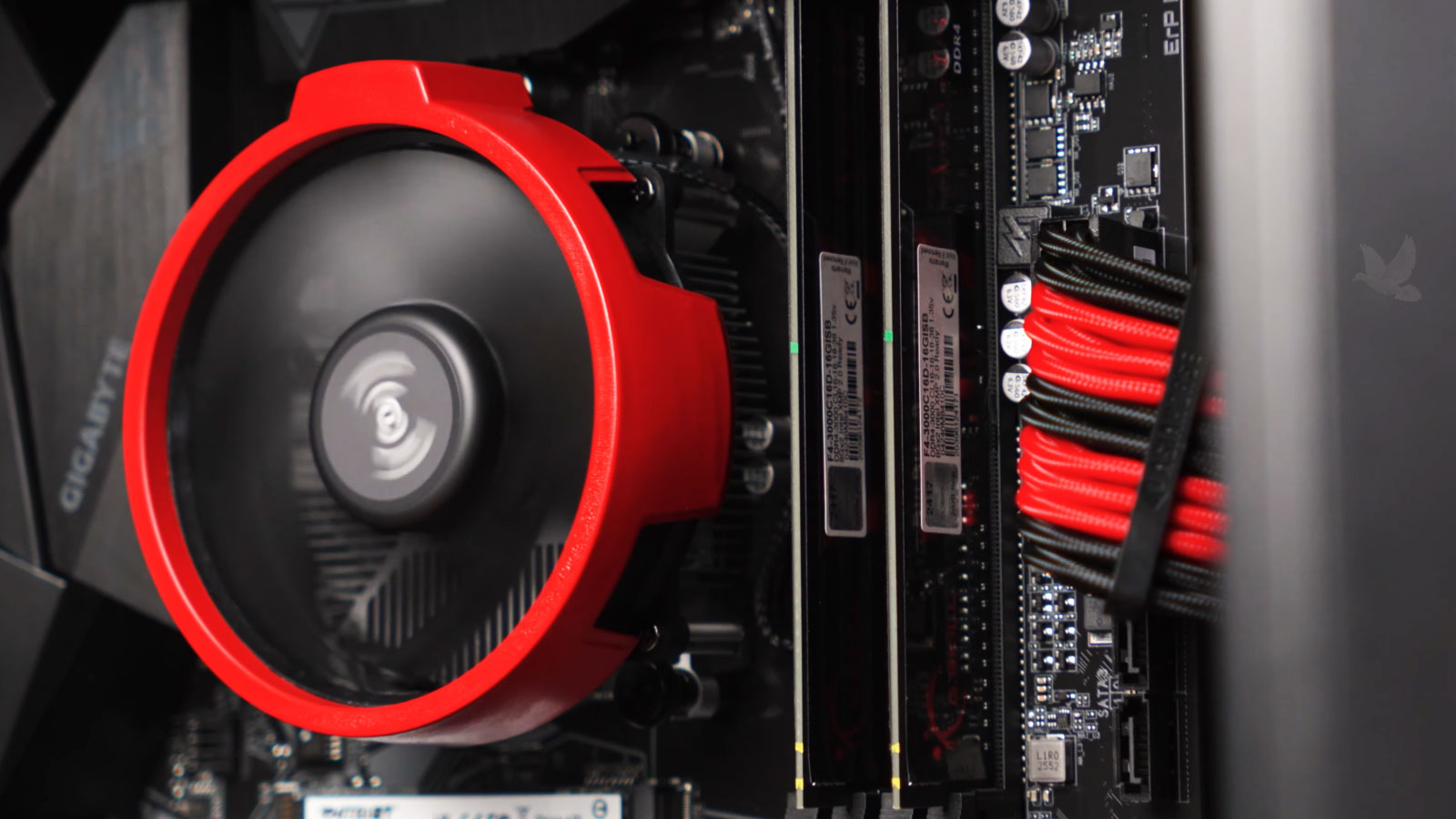
Radiator locations, fan positions, GPU dimensions, CPU cooler clearance, cable routing, and component accessibility can determine whether the planned hardware works comfortably inside the case.
Repair Begins With the Way the Computer Fails
When It Will Not Start
A gaming PC that does not power on, repeatedly restarts, stops during POST, or produces no usable display can require investigation across several components.
Power delivery, memory, graphics hardware, motherboard behavior, firmware, and connected devices can all affect whether the system completes its startup sequence.
When It Fails Under Load
Some faults remain hidden until gaming places heavier demands on the system. Crashes, freezes, sudden restarts, loss of video, or instability during demanding workloads can provide a different set of clues.
The conditions surrounding the failure matter because a computer that operates normally at idle may behave very differently once multiple components are working hard together.
Compatible
Parts may physically connect and technically support one another while still being a poor combination for the intended system.
Component Compatibility Is Only the First Test
A gaming PC also needs balance. Hardware choices influence one another, and concentrating too much of a build in one area can create limitations somewhere else. The intended games, resolution, workload, upgrade plans, and overall configuration help determine whether the parts make sense together.
Balanced
A well-planned configuration considers how the parts work as a group instead of judging every component independently.
Finding the Fault Can Change the Repair
When a gaming PC stops working correctly, replacing the component that appears responsible is not always the right first move. Some failures originate in connections, firmware, power delivery, configuration, or individual electronic components that can produce symptoms resembling a much larger hardware failure.
The repair path should follow what is actually found rather than beginning with an assumption about which part needs to be replaced.
A New Gaming PC Still Has Work Ahead After Assembly
Installing the hardware establishes the physical system, but the computer still needs to become a working platform. Firmware settings, storage configuration, the operating system, device drivers, and communication between the installed components all influence what happens when the machine is first put into service.
Initial startup can also reveal conditions that were not apparent during assembly. Memory may not operate with the intended settings, a storage device may not appear as expected, a fan or pump may be connected incorrectly, or firmware may need adjustment before the hardware behaves properly.
Once the operating system is running, motherboard, graphics, network, audio, and peripheral support still need to be established correctly. This stage is also where incorrect device recognition, installation problems, or configuration conflicts can become visible.
A completed build should therefore be treated as a functioning computer rather than simply a case containing compatible parts. Physical assembly gets the hardware together; configuration and verification turn those components into the finished system.
Firmware
Confirm that the installed hardware is recognized and that appropriate platform settings are established before normal use.
Drivers
Install the support needed for graphics, networking, audio, chipset functions, and other hardware to communicate properly.
Verification
Check startup, device recognition, system behavior, and basic stability before considering the new build complete.
An Upgrade Should Solve the Right Limitation
Adding newer hardware does not automatically produce a better gaming PC. The useful upgrade depends on what is currently limiting the system, what the existing platform can support, and whether changing one component creates new requirements elsewhere.
A targeted upgrade can extend the usefulness of an existing build without replacing hardware that still serves its purpose.
Graphics
A GPU upgrade needs to account for the processor, power supply, available case space, display resolution, and the performance expected from the rest of the system.
Memory
Capacity matters, but motherboard support, module arrangement, speed, and the memory already installed can determine the sensible way to expand a system.
Storage
Additional or faster storage can improve available space and responsiveness, but interface support and the intended role of each drive should guide the choice.
Platform
Some upgrade goals eventually reach the limits of the motherboard or processor generation, making a platform change more practical than another isolated component.
From the First Component to the Final Fix
Whether the goal is assembling a gaming PC from selected components, correcting a system that no longer works properly, upgrading an existing build, or investigating a difficult hardware or firmware problem, gaming PC build and repair services are available in Miami.
Each system can be approached according to what it actually needs, from component selection and assembly to troubleshooting, configuration, board-level investigation, or repair, without assuming that every gaming computer requires the same solution.