
Setting Up a Laptop to Work the Way It Should
A laptop can have perfectly functional hardware and still be difficult to use when the operating system, drivers, applications, startup behavior, or user settings are not configured properly. Software setup affects how the computer starts, communicates with its hardware, connects to other devices, and behaves during everyday use.
Configuration problems can appear after a new installation, software change, system update, hardware replacement, or transfer to another computer. In other cases, the laptop simply needs existing settings reorganized or corrected so the system works more predictably.
Laptop software configuration in Miami can include adjusting system settings, installing or configuring drivers and applications, correcting startup behavior, and preparing the computer around the programs and functions the user actually needs.
Several Parts of a Laptop Depend on Proper Software Setup
System Settings
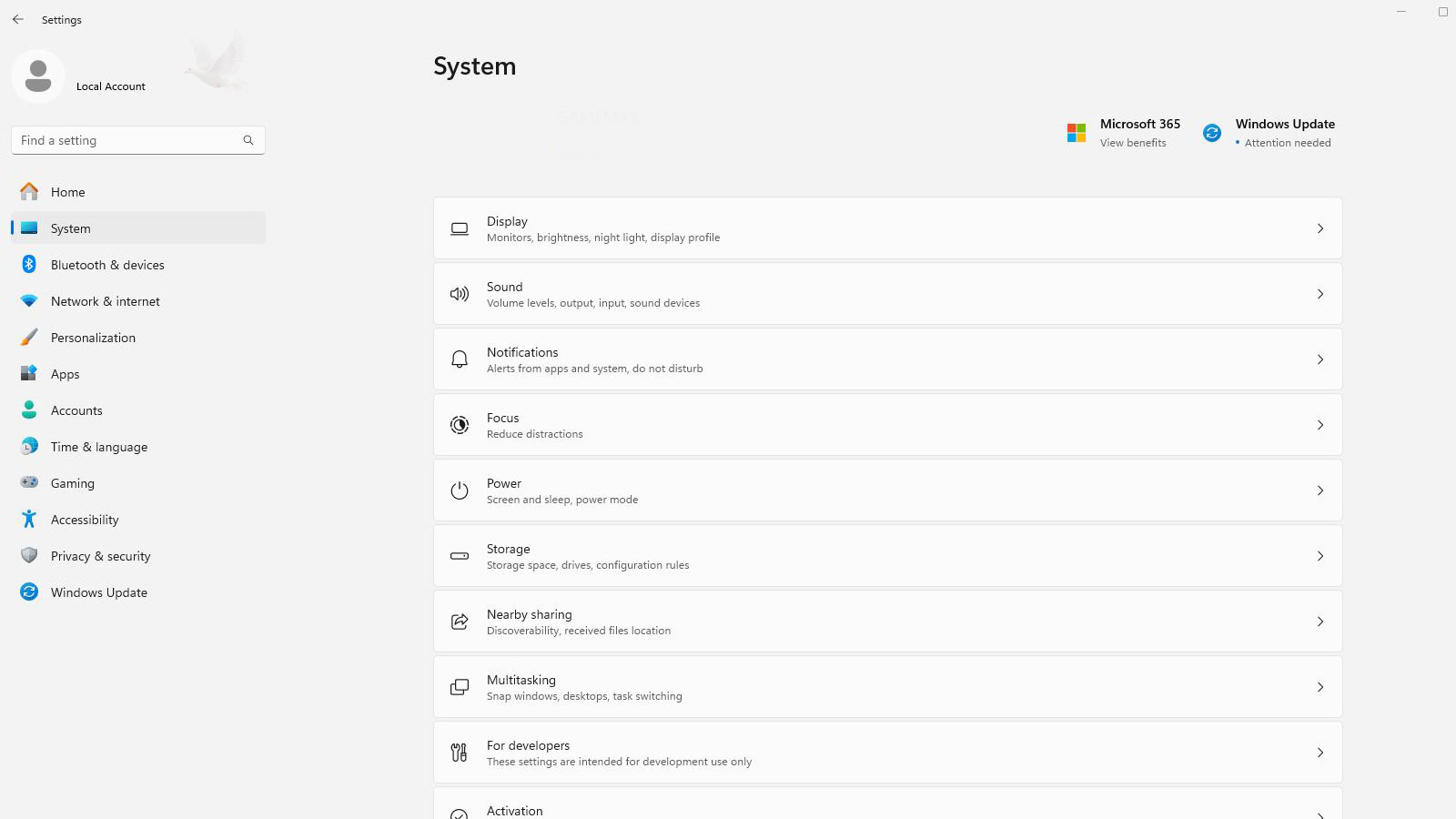
Power behavior, display options, notifications, privacy controls, default applications, and other operating-system settings can be adjusted around how the laptop is actually used.
Device Drivers
Correct drivers help the operating system communicate with graphics, audio, wireless, Bluetooth, touchpads, cameras, and other hardware built into or connected to the laptop.
Applications
Programs can be installed and configured with appropriate preferences, associations, permissions, and supporting components so they integrate properly with the system.
Startup Behavior
Startup programs and related settings can be reviewed when unnecessary software launches automatically, interrupts normal use, or adds unwanted activity when Windows begins.
A Useful Setup Starts With the User, Not a Default Template
Two laptops running the same operating system may need very different configurations. A computer used primarily for business applications, remote work, school, creative software, or everyday personal tasks can require different programs, permissions, defaults, and device settings.
The purpose of configuration is not to change settings simply because they are available. It is to prepare the system around the software, hardware, and everyday functions that actually matter on that particular laptop.
Settings That May Need Attention
Not Every Laptop Problem Begins With Failed Hardware
Incorrect settings, missing software, or configuration conflicts can sometimes produce symptoms that resemble a hardware problem. Checking the software side can help establish whether the affected function is actually being controlled correctly.
Installing a Program Is Only the Beginning
A successful installation only places the software on the computer. The program may still depend on account settings, permissions, file associations, supporting components, device access, or application preferences before it works properly for the person using it.
Configuration can also determine how an application interacts with Windows and other programs already installed on the laptop. Adjusting those relationships can be important when software opens the wrong files, cannot access a required device, behaves unexpectedly, or does not integrate correctly with the rest of the system.
Installed means the software is present. Configured means it is prepared to work in the intended environment.
Changes to the System Can Create New Configuration Needs
A laptop that was configured correctly before a major software or hardware change may not remain that way afterward. New drivers, altered defaults, removed applications, changed permissions, or different system settings can affect how familiar functions behave.
A fresh Windows installation may require device drivers, updates, application setup, account configuration, default programs, privacy choices, and other system preferences before the laptop is ready for normal use.
Replacing or adding storage, wireless hardware, graphics-related components, or other devices can introduce new drivers, utilities, settings, or recognition issues that need to be addressed within the operating system.
Major updates, newly installed applications, removed programs, or changed security settings can alter defaults and system behavior. Reviewing the affected configuration can help restore the intended setup without unnecessarily changing unrelated parts of the computer.
Changing More Settings Is Not Always Better
Windows and many applications provide a large number of adjustable options, but changing settings without a specific reason can introduce new problems instead of improving the laptop. A useful configuration keeps necessary functions working while avoiding changes that do not serve a clear purpose.
That is especially important when several programs, devices, and user accounts depend on the same system. A change intended to correct one behavior should not unnecessarily interfere with another part of the existing setup.
Keep the Configuration Purposeful
Settings should have a reason behind them. The goal is to correct the behavior that needs attention, preserve functions that already work properly, and leave the laptop with a configuration that remains practical for everyday use.
A good configuration changes what needs to change without disturbing what already works.
A Better Setup Starts With What the Laptop Needs to Do
Laptop software configuration in Miami can help when a computer needs more than a basic installation. System settings, drivers, applications, accounts, startup behavior, and connected hardware can be reviewed together so the configuration reflects how the laptop is actually going to be used.
The objective is not to change every available option or force every computer into the same setup. It is to address the settings that matter, correct configuration problems that interfere with normal use, and leave working parts of the system alone when they do not need adjustment.