
Laptop Display Repair for Cracked, Flickering, and Failed Screens
When the Display Stops Doing Its Job
A damaged laptop screen does not always mean a completely black display. Cracks, vertical lines, discoloration, flickering, dark areas, or an image that appears only at certain angles can all point to problems within the display assembly.
A Screen Problem Should Be Diagnosed Before the Display Is Replaced
A cracked panel usually makes the source of the problem obvious, but other display failures can be less straightforward. Flickering, intermittent video, unusual colors, lines, or a screen that goes dark may originate within the display assembly, its connections, or another part of the video path.
The way the problem behaves can help narrow the cause. A display that changes when the lid moves presents a different diagnostic situation from one that remains consistently distorted or completely dark.
Testing should establish whether the screen panel itself is defective before replacement begins. That prevents a working display from being replaced simply because the visible symptom appeared on the screen.
The purpose of this testing is not to make the repair more complicated. It is to make sure the part being replaced is actually the part that failed.
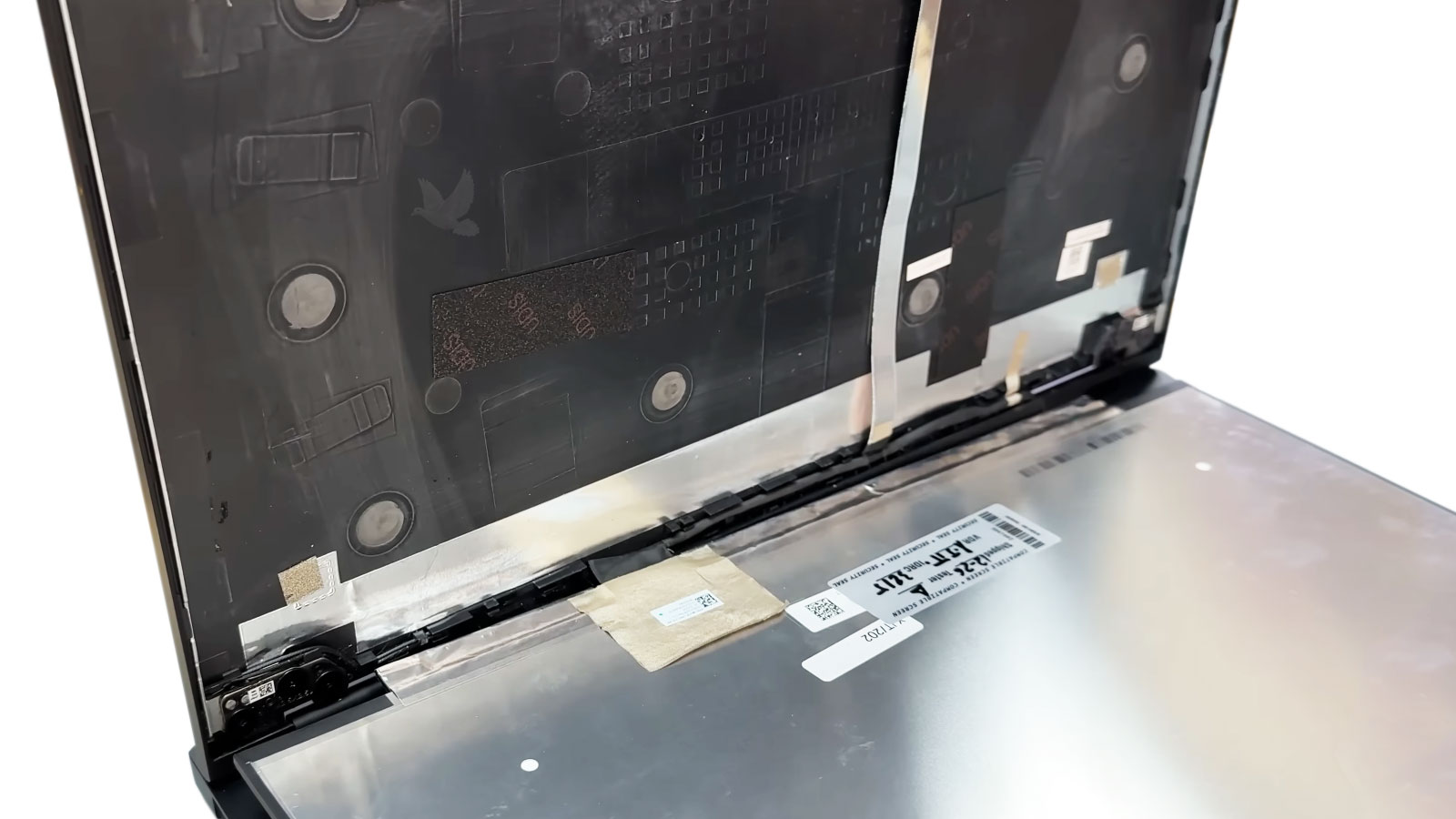
When the Display Panel Itself Has Failed
Once testing confirms that the display panel is physically damaged or internally defective, replacing the screen can restore the laptop without replacing components that are still functioning normally.
A broken LCD can produce much more than a visible crack. Impact damage may create black areas, colored lines, ink-like patterns, or portions of the display that no longer produce an image. A panel can also fail without being physically broken, resulting in persistent lines, unstable images, abnormal colors, or other defects originating within the screen itself.
Replacement requires more than selecting a panel that appears to be the correct size. The screen must be compatible with the particular laptop and display configuration, and the surrounding assembly has to be opened without unnecessarily damaging the bezel, cover, cables, or mounting points.
The Replacement Screen Must Match the Laptop
Laptop displays can differ in dimensions, resolution, connector type and position, mounting arrangement, refresh characteristics, and other specifications. Identifying the correct replacement from the actual laptop and its display configuration helps ensure that the new panel fits properly and operates as intended.
Replacing a Laptop Screen Without Treating Every Laptop the Same
The basic objective is straightforward: remove the failed display, install the correct replacement, and restore normal screen operation. How that work is performed depends on the construction of the particular laptop and its display assembly.
The bezel or surrounding display trim must be accessed according to the laptop’s construction. Fasteners, clips, adhesive, camera components, cables, and other parts around the display have to be considered before the damaged panel can be removed.
The objective is to reach the screen without creating unnecessary damage to the display cover or the components that will remain in the laptop.
Once accessible, the failed panel is carefully released from its mounting points and positioned so its display connection can be disconnected safely. The exact arrangement varies between laptops, particularly where manufacturers use different brackets, adhesive systems, or panel mounting designs.
The compatible replacement panel is connected and positioned within the display assembly according to the laptop’s original configuration. Fit, connector placement, cable routing, and mounting all need to remain correct so the screen can operate without interfering with normal opening and closing of the lid.
Before the repair is considered complete, the replacement screen should produce a stable image across normal laptop operation. Brightness, image consistency, visible defects, and display behavior are checked so a problem is not discovered only after the computer has returned to everyday use.
A New Screen Still Needs a Sound Display Assembly
A cracked LCD is sometimes the only damage caused by an impact. In other cases, the force that broke the screen also affects the structure surrounding it. Installing a replacement panel without considering that condition can leave the new screen supported by an assembly that is already damaged.
These conditions do not automatically mean that every surrounding component requires replacement. They do mean that the display assembly should be examined before the new panel is installed so the screen is not fitted into an area that cannot hold or protect it correctly.
The Condition Around the Screen Matters
The replacement panel depends on the surrounding structure for positioning, protection, and normal movement with the laptop lid. If impact damage has changed that structure, the condition needs to be understood as part of the screen repair rather than ignored simply because a new LCD can be connected.
The Repair Is Finished When the Display Works as It Should
Installing the replacement panel is only part of the job. The completed display should be evaluated under normal operation to confirm that the image is stable, the screen functions correctly, and the repair has resolved the condition that required replacement.
Stable Image
The picture should remain steady during normal use without the flickering, lines, distortion, or intermittent behavior associated with the failed display.
Normal Brightness
Brightness should respond normally across its available adjustment range without unexpected dark areas or illumination problems within the replacement display.
Consistent Display Area
The visible screen area should produce a complete image without persistent lines, abnormal patches, missing sections, or other panel defects.
Normal Lid Operation
The display should continue operating normally as the laptop is opened, positioned, and used without the replacement interfering with normal movement of the screen assembly.
Laptop Screen Repair for a Display That Needs More Than a Workaround
A cracked, damaged, or defective laptop display can interfere with everyday use even when the rest of the computer continues to operate normally. When testing confirms that the screen itself is responsible, replacing the failed panel can restore the display without treating unrelated parts of the laptop as part of the problem.
Laptop screen repair is available for compatible models with physically broken panels, persistent display defects, unstable images, and other screen failures that require replacement. The replacement is selected according to the laptop and its display configuration, installed according to the construction of the screen assembly, and checked after installation for normal operation.