
A Cleaner System Inside, Outside, and Behind the Scenes
Dust on the outside is easy to notice. The buildup that develops around cooling components, ventilation paths, fans, ports, and internal surfaces is much easier to overlook. At the same time, unnecessary files, neglected updates, startup clutter, and other software-side issues can gradually leave a computer feeling less organized and harder to maintain.
Bringing these areas together creates a more complete form of routine care. Instead of treating physical cleaning and system maintenance as unrelated jobs, both can be addressed as parts of the same process. One focuses on the condition of the hardware, while the other helps keep the operating environment orderly and functional.
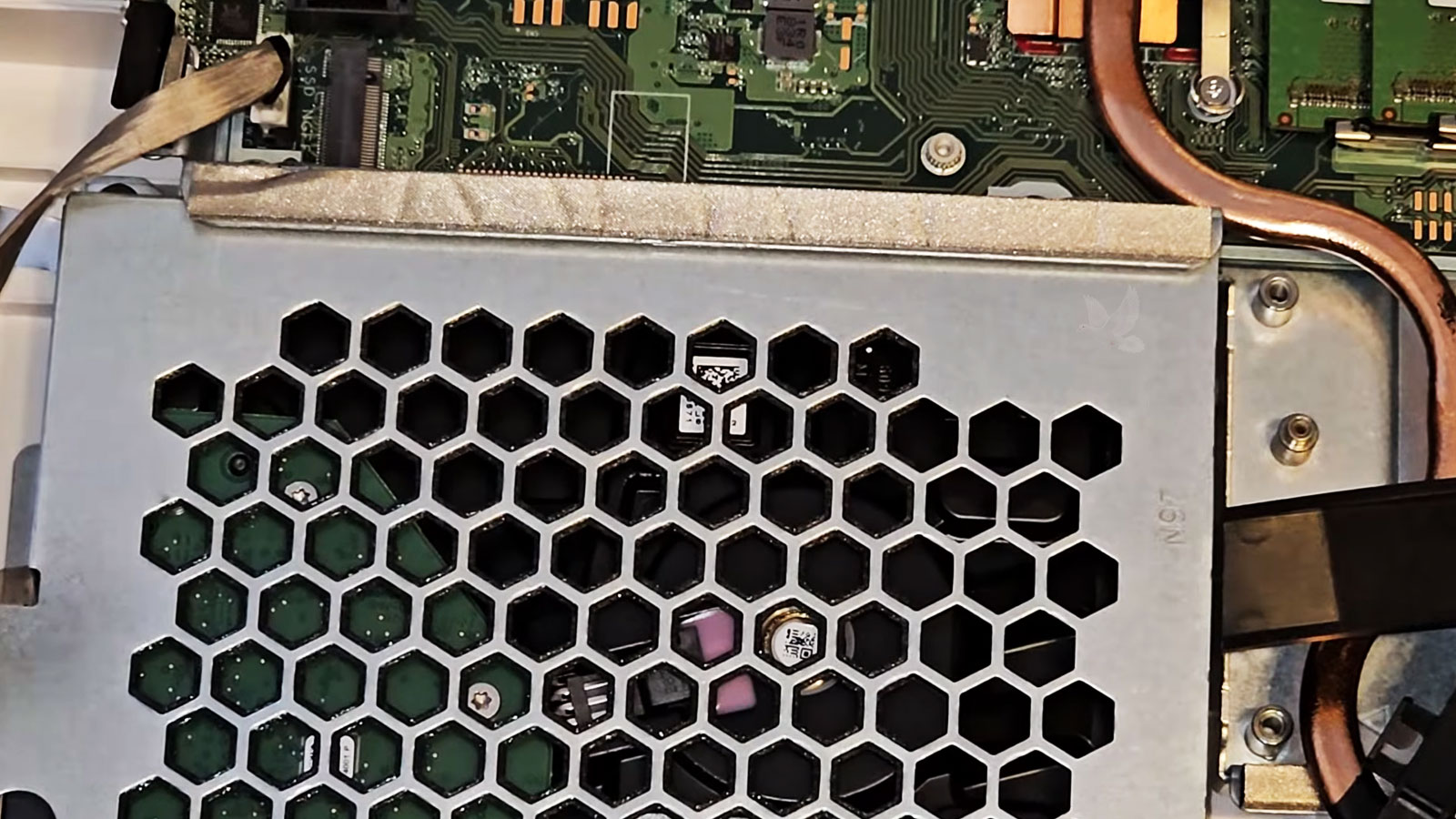
What Complete Maintenance Actually Covers
A computer can look clean on the surface while still collecting debris internally or carrying years of unnecessary software clutter. Complete maintenance looks at both sides of the system so that visible cleanliness is not mistaken for overall condition.
Small Conditions That Can Affect the Whole System
When Maintenance Becomes Worth Considering
Fans that seem to run harder than they once did, warm air around the vents, or a system that becomes noticeably hotter during ordinary use can justify a closer look inside. Dust accumulation is not always the cause, but restricted airflow and dirty cooling surfaces are sensible areas to inspect before assuming that a major hardware failure is developing.
An all in one computer can operate for years without ever being opened. During that time, airborne dust, lint, and fine debris may gradually settle inside even when the surrounding room appears clean. Periodic maintenance becomes especially reasonable when the computer has seen years of regular use without any internal inspection or cleaning.
Slower startup, excessive background activity, reduced responsiveness, unusual fan behavior, or a system that simply feels less orderly than before can point to several different causes. Maintenance provides an opportunity to review both the physical condition of the computer and the software environment instead of treating every symptom as an isolated problem.
What Maintenance Can Reveal
Cleaning often creates the first clear opportunity to inspect parts of an all in one computer that normally remain hidden. Once dust and debris are removed, subtle signs of wear or developing problems can become easier to see and evaluate.
| Area Reviewed | What May Become Noticeable |
|---|---|
| Cooling system | Fan wear, restricted airflow, loose mounting, or heavy buildup around heatsinks |
| Internal cabling | Loose connectors, pinched wires, damaged insulation, or poor routing |
| Storage hardware | Aging drives, unusual mounting conditions, or signs that replacement may deserve consideration |
| Power components | Dust accumulation, heat exposure, discoloration, or visible deterioration |
| Internal surfaces | Residue, corrosion, moisture evidence, or debris in areas that are normally inaccessible |
Maintenance Should Match the Condition of the Computer
Why All in One Computers Need a Careful Approach
When Your All in One Is Ready for Attention
If your all in one has not been cleaned internally for a long time, is showing signs of buildup, running hotter than expected, or simply needs a complete maintenance review, the next step can be straightforward. The computer can be inspected, cleaned, and maintained according to its actual condition rather than through a generic one size fits all process.
Pickup and delivery are available within Miami when needed, making it easier to have the computer serviced without adding unnecessary travel to the process.