
Make Connected Technology Work as One Home
A connected home should make everyday tasks easier, not turn simple controls into a collection of confusing apps, unreliable connections, and devices that refuse to communicate. Home automation brings compatible technology together so lighting, climate, security, entertainment, networking, and other connected systems can operate in a more practical way.
Everyday Control
Lighting, thermostats, compatible appliances, and other connected devices can be organized around controls that make sense for the people actually using the home.
Reliable Communication
Smart devices depend on more than their individual features. Network coverage, wireless communication, hubs, controllers, and proper configuration all influence how consistently the system responds.
Systems Working Together
The real advantage appears when separate technologies can cooperate through useful scenes, schedules, triggers, and routines instead of functioning as isolated smart products.
The Right Setup Depends on What Is Already in the Home
Home automation does not begin with choosing the largest collection of smart devices. Existing electrical systems, networking, wireless coverage, installed equipment, preferred platforms, and the way different rooms are used can all influence what makes sense to connect.
Some homes may need only a few carefully integrated controls, while others may involve multiple rooms, device categories, users, schedules, and automation routines. Understanding that environment first helps avoid building a system around technology that does not fit the home or the people using it.
Existing Technology
Equipment already installed in the home can influence what should remain, what can be integrated, and where compatibility needs closer attention.
Network Coverage
Connected devices rely on dependable communication, making Wi-Fi coverage, wired networking, and device placement part of the automation plan.
Daily Routines
Useful automation should reflect how lighting, climate, entertainment, security, and other systems are actually used throughout the day normally.
Future Expansion
Planning for additional rooms or devices can make it easier to expand the system later without unnecessarily rebuilding what already works.
Useful Automation Connects Actions, Not Just Devices
The value of a connected home becomes clearer when separate systems can respond together. A single action might adjust lighting and temperature for the evening, while another routine can change several devices when the home becomes occupied or empty.
Those relationships can involve different technologies depending on the equipment already installed and the level of control desired. Lighting, climate, security devices, entertainment equipment, shades, sensors, access controls, and other compatible systems may all play different roles.
The objective is not to automate everything simply because it can be connected. Controls and routines should reduce unnecessary steps while leaving everyday functions understandable when someone wants to operate them manually.
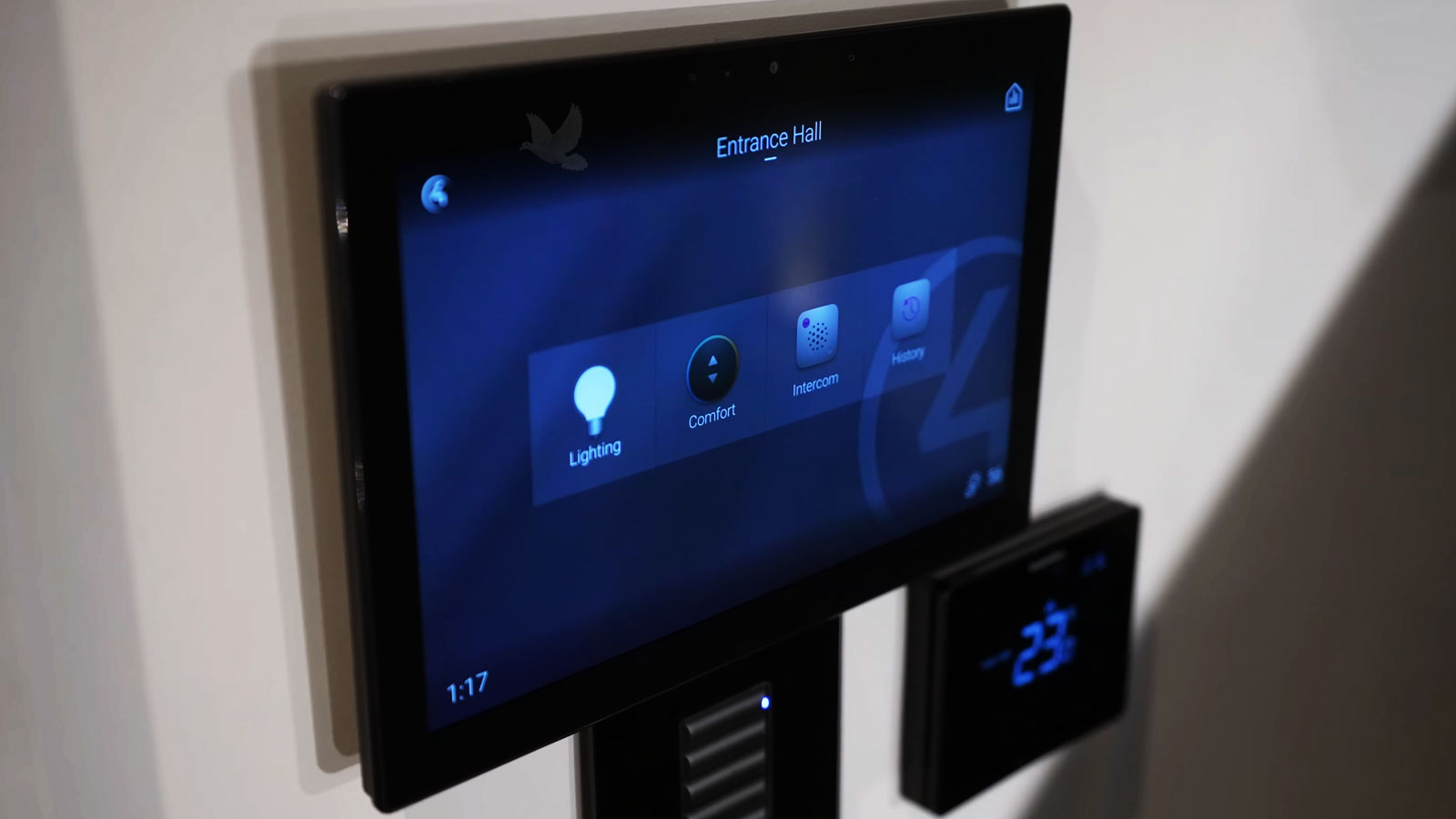
Smart Devices Still Depend on the Network Behind Them
Home automation can involve devices distributed across different rooms, floors, and areas of a property. Reliable communication between those devices becomes especially important when controls, sensors, routines, or remote access depend on network connectivity.
Weak coverage, poor device placement, network congestion, or an unsuitable configuration can make an otherwise capable automation system feel inconsistent. A device that responds sometimes but not others can undermine the convenience the system was intended to provide.
Connected Home
Devices, controllers, and services need dependable paths to communicate.
Smart Controls Should Still Feel Simple When Automation Is Not Needed
Schedules, scenes, sensors, and remote controls can reduce repetitive tasks, but everyday functions should remain understandable when someone wants to make an immediate change.
A practical setup considers both automated behavior and direct control. Lights may follow schedules while still responding normally when someone enters a room. Climate settings can change automatically without making a basic temperature adjustment unnecessarily complicated. The same principle can apply to other connected systems throughout the home.
The technology should adapt to everyday life rather than requiring everyday life to adapt to the technology.
New Automation Can Build Around Technology That Still Makes Sense
An existing smart home may already contain switches, thermostats, cameras, controllers, sensors, entertainment equipment, or other connected devices accumulated over time.
Before replacing working equipment, it can be useful to determine what remains compatible with the direction of the system and what has become a limitation.
Keep and Integrate
Existing equipment may remain useful when it is reliable, compatible with the intended controls, and still serves its purpose within the home.
Keeping appropriate devices can reduce unnecessary replacement while allowing the automation system to develop around technology that already works.
Replace or Rework
Older or incompatible equipment may interfere with the controls, communication, reliability, or capabilities expected from the updated system.
In those situations, replacing or reconfiguring the limiting part can make more sense than forcing incompatible technology to remain in the design.
Existing Automation Problems Can Be Traced Without Starting Over
A connected-home problem may appear as one device that stops responding, a routine that no longer runs correctly, controls that work intermittently, or several devices that suddenly become unreliable together.
The useful question is what changed and where communication or control is being interrupted. Looking at the behavior of the existing system can help determine whether the problem is isolated to a device, configuration, network condition, controller, integration, or another part of the automation chain.
Planning • Integration • Troubleshooting
Connected-home support can begin with a new idea, an existing installation, or a system that is no longer behaving as expected.
Build Around the Home You Already Have
Home automation service is available in Miami for planning connected-home improvements, integrating compatible equipment, configuring controls and routines, expanding existing installations, and investigating systems that are not operating correctly.
The starting point can be the technology already present, the functions that need better control, and the problems that need to be solved. From there, the system can develop around practical compatibility and the way the home is actually used rather than replacing equipment simply for the sake of making everything new.