
Graphics Failures Can Begin Deeper Inside the Laptop
A damaged display is not the only reason a laptop can lose video, distort an image, or become unstable when graphics processing increases. The GPU and the circuitry supporting it operate as part of a much larger electronic system, and failures within that path can appear in ways that initially resemble problems with the screen, memory, software, or even the motherboard as a whole.
Some faults remain subtle during light use and become noticeable only when the graphics hardware is placed under greater demand. Others can interrupt the startup sequence before a usable image ever reaches the display. Understanding when and how the failure appears helps separate a graphics-related problem from another condition producing similar symptoms.
Signs That Deserve a Closer Look
A GPU Failure Can Involve More Than the Processor Itself
The graphics processor performs the calculations responsible for producing and manipulating visual output. When the GPU itself develops an electrical or physical fault, the result may include corrupted graphics, instability under load, loss of video, or a laptop that cannot complete its normal startup sequence.
Dedicated graphics hardware may rely on memory located around the GPU. Problems within that memory or its connections can interfere with the information being processed for display, producing artifacts, crashes, corrupted output, or failures that become more apparent as graphics memory usage increases.
The GPU requires controlled voltages supplied by its surrounding power circuitry. A graphics problem can therefore originate before electrical power ever reaches the processor correctly. Regulators, MOSFETs, capacitors, coils, controllers, and related components may need to be considered when voltage is missing, unstable, or behaving abnormally.
Signals and power must travel through motherboard traces, soldered connections, and supporting circuitry before the graphics subsystem can operate normally. Damage in those paths can imitate a failed GPU even when the processor itself is not the component responsible for the fault.
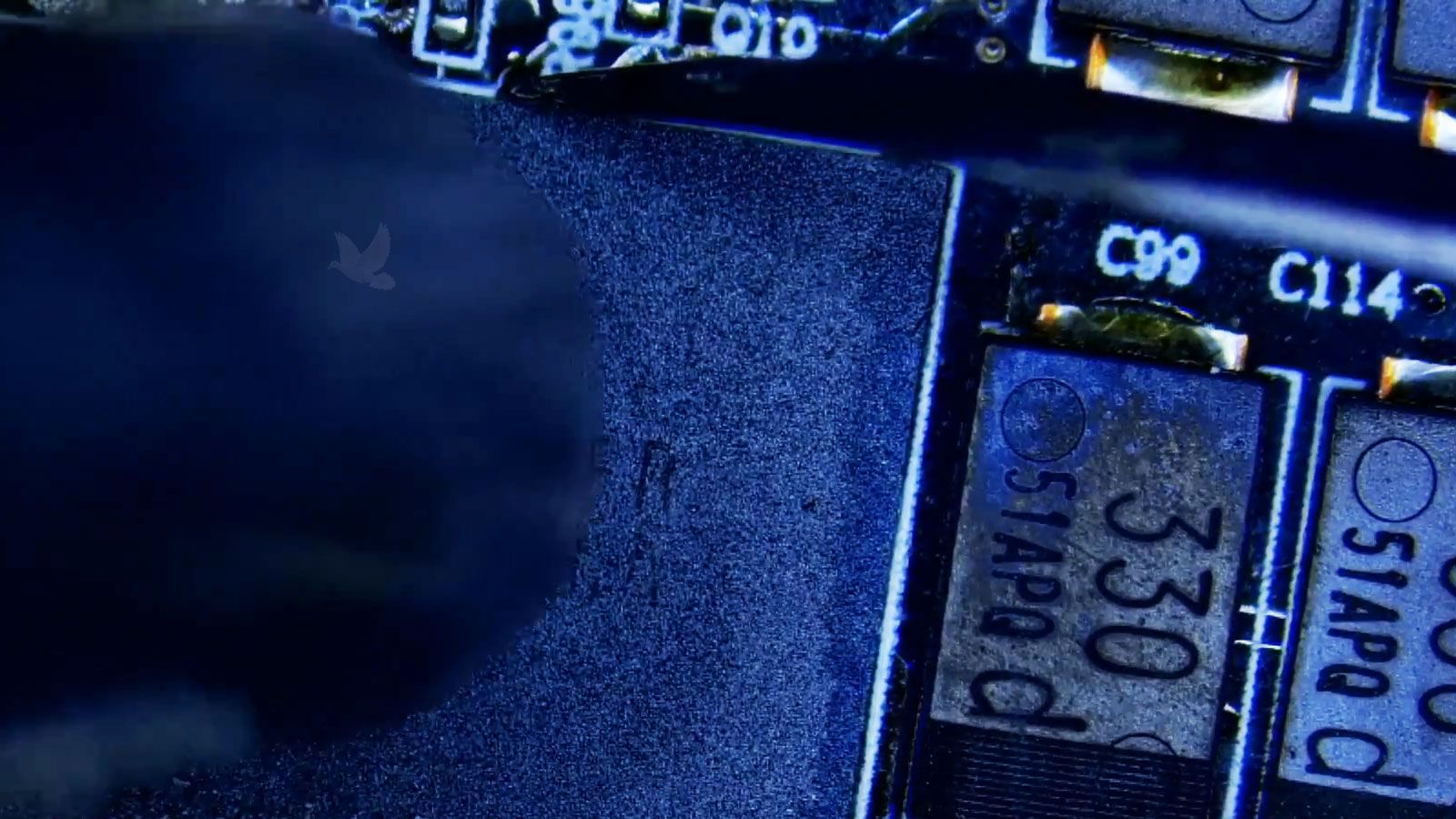
Diagnosis determines whether the GPU needs attention; the symptom alone does not.
Electrical Measurements Can Narrow the Search
Voltage V
Checking whether the expected voltage is present can reveal when a graphics power rail is missing, unstable, or behaving differently from the circuit’s intended state.
Resistance Ω
Resistance measurements can help identify suspicious paths or unusually low readings that deserve investigation before power is applied or components are disturbed.
Current A
Current behavior can provide a clue when a circuit consumes more or less power than expected, while observing how the board responds during startup.
Temperature °C
Temperature patterns can help identify components or circuit areas behaving abnormally and show how conditions change as the graphics subsystem begins operating.
A Small Component Can Disable a Much Larger Graphics Circuit
A graphics subsystem depends on numerous supporting components to establish its voltages, control power sequencing, filter electrical noise, and communicate with the rest of the motherboard. A failed capacitor, MOSFET, controller, resistor, or another component within that circuitry can prevent normal graphics operation even when the GPU itself remains functional.
Finding that distinction can completely change the repair. Replacing or disturbing an expensive graphics processor would accomplish little if the actual interruption exists elsewhere in the circuit. Measurements taken around the affected area can help trace where expected electrical behavior changes and narrow the investigation toward the component responsible.
When a specific supporting component is identified as the fault, component-level work may allow that part of the circuit to be repaired without treating the entire motherboard or the GPU as disposable.
“GPU Repair” Does Not Describe One Single Procedure
A Successful Repair Should Be Verified Under Real Operating Conditions
Confirm Normal Video Output
Internal and external display behavior can be checked again after the repair to confirm that the original artifacts, missing video, or other graphics symptoms are no longer present.
Put the Graphics Hardware Under Load
A laptop that works while idle may still become unstable when graphics demand increases. Controlled load testing can reveal whether the repaired subsystem continues operating normally when it is asked to do more work.
Watch Temperatures and Stability
Temperature behavior, fan response, crashes, shutdowns, and other signs of instability can be observed while the system operates, helping confirm that the repair remains stable beyond the initial startup.