
Finding the Reason a Laptop Is Not Working Properly
A laptop can show the same symptom for several completely different reasons. Unexpected shutdowns, poor performance, startup failures, freezing, unusual noises, or intermittent behavior are clues, but they do not necessarily identify the component or condition responsible.
Symptoms Provide the Starting Point
What happens before, during, and immediately after a problem appears can help narrow the investigation. Whether the failure occurs under load, during startup, after warming up, or only when certain hardware is used can point the diagnostic process in very different directions.
Testing Separates Cause From Effect
A visible problem may originate somewhere else entirely. Testing helps distinguish the component that is actually failing from other parts of the laptop that are simply reacting to that failure, reducing the chance of replacing hardware based only on appearances.
A Problem Becomes Clearer as Possibilities Are Eliminated
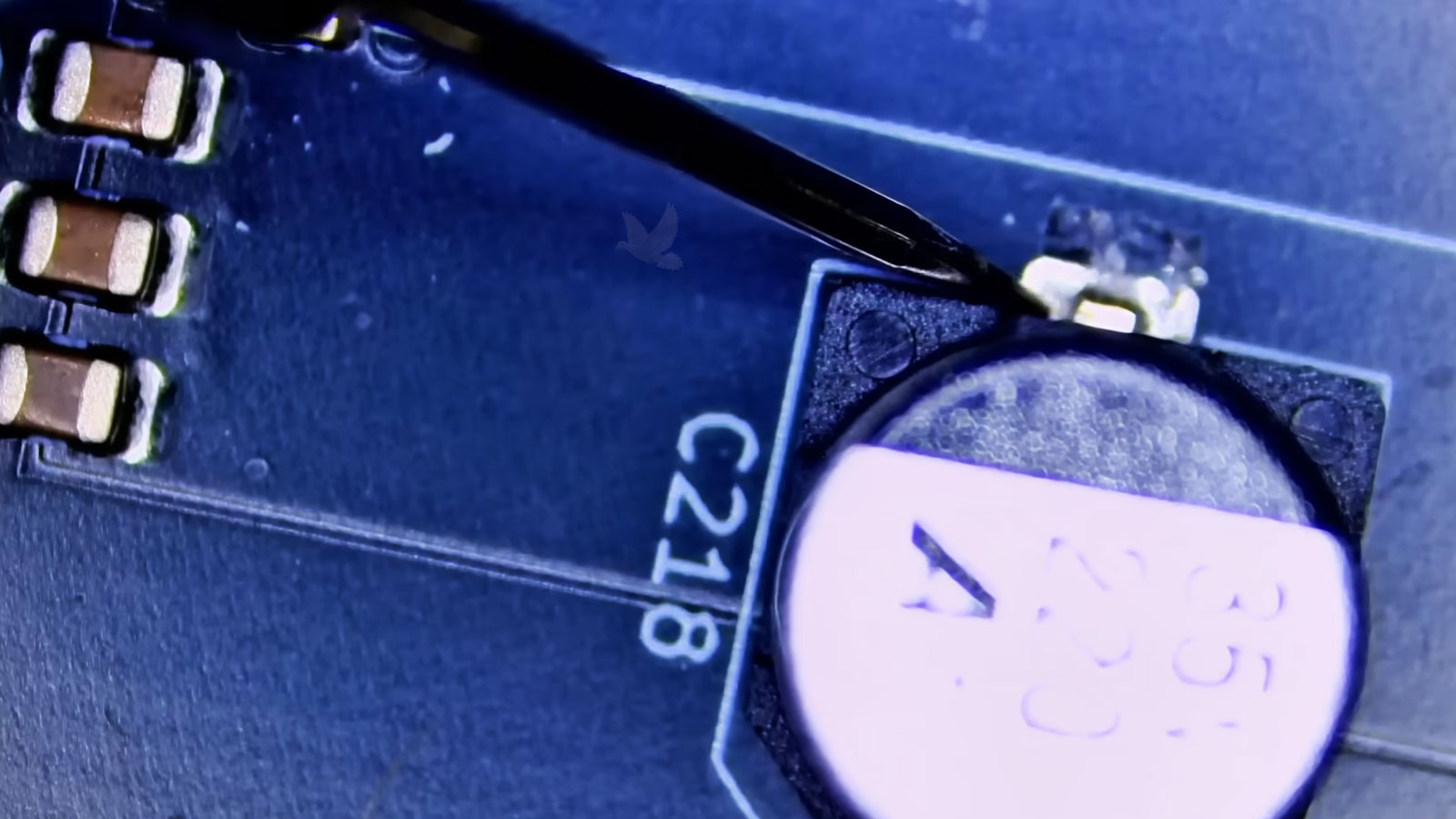
Visible Damage Is Only Part of the Evidence
An internal inspection can reveal clues that software testing cannot show: contamination, overheating marks, damaged connectors, loose components, corrosion, previous repair work, or physical conditions that may be connected to the reported failure.
But something that looks unusual is not automatically the cause. A discolored area, accumulated debris, or a component that appears suspicious still needs to be considered alongside the laptop’s behavior and the results of further testing. The purpose of inspection is to gather evidence, not turn the first visible irregularity into a diagnosis.
Appearance can suggest where to investigate. Testing determines whether the evidence actually matters.
One Symptom Can Point in Several Directions
The same complaint can originate from very different parts of a laptop. That overlap is one reason diagnosis should begin with testing rather than assuming that the most familiar explanation is automatically the correct one.
| Reported behavior | Possible areas to investigate | Why testing matters |
|---|---|---|
| Laptop will not power on | Power input, battery path, charging circuit, motherboard power rails | A completely unresponsive laptop does not identify which stage of the power path has stopped functioning. |
| Turns on but shows no image | Display assembly, memory, graphics path, firmware, motherboard | Power lights and fan activity confirm only part of the startup process; they do not establish why video never appears. |
| Random shutdowns or restarts | Cooling, power delivery, memory, storage, operating conditions | Several unrelated failures can produce nearly identical interruptions, especially when the problem appears only under certain loads. |
| Severe slowdown or freezing | Storage, memory, temperatures, software activity, system configuration | Poor performance can be caused by hardware, software, or an interaction between the two, so replacing parts prematurely may accomplish nothing. |
| Battery will not charge | Battery, adapter, DC input, charging circuitry, communication between components | A charging complaint can involve several components along the same electrical path rather than the battery alone. |
The First Explanation Is Not Always the Right One
The Battery Is Bad
The laptop stops charging, operates only from the adapter, or reports inconsistent battery behavior.Look at the Entire Charging Path
The battery may be involved, but the adapter, DC input, charging circuit, connectors, or communication between components can produce similar behavior.
The Screen Is Dead
The laptop appears to start, but the display remains black and nothing useful becomes visible.Follow the Startup and Video Path
The display itself is only one possibility. Memory, firmware, graphics circuitry, motherboard faults, or an incomplete startup sequence can also leave the screen blank.
It Is Just Overheating
Heat, fan noise, shutdowns, or instability can make the cooling system seem like the obvious explanation.Determine What Happens Under Load
Temperature readings, fan operation, airflow, power behavior, and the conditions that trigger the failure help determine whether heat is the cause, a contributor, or merely another symptom.
Windows Is the Problem
Freezing, crashes, slow startup, or unusual behavior can easily appear to be an operating-system problem.Separate Software From Hardware
Storage problems, unstable memory, thermal conditions, firmware, drivers, or software can overlap in their symptoms. Controlled testing helps determine which side of that boundary the failure actually belongs to.
What Happened Before the Problem Can Matter
A laptop arrives with its current symptoms, but the events leading up to them can provide useful context. A change that seemed unrelated at the time may help determine where testing should begin and which possibilities deserve attention first.
“Small details can shorten the investigation.”
Some Failures Have to Be Traced Below the Replaceable Parts
A Diagnosis Should Answer the Question Before Parts Are Replaced
Laptop diagnostic service is available in Miami for problems that need to be identified before deciding what should be repaired. From intermittent failures and startup problems to power, thermal, firmware, or motherboard-level faults, the investigation can follow the evidence as far as necessary to determine what is actually happening.