
Battery Life Has Become Noticeably Shorter
A laptop that once operated for hours away from the charger may gradually reach the point where normal battery use becomes impractical.
When the Laptop Battery No Longer Keeps Up
Battery deterioration can appear gradually through shorter runtime or become difficult to ignore when the computer shuts down unexpectedly, stops charging normally, or depends increasingly on external power.
Laptop battery replacement in Miami can restore dependable portable operation when testing confirms that the battery itself has reached the end of its useful service life.
Charging Behavior Has Changed
A battery that charges inconsistently, remains at an unusually low percentage, or no longer reaches its expected capacity can indicate deterioration, although charging symptoms should not automatically be blamed on the battery.
Battery Wear Usually Leaves Clues
Runtime Drops Quickly
A laptop that reaches a low charge much sooner than it once did may be showing the effects of reduced battery capacity.
Charge Stops Early
Charging that stalls or behaves inconsistently can justify checking battery condition along with the rest of the charging system.
Power Becomes Unpredictable
Unexpected shutdowns or sudden changes in the reported charge level can occur when battery performance becomes unstable.
AC Power Becomes Necessary
When portable use is no longer dependable and the laptop needs to remain connected to its adapter, the battery deserves closer evaluation.
Not Every Charging Problem Calls for a New Battery
A laptop can refuse to charge properly even when the battery is not the component responsible. Problems involving the AC adapter, charging port, internal power circuitry, or connections between the battery and motherboard can produce similar symptoms.
Confirming the source of the failure helps avoid replacing a battery only to discover that the original charging problem remains.
Battery Condition Can Affect More Than Runtime
As a laptop battery deteriorates, the changes are not always limited to how long the computer operates between charges. Battery condition can also influence charging behavior, power stability, and the way the laptop behaves when disconnected from its adapter.
Reduced capacity means the laptop may reach a low charge much sooner than expected, making portable use increasingly inconvenient even though the battery can still accept a charge.
A deteriorated battery may become less capable of supplying stable power under changing demand. The laptop can shut down unexpectedly even when the displayed charge level suggests that usable capacity remains.
The battery may take unusually long to charge, stop before reaching its expected level, or show inconsistent changes in the reported percentage. Those symptoms should still be evaluated alongside the laptop’s charging system.
Some failing batteries can swell as their internal condition deteriorates. Expansion may place pressure on the laptop enclosure, trackpad, keyboard, or surrounding components and should not be ignored.
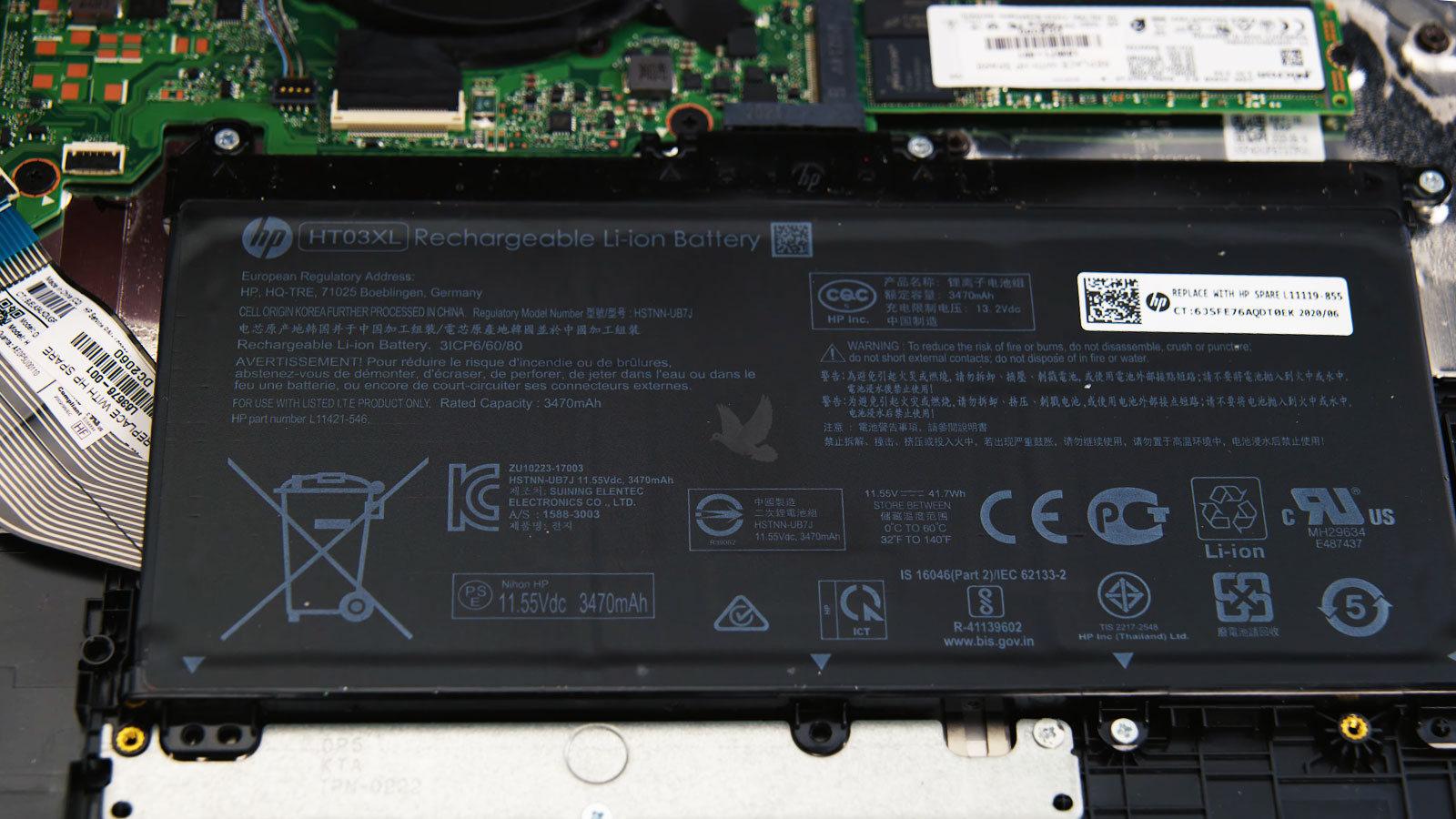
Battery Replacement Requires Access Beyond the Exterior
On many modern laptops, the battery is installed internally rather than designed for routine removal from the outside. Reaching it can require opening the enclosure and working around cables, connectors, shields, or other components positioned nearby.
Installation Is Only Part of the Job
The replacement battery needs to fit the specific laptop correctly, connect securely, and sit properly within the available space. The surrounding area can also be inspected while the computer is open for signs of swelling, damage, or anything else that may affect installation.
After installation, charging behavior and battery-powered operation can be checked before the laptop returns to normal use.
The Replacement Battery Has to Match the Laptop
Correct Battery Model
The replacement needs to correspond with the battery designed for the specific laptop rather than relying only on the computer's brand or product family.Model Compatibility Matters
Laptop models that appear very similar can use different batteries. Checking the appropriate battery specification helps ensure that the replacement matches the hardware configuration of the particular computer.
Voltage and Capacity
Battery specifications affect how the replacement works with the laptop's existing charging and power system, not simply how long it may operate between charges.Electrical Specifications Must Match
The replacement should provide the appropriate voltage and compatible capacity for the laptop. Selecting a battery by physical appearance alone can overlook electrical differences that matter to normal operation.
Connector and Fit
A compatible battery needs to occupy the available internal space correctly while connecting to the laptop without putting unnecessary stress on surrounding components.Installation Depends on Proper Fit
Connector position, cable arrangement, mounting points, and physical dimensions should align correctly so the battery can be secured without forcing connections or interfering with nearby hardware.
Battery Condition
Compatibility is only part of the evaluation. The physical condition of the replacement itself should also be considered before it is installed inside the laptop.Inspect Before Installation
A replacement battery should be free from swelling, enclosure damage, connector problems, or other visible abnormalities that could make installation inappropriate or indicate that the battery should not be used.
A New Battery Should Restore More Than a Percentage
The purpose of replacement is not simply to make the battery indicator reach a higher number. The laptop should be able to charge normally, operate away from the adapter, and transition between external power and battery power without introducing new problems.
When Battery Dependence Starts Limiting the Laptop
Laptop battery replacement in Miami is available when reduced runtime, unstable battery operation, charging concerns, or battery deterioration makes portable use increasingly difficult.
Replacement Should Follow the Condition of the Computer
The symptoms and battery condition can be evaluated before replacement so that a charging or power problem is not automatically treated as a failed battery. When the battery is the source of the problem, the replacement can then be matched to the laptop and installed with the surrounding hardware taken into consideration.