
One Board Connects Most of the Computer
Power, storage, memory, display signals, USB connections, cooling controls, and many other functions depend on circuits and components located on or connected through the motherboard.
A Motherboard Problem Can Affect the Entire System
When an all in one computer develops a motherboard fault, the symptoms are not always limited to one obvious component. The computer may stop powering on, fail during startup, lose specific ports or functions, behave intermittently, or appear to have a problem somewhere else in the system.
Replacing the entire motherboard is not automatically the only option. Depending on the failure and the construction of the board, the problem may be traced to individual circuits, damaged components, firmware, power-related faults, or other board-level issues that can be evaluated before deciding how the repair should proceed.
Motherboard Faults Do Not Always Look Like Motherboard Faults
Because the motherboard connects and controls so many parts of the computer, a fault on the board can resemble a problem with the power supply, display, storage, memory, USB devices, or even the operating system. The behavior of the computer and the circumstances surrounding the failure help narrow down where the problem is actually occurring.
Power and Startup Problems
The computer may show no response when the power button is pressed, begin powering on and immediately shut down, restart repeatedly, or receive power without completing the startup process.
Display and Hardware Behavior
A motherboard problem can leave the screen blank even though the computer appears to be running. Other symptoms can include hardware that is no longer detected, unstable operation, or functions that work only intermittently.
Ports and Integrated Functions
USB ports, audio, networking, storage connections, and other functions tied to the motherboard can stop working individually or behave unpredictably when the affected circuit is limited to a particular area of the board.
Finding the Fault Means Looking Beyond the Symptom
A motherboard contains many circuits that depend on one another. When the computer fails, the visible symptom may identify the general area of the problem, but it does not necessarily identify the component or circuit responsible for it.
Board-Level Diagnosis Narrows Down the Failure
Testing can follow the path related to the symptom rather than assuming that the entire motherboard has failed. Power rails, connectors, charging or voltage-regulation circuits, damaged components, firmware behavior, and other relevant areas can be examined according to what the computer is doing.
What Happens After the Motherboard Fault Is Located
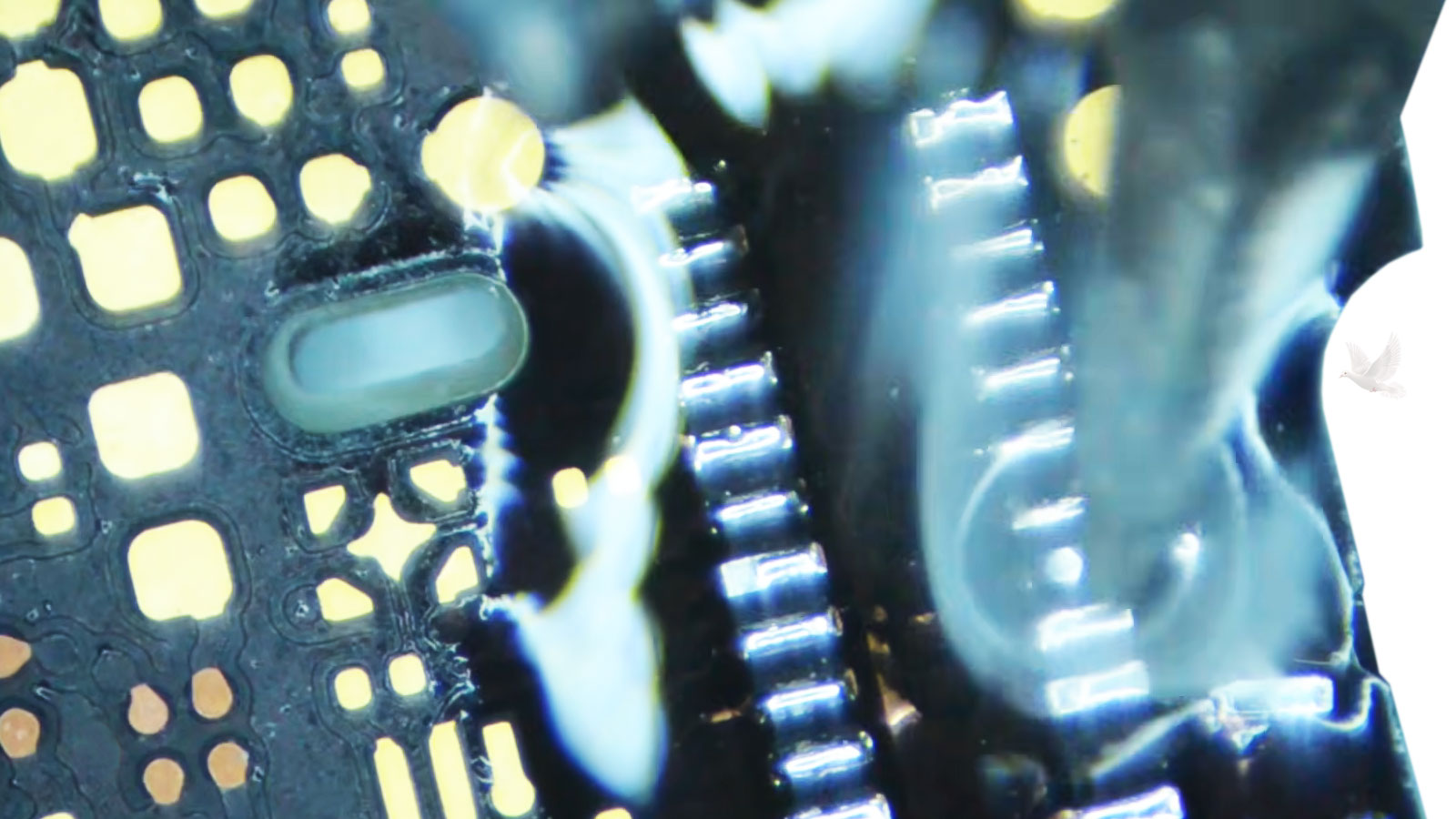
Some Motherboard Failures Can Be Repaired at Component Level
A motherboard is made up of individual electronic components, connections, and circuits rather than functioning as one indivisible part. When a failure can be isolated to a repairable area, board-level work may provide an alternative to replacing the complete motherboard.
Depending on what is found, the work can involve removing and replacing failed components, repairing damaged connections, correcting certain circuit faults, or restoring areas affected by physical or electrical damage.
Microsoldering and circuit-board repair require the problem to be identified precisely before components are changed. The objective is to correct the actual fault while disturbing as little of the surrounding board as necessary.
Not Every Motherboard Failure Is a Damaged Circuit
A computer that will not complete startup can sometimes have a motherboard-related problem involving BIOS or firmware rather than a failed electronic component. Corruption, an interrupted update, incorrect firmware, or a problem involving the BIOS chip can prevent the board from initializing normally.
Firmware Problems Require a Different Kind of Repair
When the symptoms and testing point in that direction, the BIOS or firmware can be evaluated before physical board repair or motherboard replacement is considered. Depending on the situation, recovery may involve reprogramming the existing chip or working directly with the firmware stored on the motherboard.
This distinction matters because replacing electronic components will not correct corrupted firmware, just as reprogramming firmware will not repair a failed circuit. The repair has to match the type of failure that is actually present.
A Repair Still Has to Make Sense for the Computer
Successfully identifying a motherboard fault does not automatically mean the board should be repaired at any cost. The condition of the rest of the computer, the extent of the failure, available replacement options, and the value of the completed repair all matter before proceeding.
When Board Repair Is Worth Considering
A localized and repairable fault can make motherboard repair a reasonable choice when the display, storage, cooling system, enclosure, and other major parts of the all in one remain in useful condition.
Repair can also be particularly relevant when a replacement motherboard is difficult to obtain, unnecessarily expensive, or would require replacing an otherwise usable computer.
When Another Direction May Be Better
Extensive board damage, multiple unrelated hardware problems, unavailable parts, or a computer with significant limitations elsewhere can change the value of proceeding with motherboard work.
In those situations, the diagnosis still serves an important purpose because it provides a clearer basis for deciding between board repair, motherboard replacement, or replacing the computer itself.
A Motherboard Problem Deserves a Clear Answer Before a Major Decision
When an all in one computer has a suspected motherboard problem, the next step does not have to begin with replacing the board or replacing the computer. The failure can first be evaluated to determine what is actually happening and whether board-level repair, firmware work, motherboard replacement, or another solution is appropriate.
If the computer is experiencing power, startup, display, intermittent, or other behavior that may be connected to the motherboard, it can be examined with the repair decision based on what the diagnosis actually reveals.