
Understanding High-Speed External I/O
External Connections Were Taking on a New Role
Computer ports traditionally tended to have fairly recognizable jobs. USB connected general-purpose peripherals. Display connections carried video. Internal expansion buses connected high-performance hardware directly to the motherboard. Each interface occupied its own part of the computer’s architecture.
Thunderbolt approached external connectivity differently. Rather than functioning simply as another peripheral protocol, it provided a high-speed path capable of carrying PCI Express and DisplayPort traffic through the same physical connection.
That distinction gave the interface unusual flexibility. Devices outside the computer could gain access to capabilities that had traditionally been associated more closely with internal expansion, while displays could share the same connection architecture.
More Than a Faster Cable
Thunderbolt was significant because of what it transported. Combining PCI Express data with DisplayPort video created an external connection that could serve very different types of hardware without reducing everything to a single traditional peripheral protocol.
PCI Express Changed What an External Port Could Reach
PCI Express is a high-speed interconnect used inside computers for communication with devices such as storage controllers, network adapters, graphics hardware, and other expansion components.
Providing PCI Express connectivity through Thunderbolt created possibilities that ordinary external peripheral interfaces approached differently. A Thunderbolt controller could transport PCI Express traffic across the external link and allow compatible peripheral hardware to communicate through that path.
This did not mean that an external Thunderbolt device was electrically identical to plugging an expansion card directly into a motherboard slot. Controllers at each side of the connection managed the transport. But from a system architecture perspective, bringing PCI Express traffic outside the chassis was an important change.
Internal Expansion
PCI Express normally provides high-speed communication between the computer platform and hardware installed through internal motherboard connections.
External Transport
Thunderbolt created a controlled external path through which PCI Express traffic could reach compatible peripheral devices beyond the computer chassis.
DisplayPort Shared the Same Connection
The other major component of the original Thunderbolt architecture was DisplayPort. This allowed the connection to carry display traffic as well as PCI Express data.
Combining the two was particularly useful for compact computers. Instead of requiring entirely separate high-performance data and display connections, a single Thunderbolt port could participate in both roles.
A display could therefore become more than the endpoint for a video signal. Properly designed Thunderbolt hardware could incorporate additional connectivity and provide a path to other devices further along the chain.
Two Types of Traffic
The original Thunderbolt architecture transported PCI Express for high-speed device communication and DisplayPort for video. The controller managed these different forms of traffic across the Thunderbolt link.
Two Bidirectional Channels Provided High-Speed Communication
The first generation of Thunderbolt provided two bidirectional channels, with each channel capable of 10 Gb/s operation. This gave the interface substantial bandwidth for the external devices available during its introduction.
As with other computer interfaces, a signaling or link specification should not be confused with the amount of application data a user will necessarily transfer. Protocol overhead, controller behavior, device performance, storage media, software, and workload all influence real-world throughput.
Interface Speed Is Not Device Speed
A high-bandwidth connection removes one possible bottleneck, but it cannot make the attached hardware operate faster than its own capabilities. Storage media, controllers, system resources, and the workload itself still determine practical performance.
This distinction was especially important with storage. A fast external interface could provide enough bandwidth for high-performance drives and RAID systems, but the actual storage hardware still had to produce data quickly enough to take advantage of the available connection.
Daisy Chaining Changed Cable Layouts
Thunderbolt also supported daisy chaining. Instead of requiring every compatible peripheral to occupy a separate computer port, multiple devices could be connected sequentially along a Thunderbolt chain.
The computer connected to one Thunderbolt device, that device could provide another Thunderbolt connection for the next device, and the chain could continue within the limits of the technology and hardware configuration.
A high-speed external interface becomes more useful when it can carry several kinds of traffic and allow multiple devices to share the connection without requiring an individual computer port for each one.
Does Every Device Need Two Ports?
A device positioned in the middle of a conventional daisy chain needs a way for the Thunderbolt connection to continue toward another device. An endpoint at the end of the chain does not need to pass the connection onward.
The Original Plug Did Not Reveal Everything It Carried
The first Thunderbolt implementation used the Mini DisplayPort connector. That could create confusion because the physical shape was already familiar as a display connection.
Identical or similar connector shapes do not necessarily mean identical electrical capabilities. A Mini DisplayPort connection designed only for DisplayPort does not acquire Thunderbolt functionality simply because a Thunderbolt cable can resemble or use the same physical connector format.
Thunderbolt capability requires the appropriate controller hardware and supporting system design behind the port.
Connector Shape Is Not the Specification
When two computer interfaces share a physical connector, compatibility cannot be determined from appearance alone. The controllers, signal protocols, wiring, firmware, and device capabilities behind the connector determine what the port can actually do.
Controllers Managed the Connection at Both Ends
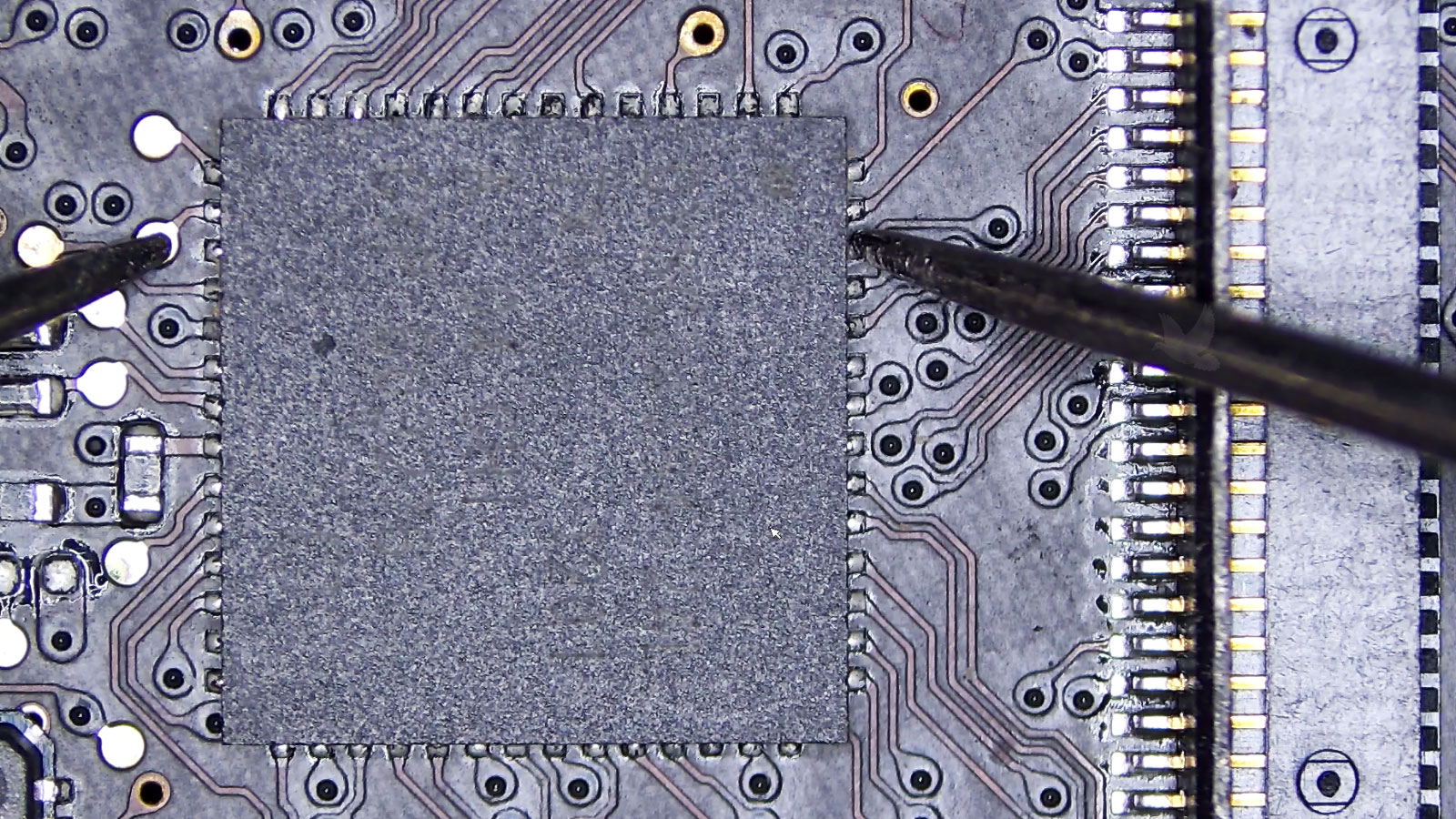
Thunderbolt depended on active controller technology rather than acting as a simple bundle of passive wires extending motherboard signals directly to a peripheral.
At the computer, a Thunderbolt controller interacted with the relevant system interfaces and organized traffic for transmission across the link. Compatible peripheral hardware used corresponding controller functionality to recover and route that traffic where it was needed.
This controller-based architecture helps explain why adding Thunderbolt was more involved than changing the shape of a connector. The computer platform had to be designed with the required hardware and supporting software environment.
System Side
The computer provides the underlying PCI Express and display resources that Thunderbolt makes available through the external connection.
Thunderbolt Link
Controller hardware organizes high-speed traffic for transport between the computer and compatible devices.
Peripheral Side
The receiving hardware routes the transported information toward storage, display, networking, or other functions implemented by the device.
Fast Drives Needed a Connection With Room to Grow
External storage was an obvious application for a high-bandwidth interface. Large media files, backups, professional editing workloads, and RAID arrays could move enough information that the external connection itself became an important performance consideration.
Solid state storage was also becoming increasingly practical. As storage latency and transfer performance improved, an external interface capable of carrying substantial bandwidth became more valuable.
Thunderbolt provided a path that could support demanding external storage without treating the device merely as a slower removable peripheral.
The Slowest Stage Still Matters
Storage performance depends on the complete path. A fast interface cannot compensate for slow media, and fast media cannot deliver its full capability through a connection that becomes the limiting stage.
One Port Could Support Very Different Hardware
The combination of PCI Express and DisplayPort meant Thunderbolt could serve devices with substantially different purposes. Storage arrays, displays, adapters, capture hardware, and other peripherals could use the connection according to the capabilities exposed by their designs.
This flexibility differed from an interface built around one narrowly defined device class. The external connector acted as an entry point to high-speed system resources that manufacturers could use to build different types of peripherals.
It also allowed docking-style arrangements to become more capable. A single connection could participate in a setup containing display output and multiple peripheral functions rather than requiring a separate direct computer connection for every device.
Follow the Signal Path
When diagnosing a high-speed external interface, think beyond the visible port. Controller hardware, system buses, firmware, drivers, cables, intermediate devices, and the final peripheral all form parts of the communication path.
External Devices Were Moving Closer to the System
Historically, there was a clear practical distinction between hardware installed inside a computer and peripherals attached outside it. Internal expansion enjoyed direct access to high-performance system buses, while external devices communicated through interfaces designed specifically for peripheral connectivity.
Thunderbolt narrowed that architectural gap by transporting PCI Express outside the machine. This allowed external hardware to interact with the system through a path derived from the same expansion technology used internally.
That idea had implications beyond transfer benchmarks. It changed what designers could reasonably place outside a notebook or compact desktop while still maintaining a high-performance connection to the host computer.
The Importance Was in What the Port Made Possible
Thunderbolt entered a computer market that already had numerous external interfaces. Its significance was therefore not simply the addition of one more connector.
Its architecture combined high-speed PCI Express transport with DisplayPort video, supported daisy-chained peripherals, and provided substantial bandwidth through a compact external connection. Those characteristics allowed storage, displays, and other devices to share an interface capable of reaching deeper into the computer’s architecture than a conventional peripheral port.
That is what made the original Thunderbolt concept notable. The visible connector was small, but behind it was an attempt to rethink the boundary between hardware installed inside a computer and high-performance devices operating outside it.
